3-61
Chapter 3 Settings and Measurement
Contents General Description
Checks and Preparation
Settings and Measurement
Example of Use Specification
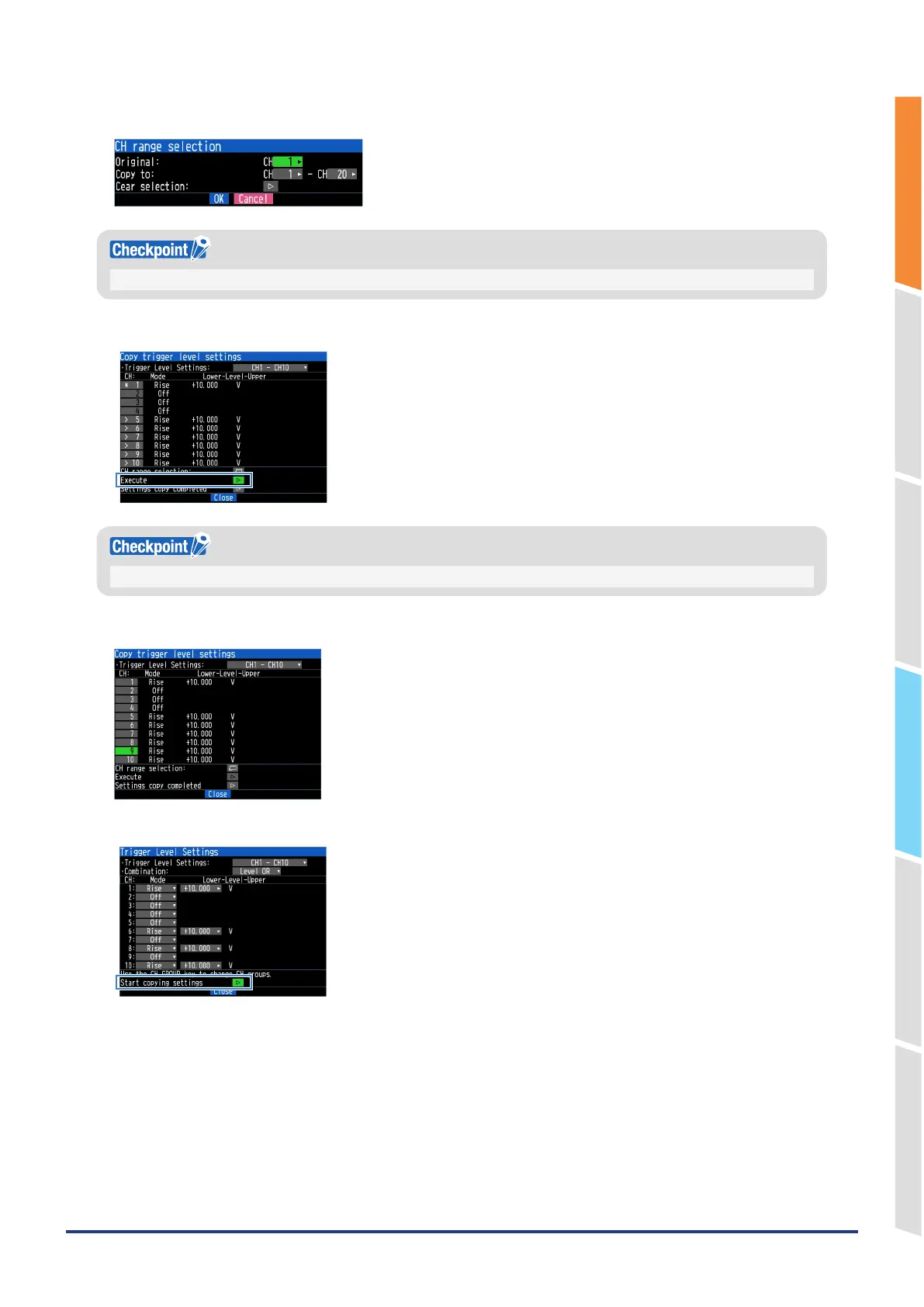
5. Set the range of source and destination CHs, then press “OK.”
If you clear the selection, the currently selected CH will be cleared and you will return to the previous screen.
6. Verify that the source CH has a “*” mark and the destination CH has an “>” mark and click Execute.
CHs with different AMP settings are grayed out and cannot be copied.
7. The specified CH will be copied.
8. The copy will be executed. When you finish copying the settings, the copy mode will end.















 To Next Page