4-6
Chapter 4 Example of Use
Contents General Description
Checks and Preparation
Settings and Measurement
Example of Use Specification
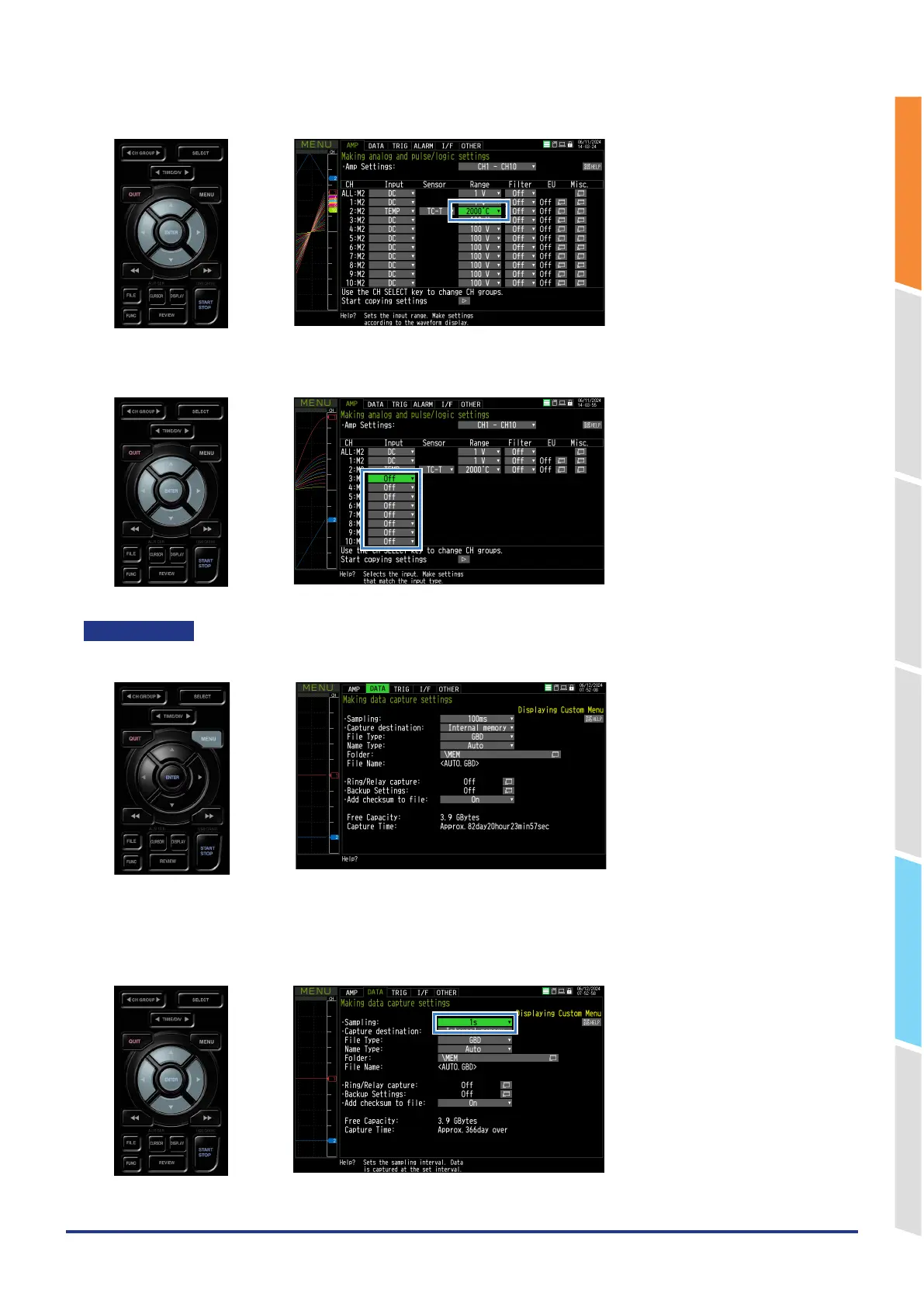
3. Move the cursor to the CH2 range and set it to “2000℃”.
<Other CH settings>
Move the cursor to the other CH input and set it to "Off".
DATA setting
Press the "MENU" key to open the DATA setting screen.
Sampling interval setting
Move the cursor to the sampling interval and set it to "1s".















 To Next Page