3-35
Chapter 3 Settings and Measurement
Contents General Description
Checks and Preparation
Settings and Measurement
Example of Use Specification
Setting Description
b Set the coefficient of CH-Y.
c Set the offset value of the calculated value.
Auto adjustment Adjust the span range based on the displayed measurement value.
Upper limit Set the upper span value to display the waveform.
The set value is the value for the calculation result.
Decimal point 1.0000, 10.000, 100.00, 1000.0, 10000.
Select the decimal point of the calculated value.
* This is the same as the decimal point used for scaling.
Lower limit Set the lower span value to display the waveform.
The set value is the value for the calculation result.
Unit selection Select the unit that indicates the calculation results.
Voltage, Current, Length, Area, Volume, Velocity, Accel, Freq, Mass, Energy, Pressure, Flow, Temp,
Strain, Brightness, Concentration
Unit Select the unit after conversion.
The unit displayed here is the unit selected in the "Unit selection".
When using the unit not displayed here, set any character in the "Arbitrary unit". Also, the unit set
here is displayed in the "Arbitrary unit".
Arbitrary unit Set a unit to be used after conversion.
Arbitrary text consisting of alphabetical characters and numerical values can be set as a unit.
(For the character entering, refer to "10. Text input" in "3.4 Setting Menus".)
When "Unit selection" or "Unit" is specified, it is reflected here.
<Calculation formula>
The calculation formula is as follows.
Calculated data = {(a * CH-X) [+|–|*|/] (b * CH-Y) + c} * <Scaling>
By adjusting a, b and c, it is possible to support various Calculation formulas.
Example of settings
Calculation formula CH-X CH-Y a b c Operator Remarks
CH1+CH2 1 2 1.0000 1.0000 0.0000 + Inter-CH Op of an old model
3.0 * CH5+100 5 Disregard 3.0000 0.0000 100.0000 Disregard Unary operation is possible
by setting b to 0
(2.5 * CH2)/(2.0 * CH3) – 20
2 3 2.5000 2.0000 -20.0000 / Use all functions
<Scaling>
Scaling adjusts the unit of the calculation result.
For example, if the calculation result is "V" and you want the unit to be "mV", set the scaling to "*1000".
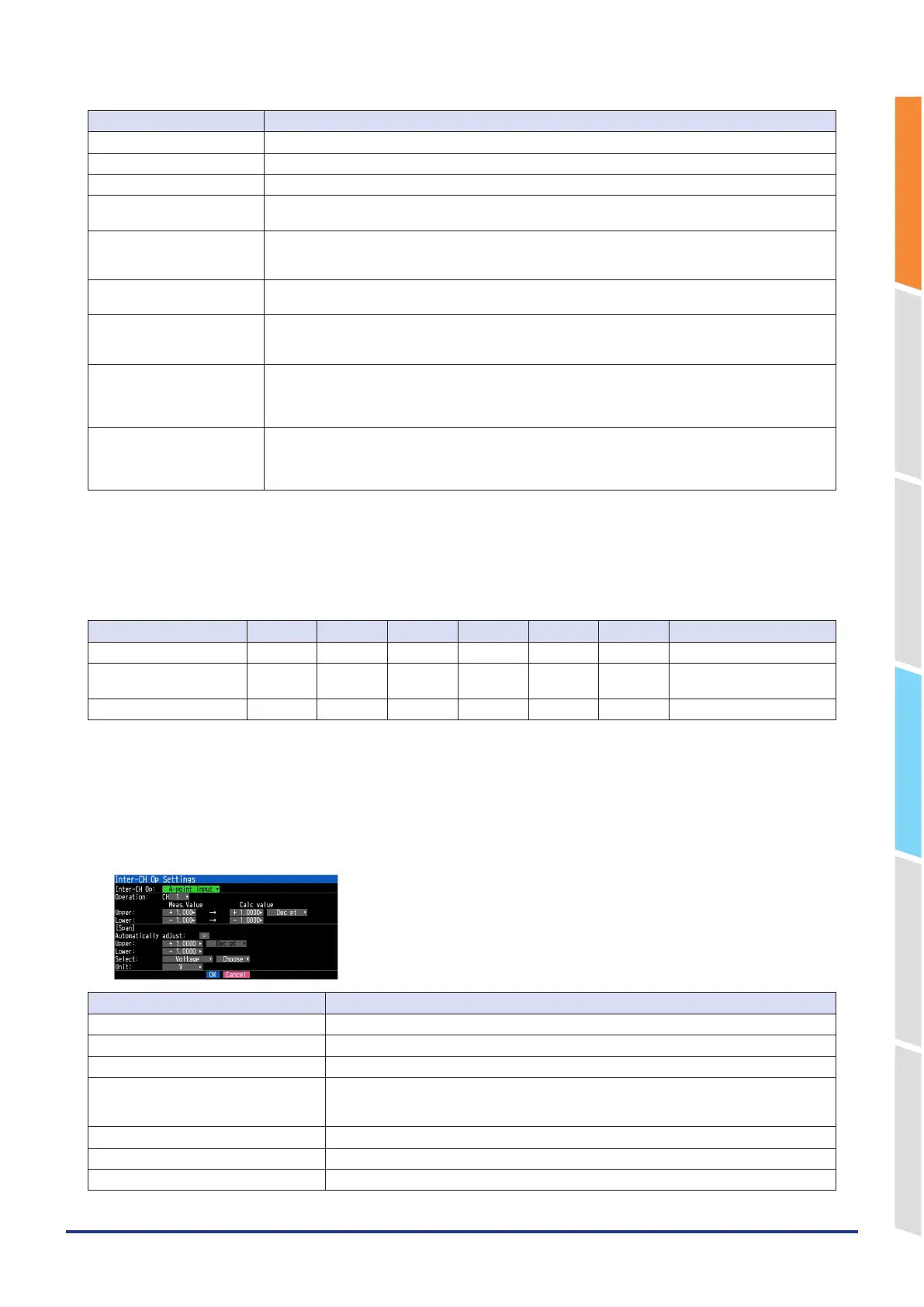
4-point input settings
Setting Description
CH-Z Select the CH number to be calculated.
The upper limit of a measured value Set the upper limit of the measured value.
The upper limit of a calculated value Set the upper limit of the calculated value.
Decimal point 1.0000, 10.000, 100.00, 1000.0, 10000.
Select the decimal point of the calculated value.
* This is the same as the decimal point used for scaling.
The lower limit of a measured value Set the lower limit of the measured value.
The lower limit of a calculated value Set the lower limit of the calculated value.
Auto adjustment Adjust the span range based on the displayed measurement value.















 To Next Page