3-36
Chapter 3 Settings and Measurement
Contents General Description
Checks and Preparation
Settings and Measurement
Example of Use Specification
Setting Description
Upper limit Set the upper span value to display the waveform.
The set value is the value for the calculation result.
Lower limit Set the lower span value to display the waveform.
The set value is the value for the calculation result.
Unit selection Select the unit for displaying the calculation result.
Voltage, Current, Length, Area, Volume, Velocity, Accel, Freq, Mass, Energy, Pressure,
Flow, Temp, Strain, Brightness, Concentration
Unit Select the unit after conversion.
The unit displayed here is the unit selected in the "Unit selection".
When using the unit not displayed here, set any character in the "Arbitrary unit". Also, the
unit set here is displayed in the "Arbitrary unit".
Arbitrary unit Set a unit to be used after conversion.
Arbitrary text consisting of alphabetical characters and numerical values can be set as a
unit.
(For the character entering, refer to "10. Text input" in "3.4 Setting Menus".)
When "Unit selection" or "Unit" is specified, it is reflected in here.
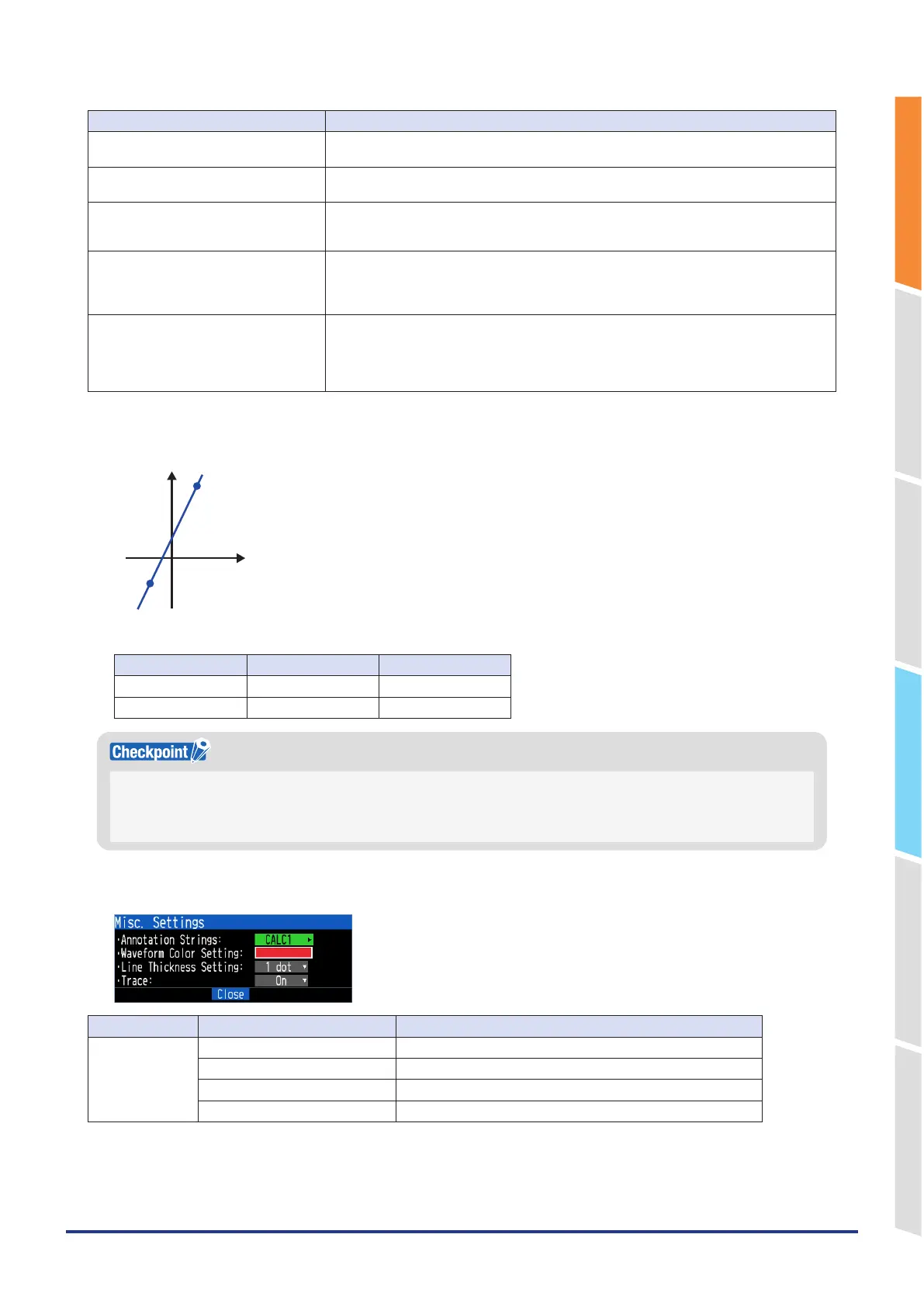
<Example> CALC1 4-point input settings
Calculation target CH3
The calculation formula is CALC1 = 2 x CH3 + 10.
Calculated value
Measured value
70
-20
-30
30
Measured value Calculated value
Upper limit 30.0 70.00
Lower limit –20.0 –30.00
The calculation result is displayed in volts.
When calculating 100mV + 100mV, the calculation result is 0.2.
When you want to display 200mV, use scaling.
For 4-point input, if the source CH is in the mV range, the calculation result will be in mV units.
Misc.
Setting object Setting Description
Calculation
settings
Annotation Settings Set the annotation (comment) displayed in the CH.
Waveform Color Setting 0 to 31 for each of red, green, blue (RGB)
Line Thickness Setting Setting 1 to 8 dots
Trace This is used to set the waveform display
Valid range of calculation
Valid calculation results can be up to 5 digits. If the valid range is exceeded, "++++++++" or "-------" will be displayed.
The upper and lower limits are different depending on the decimal point position setting.















 To Next Page