95
Setting the Parameters
Frequency
Level
Mix
Rate
HPF
eect range
Modulation
Depth
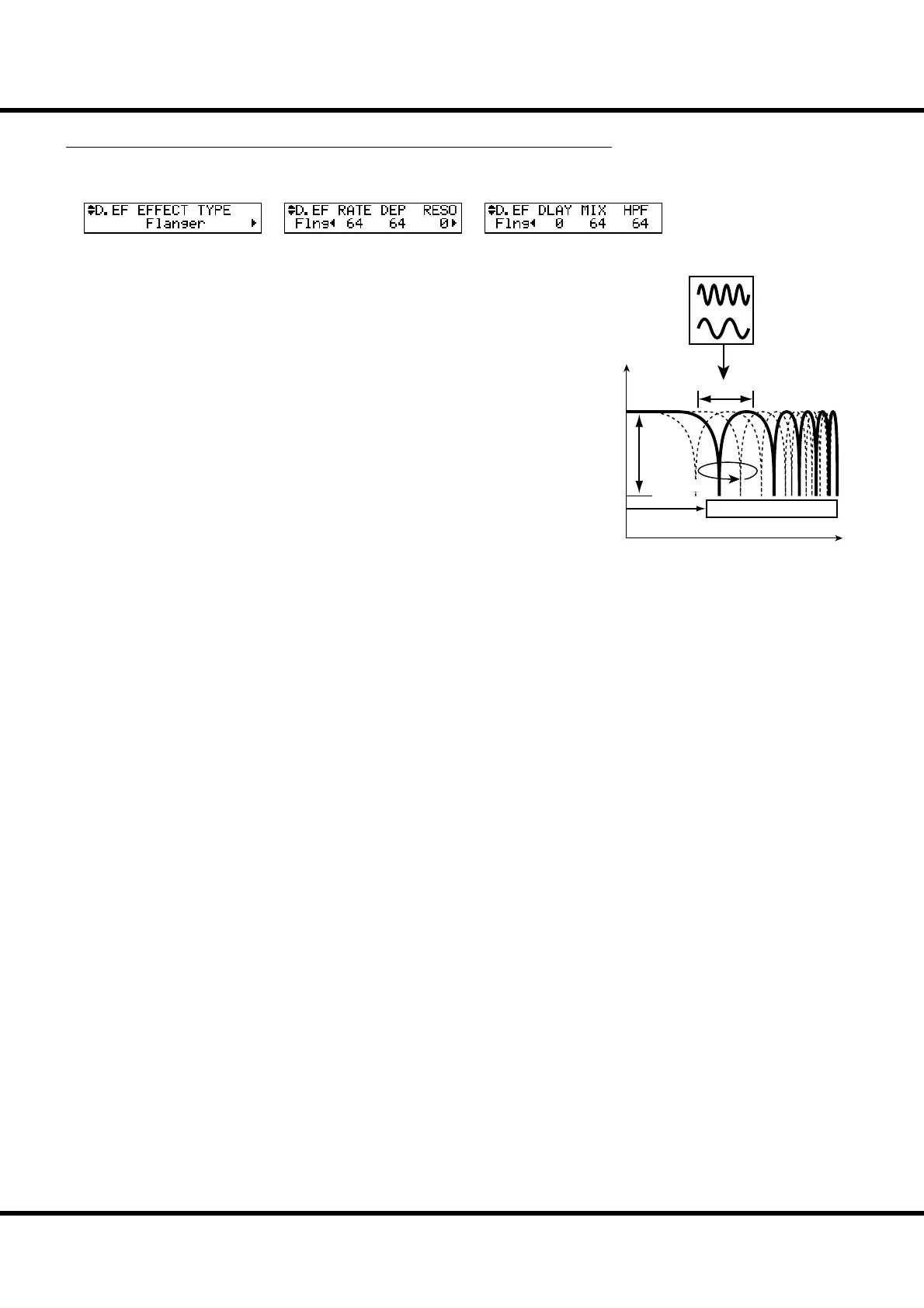
❻ FLANGER - RATE
Adjusts the modulation speed. It is linked with the [EFFECT AMOUNT] knob on
the top panel.
e setting range is 0 to 127. e cycle becomes faster as the value increases.
❼ FLANGER - DEPTH
Adjusts the depth of modulation.
e setting range is 0 to 127. e modulation becomes deeper as the value increases.
❽ FLANGER - RESONANCE
Adjusts the amount of resonance (feed-back).
e setting range is 0 to 127. e resonance becomes greater as the value increases.
At higher values, the sound is modulated beyond normal recognition.
❾ FLANGER - DELAY
Controls the delay of the e ect sound.
e setting range is 0 to 127. e delay increases as the value is increased.
❿ FLANGER - MIX
Adjusts the volume balance between the “dry” and the e ect sound.
e setting range is 0 to 127. At 0, only the “dry” is heard. e e ect level becomes
greater as the value is increased. At 127 the ratio between the “dry” and the e ect
sounds becomes 1:1.
⓫ FLANGER - HPF
Controls the frequency range of the e ect.
e setting range is 0 to 127. At 0 the e ect is added to all frequencies. e e ect is
added to the higher frequencies as the value increases.
Flanger
is is the sweeping “Jet Airplane” sound adjustable from a mild shimmer to a deep
“swoosh”.
❾
❺
❻
❼
❽
❿
⓫



 To Next Page