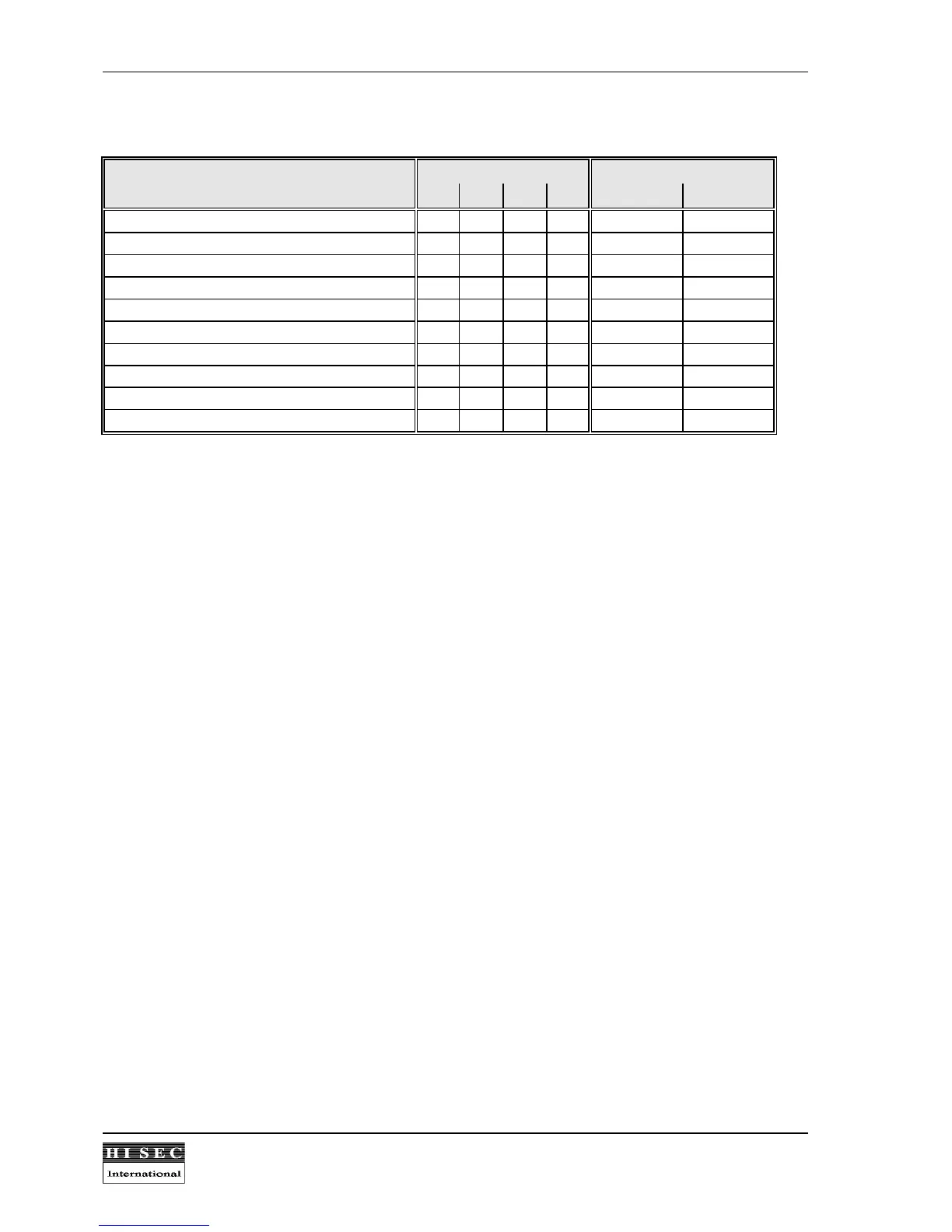
The difference in the 4 priorities are specified as follows:
Functions: Priority Service
0 1 2 3 Allow. Not Allow.
Normal Door Passage * * * * * -
Edit message (Menu 10) - * * * * -
Guest card programming (Menus 20-22) - * * * * -
Display functions (Menus 30-38) - - * * * *
Programming of cards (Menus 40-44) - - * * * -
System programming (Menus 50-57) - - - * * -
Printing (Menus 60-64) - - - * * -
Door control (Menus 70-73) - - - * * -
Test (Menus 91-98) - - - - * *
System setup (Menus 81-86) - - - - * -
* = yes
- = no
Service card priority:
The Service card can have 2 priorities depending on if the user has allowed Service or not. The Service card will
be allowed log-in only in the case of alarm, but with low priority as shown in the table. If the user has enabled the
extended use of the Service card, it will have the high priority functions also, and can log-in on the reader without
alarm condition.
Card priority 2 features in AMS management systems.
When the readers are connected to a PC management system 90T AMS, the cards with a priority 2 have some
limited functions to secure that the PC management system database and the reader databases always are the
same, also when the PC is off-line.
A card programmed with a priority 2 can normally use the menus: 10 (Edit Message), 20 (Guest card
programming), 30 (Show System Status) and 40 (Card programming). When the card readers are connected to
a 90T AIMS management system and option 9 is programmed, the menus 41 Edit Card and 42 Delete Card
cannot be used by a priority 2 user. This secures that if the PC is not connected to the system and if only priority
2 cards are programmed in the system, that the PC and the card readers always contain the same card data
etc. However, it is still possible with a P2 card to block or release an already blocked card, to distribute guest
cards etc.
If the PC is not on-line for a longer period of time and it is necessary to make changes in the reader
programming, it is still possible to create P3 cards, which still can be used as in earlier versions to make all user
programming. When re-connecting the PC again, a fault message will appear and an up- or download must be
made to regenerate the correct databases. Please also refer to the AIMS Management documentation.



 To Next Page