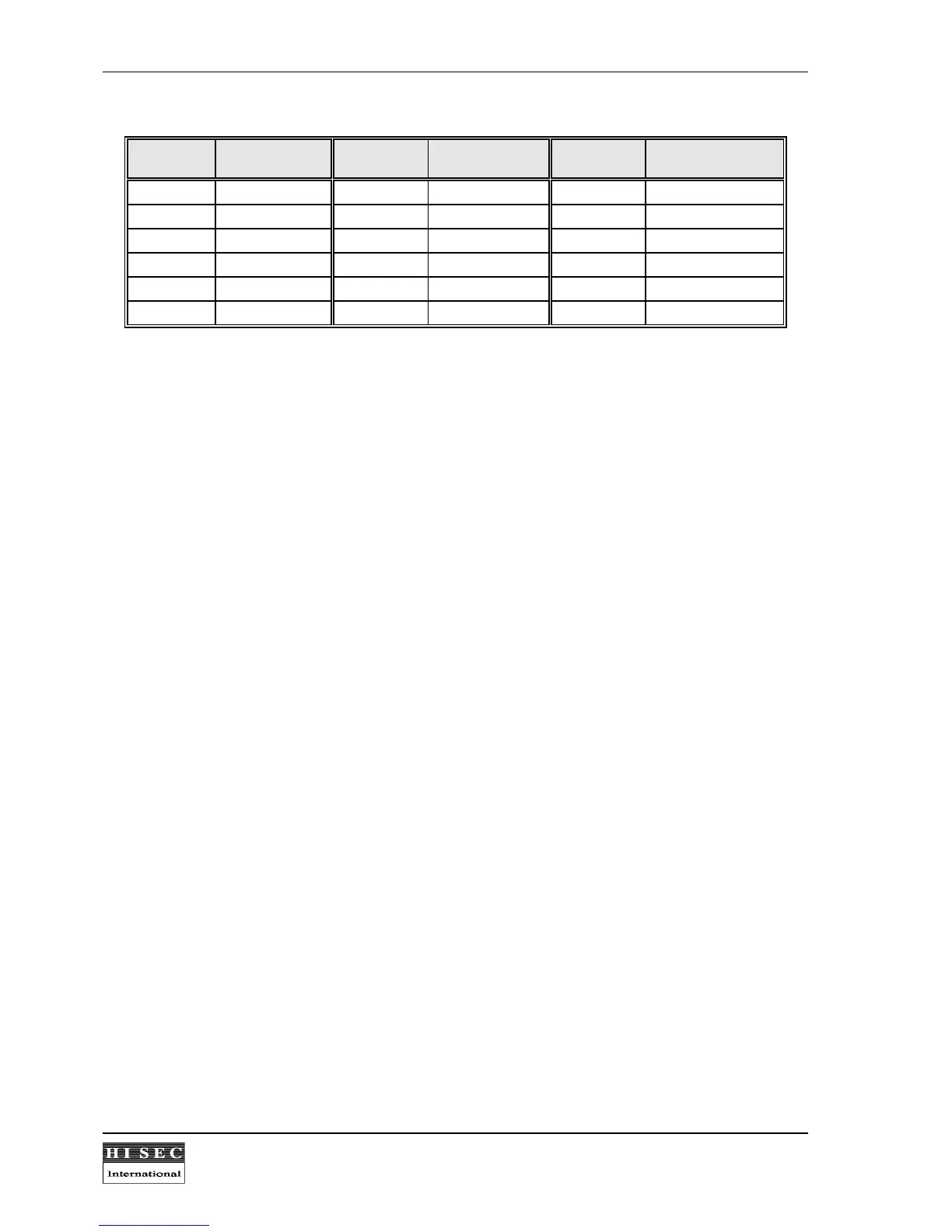
Address Switch setting
4321
Address Switch setting
4321
Address Switch setting
4321
00/16 0000 01/17 0001 02/18 0010
03/19 0011 04/20 0100 05/21 0101
06/22 0110 07/23 0111 08/24 1000
09/25 1001 10/26 1010 11/27 1011
12/28 1100 13/29 1101 14/30 1110
15/31 1111
0 means the switch is in the ON position, and 1 means the switch is in the OFF position. Please note the
ON/OFF position marked on the switch.
The address range 0-15 or 16-31 is selected by the option bit 8 during the initialization of the reader.
Please note:
One jumper connecting the small back-up battery on the CPU-board to the RAM memory must
be in the ON position in the terminal. If it is in the off position the programming will be lost in case of power
off.



 To Next Page