4. Description
Description Function
1 Main switch 0: Crane OFF
1: Crane ON
2 Emergency stop button Push the emergency stop button to stop the crane immediately.
Caution
ONLY use in an emergency.
Do not use this button for ANY other reason.
4.7 Rear compartment
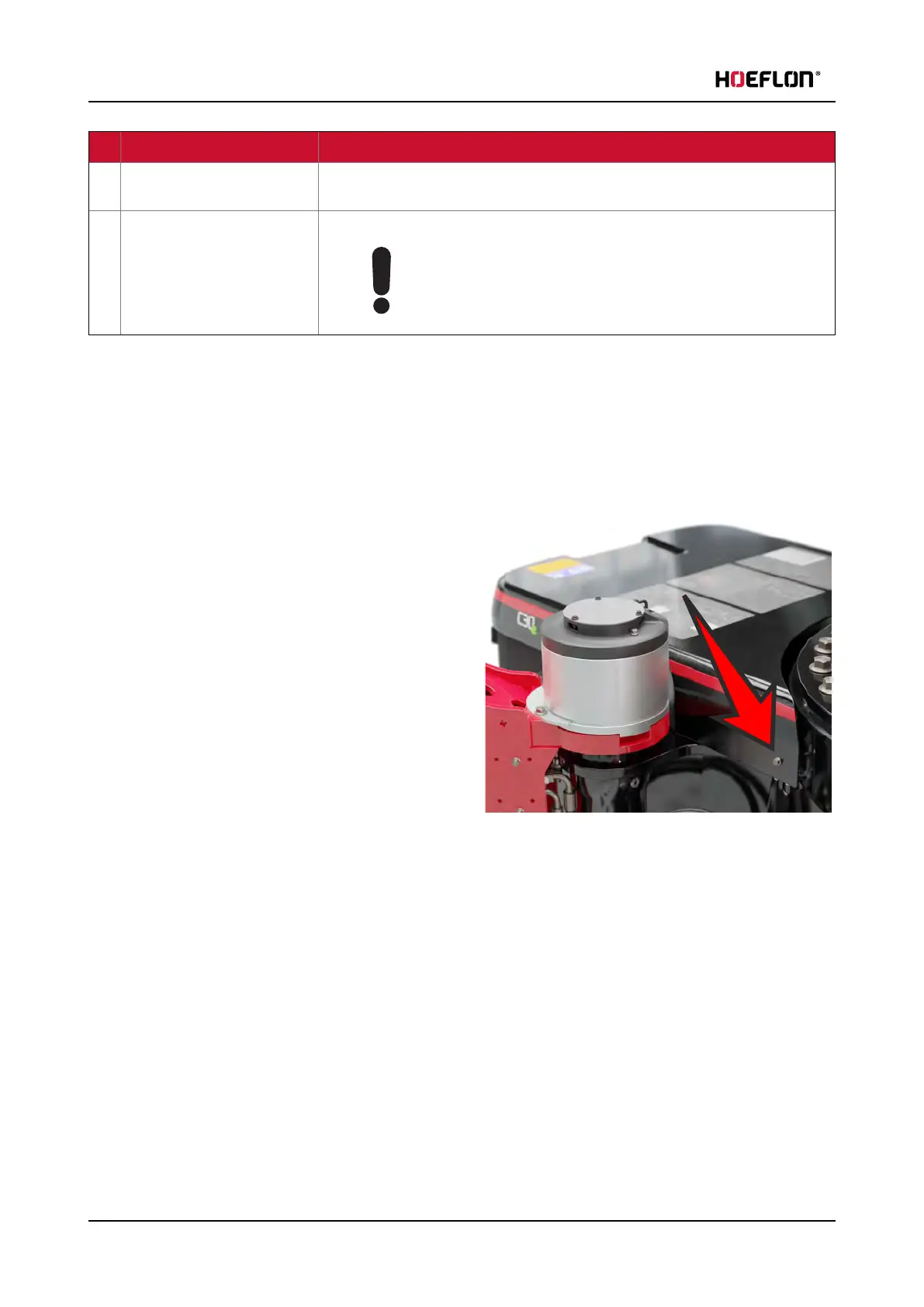
4.7.1 Remove the cover of the compartment at the rear of the crane
Remove the cover of the compartment at the rear of the crane to get access to the components.
1. Remove the bolts at the two sides of the cover at
the front of the cover.
2. Pull the cover to the rear.
30 U.C30e.00.00.EN Version



 To Next Page