5. Remote control
5.3.2 Calibration
Inspect the lever calibration
Calibrate the levers if:
l
the levers of the remote control do not respond over the entire range of movement.
l
the remote control cannot connect to the crane.
Note
If the levers are in the central position but the remote control gives a "out of center" response
then the remote control cannot connect to the crane.
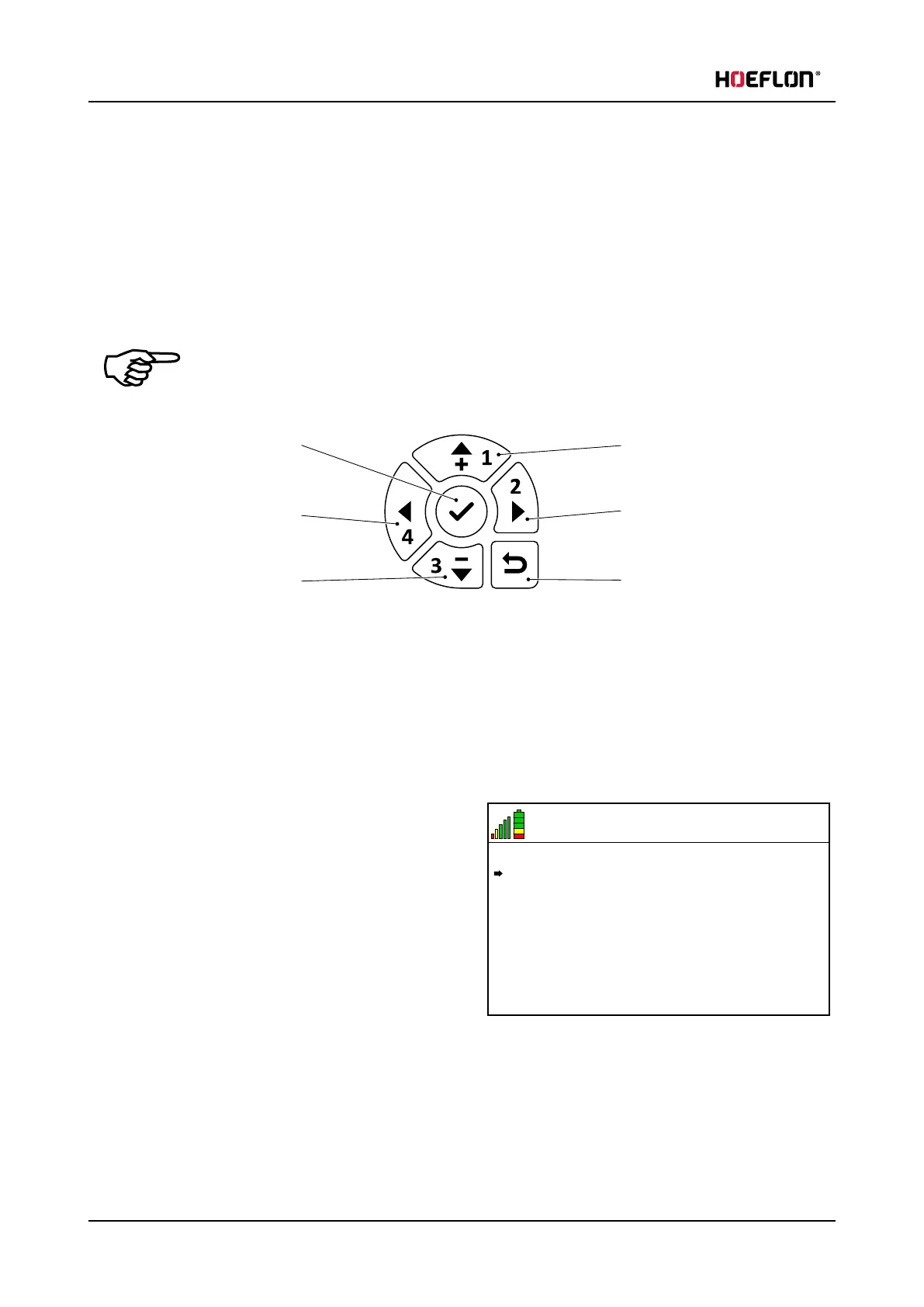
1. Confirm / go into menu
2. Left
3. Down
4. Up
5. Right
6. Return to previous menu
1. Start the remote control.
2. Push the Confirm button (1) to go into the remote control menu.
6.5 V
21
MENU
Settings
Lever calibration
3. Push the Down arrow to move the arrow in the
display until it points to Lever calibration.
44 U.C30e.00.00.EN Version



 To Next Page