5.3 Levers
5.3.3 Function mapping
The default lever configuration is set by Hoeflon. You can change the configuration so that the C30e Compact
crane is operated in the same way as many truck-mounted cranes.
You can only change the lever configuration for the superstructure. You cannot change the lever configuration of
the undercarriage.
Speak to your your Hoeflon dealer if you want to make a different lever configuration.
Set the lever configuration to "custom"
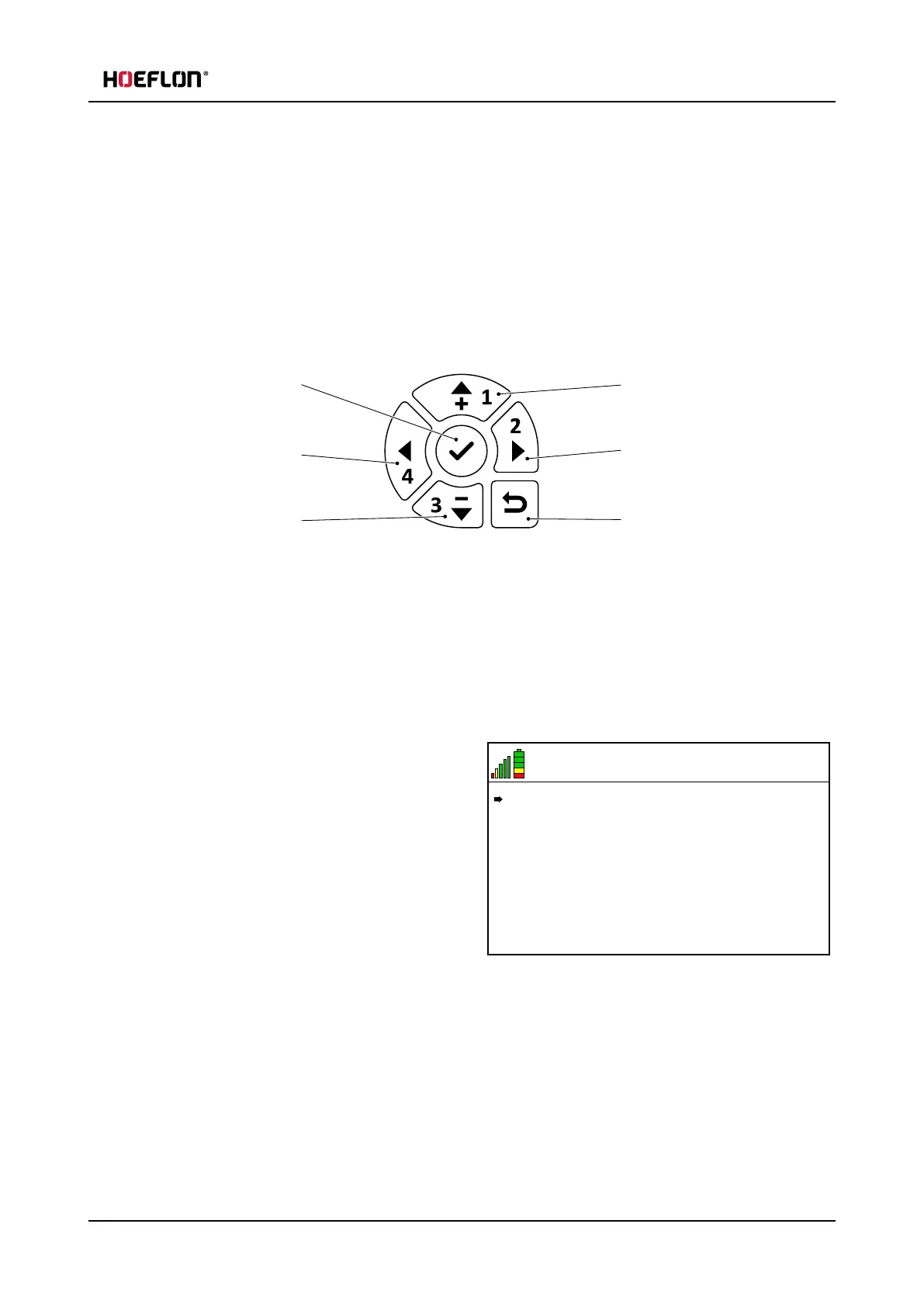
1. Confirm / go into menu
2. Left
3. Down
4. Up
5. Right
6. Return to previous menu
1. Start the remote control.
2. Push the Confirm button (1) to go into the Remote control menu.
6.5 V
21
MENU
Settings
Lever calibration
3. Make sure that the arrow in the display points to
Settings.
l
Push the Up arrow or the Down arrow to
move the arrow in the display until it points to
Settings.
4. Push the Confirm button (1) to go into the
Settings menu.
User guide - C30e Compact crane 47



 To Next Page