5.2 Buttons
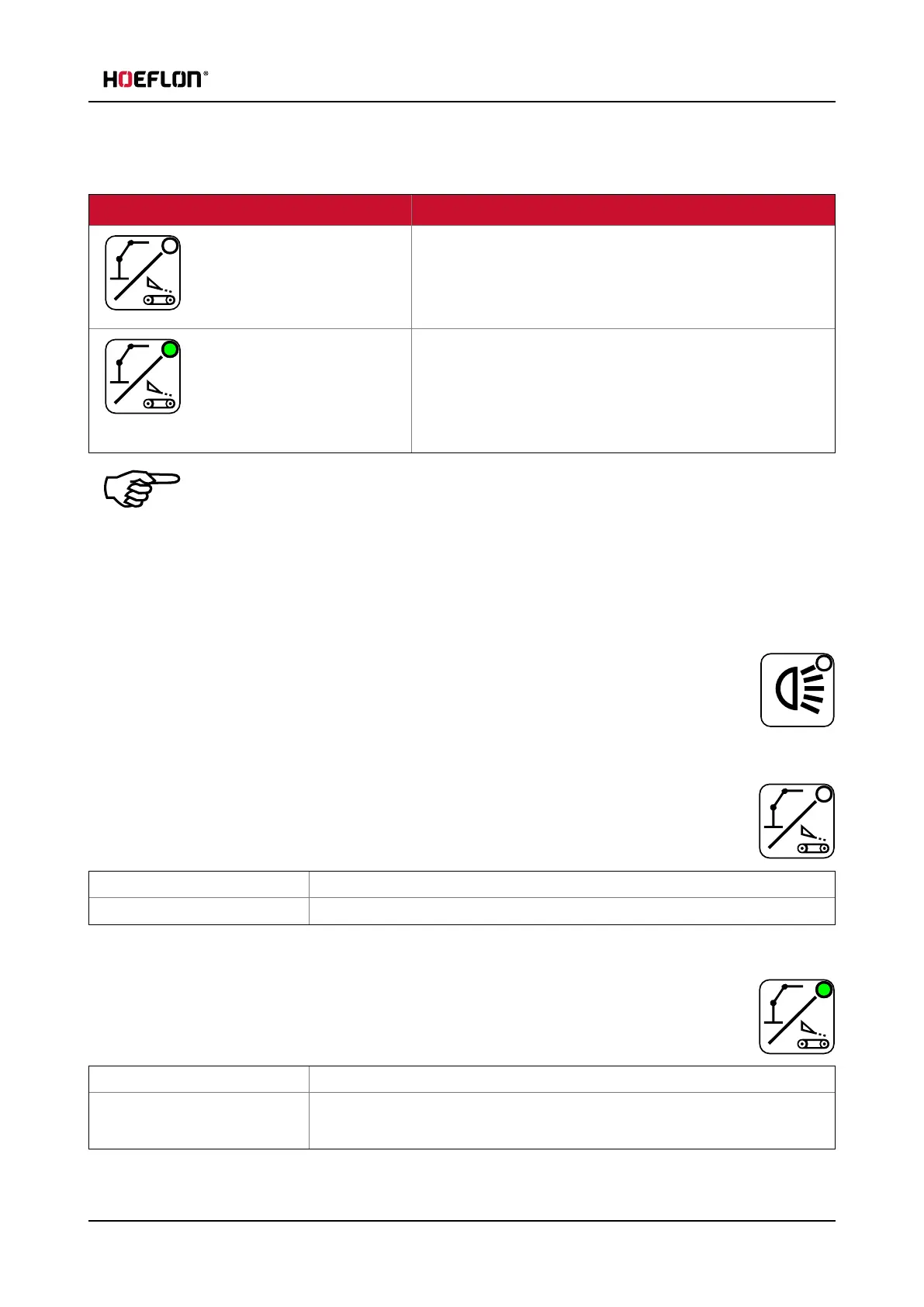
5.2.5 Undercarriage / Superstructure toggle button
LED status
OFF
The levers operate the undercarriage of the crane:
l
Outriggers
l
Crawler tracks
ON
The levers operate the superstructure of the crane:
l
Boom
l
Jib
l
Winch
Note
This button only works if no lever or button has been operated for at least two seconds.
After pressing the button, the crane's mode of operation changes and the information on the
display changes.
5.2.6 Work light
Pressing the "Work light" button starts or stops the work lamp.
The LED is ON if a (any) lamp is ON.
Operating the lights on the undercarriage
Make sure that the undercarriage is active (LED is OFF).
Push button one time All work lights on the undercarriage go ON.
Push button two times All work lights on the undercarriage go OFF.
Operating the lights on the superstructure
Make sure that the superstructure is active (LED is ON).
Push button one time The work light on the boom goes ON.
Push button two times The work light om the jib goes ON.
The work light on the boom goes OFF.
User guide - C30e Compact crane 39



 To Next Page