7.8 Pick up mode
7.8 Pick up mode
Note
If no accessories or lifting attachments are installed then the crane is in "Pick up mode"
When the crane is in Pick Up mode it cannot lift or register a load.
The C30 automatically detects attachments. This makes sure that the maximum (safe) lifting capacity can be
used with each attachment.
Each attachment (including the jib) has an RFID tag. A sensor is placed in the end of the boom and in the end of
the jib.
The "Pick up" mode is active if the crane does not have a lifting attachment attached.
For more information on the display on the remote control (see 5.4.5 Pick up mode)
7.9 The jib
7.9.1 Installing the jib
1. Fully retract the boom.
2. Align the crane with the jib.
3. Raise the crane on the outriggers.
4. Adjust the crane with the outriggers so that the boom points towards the connection plate on the jib.
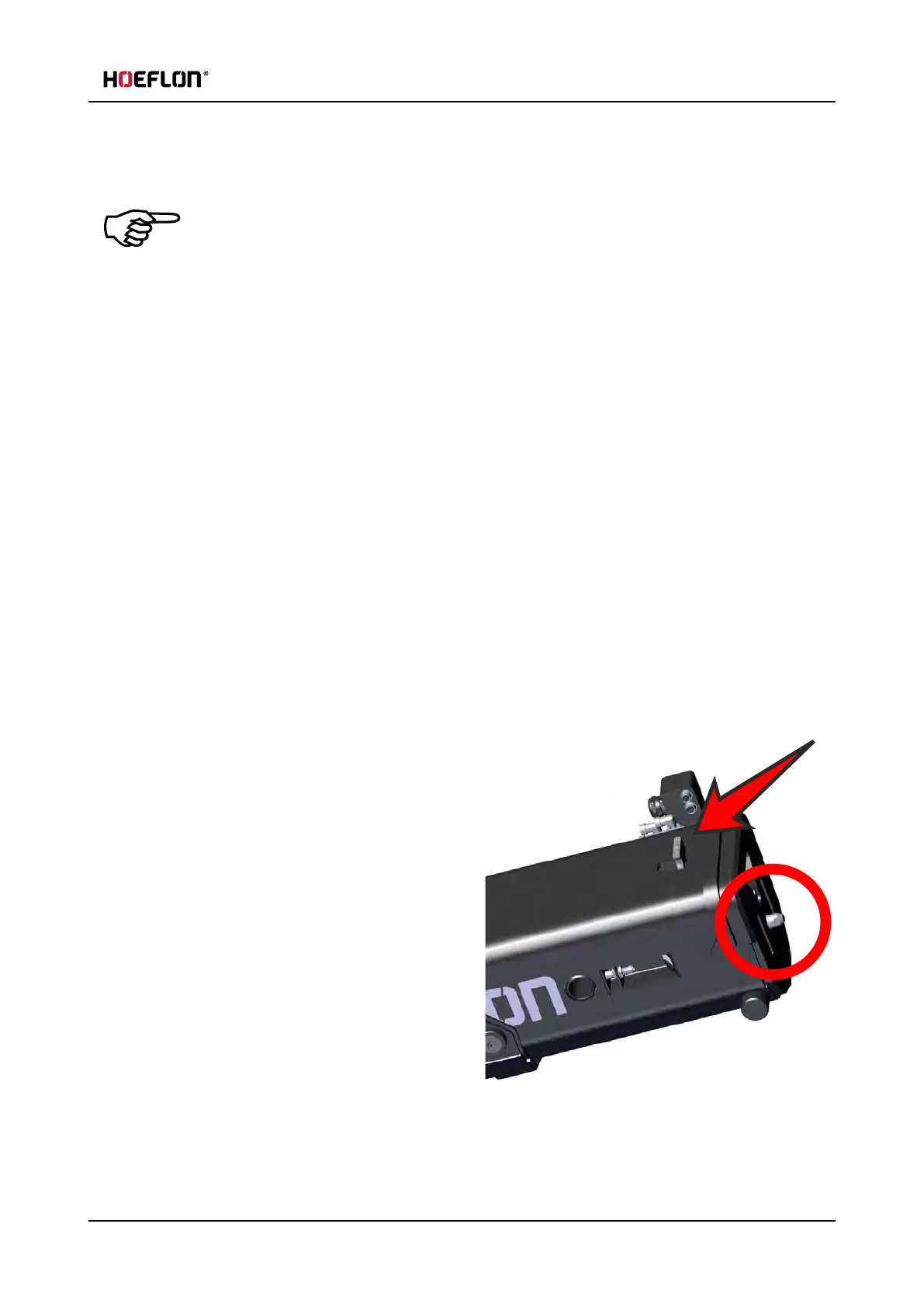
5. Push the lever on the top of the boom back.
l
Lock the lever by pushing it to the side.
6. Make sure that the locking pin is fully retracted.
User guide - C30e Compact crane 75



 To Next Page