10. Troubleshooting
l
Use a 24V charging system.
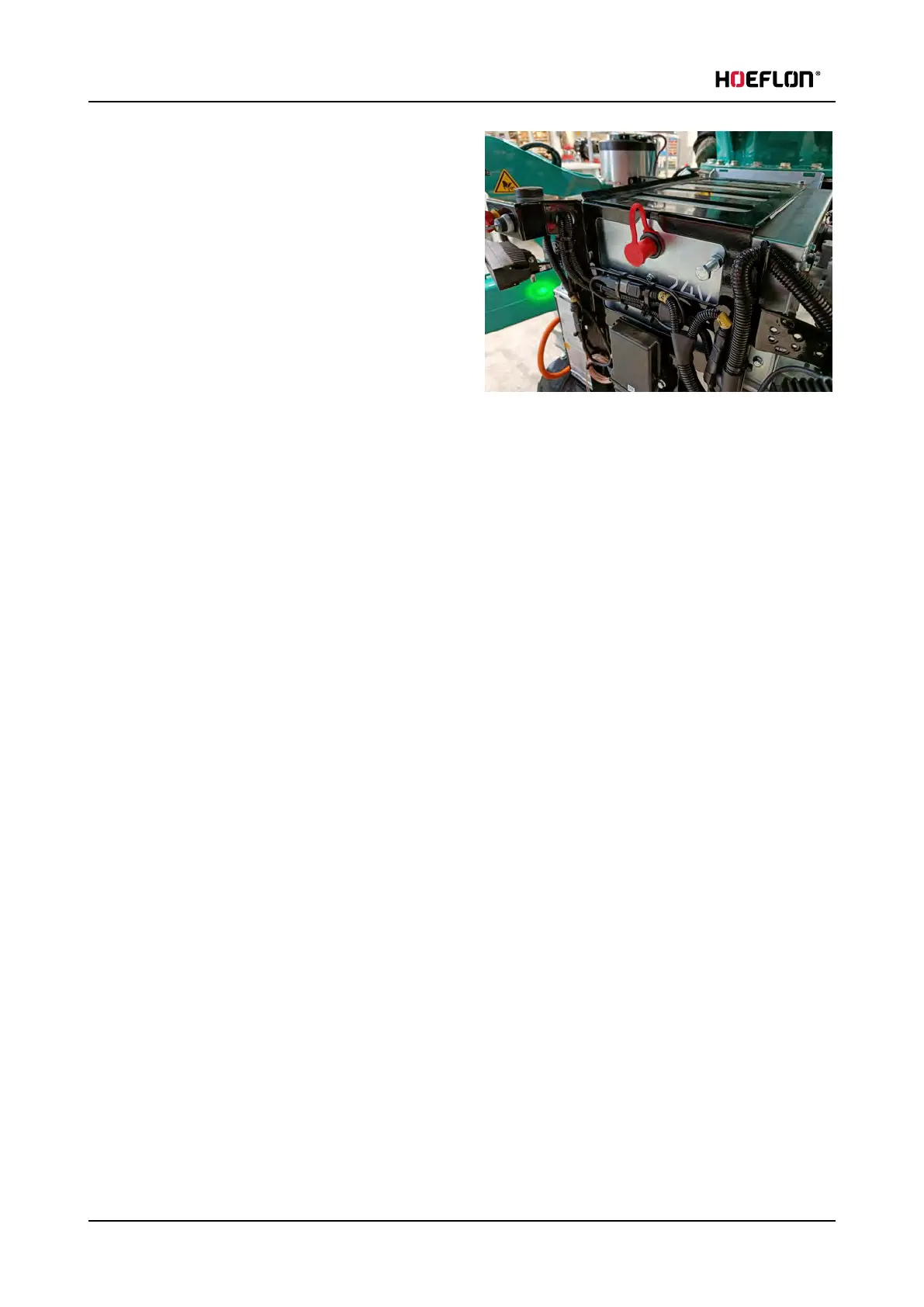
l
Make sure that the area is dry and clean.
1. Remove the key.
2. Remove the compartment cover, (see 4.7.1 Remove the cover of the compartment at the rear of the
crane).
3. Connect the + start assistance cable by clamping it firmly to the + charging terminal (with the red
protective cap).
4. Connect the - start assistance cable by clamping it firmly to the - charging terminal.
5. Make sure that the start assistance cables:
l
are connected to the emergency charging points correctly.
l
are not twisted together.
6. Let the crane recharge for a few minutes.
7. Insert the key and start the crane.
8. Remove the start assistance cables in the reverse order (- first, then +).
9. Put the protective cap back on the + charging terminal .
l
Replace the protective cap if it is damaged.
10. Install the compartment cover.
10.3 Error codes - 20240206
The table contains has the error codes that can appear on the display.
Do the correction procedure first.
If the problem persists, speak to your Hoeflon dealer.
140 U.C30e.00.00.EN Version



 To Next Page