7.5 Setting the outriggers
7.5 Setting the outriggers
7.5.1 Preparation
1. Do an inspection of the ground near the crane, Make sure that:
l
the ground is even
l
there is no loose material or rocks
l
the ground does not slope
l
there are no other issues may affect the stability of the crane.
2. Start the crane, (see 7.2.1 Starting the crane)
3. Connect to the remote control (see 5.5 Connect with the crane)
4. Make sure that:
l
the crane is folded in,
l
that the counterweight is retracted,
l
the outriggers are UP.
l
The under carriage is active (see 5.2.5 Undercarriage / Superstructure toggle button).
7.5.2 How to set the outriggers
1. Release the outrigger that you want to set.
l
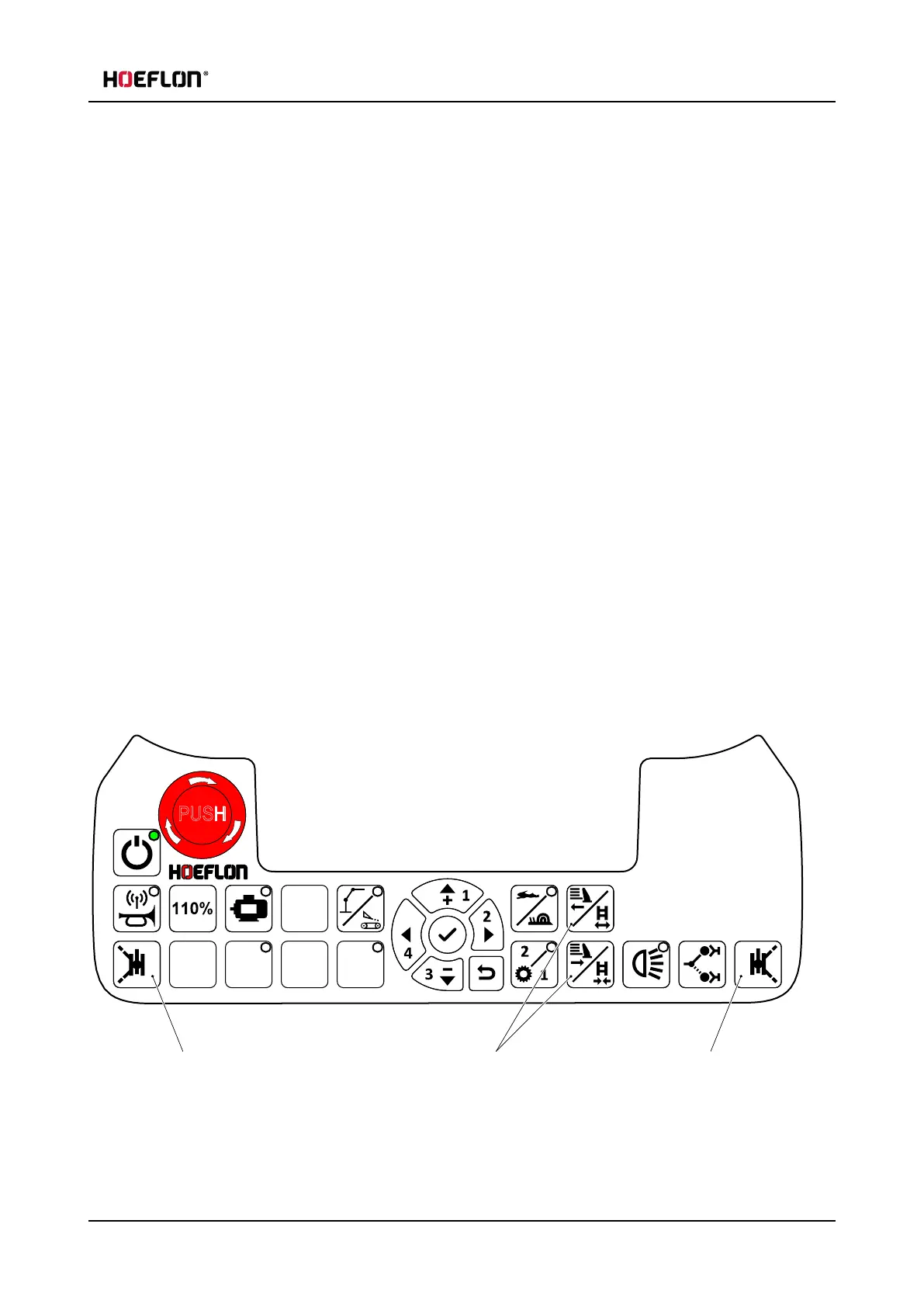
Push and hold button "A" to release the two outriggers on the left of the crane.
l
Push and hold button "B" to release the two outriggers on the right of the crane.
User guide - C30e Compact crane 71



 To Next Page