7. Installation
7. Make sure that:
l
the lights on the sensors for the boom and jib go ON and OFF when you extend and retract the
boom and the jib
l
the control levers return to the center position automatically,
l
the manual outrigger controls are automatically locked,
l
the emergency stop button operates correctly,
l
all rotating and moving parts are not worn or damaged,
l
the chains are not worn or damaged,
l
the lifting cable, hook and other lifting accessories are not worn or damaged.
8. Speak to your Hoeflon dealer if you find any:
l
damage ,
l
leaks,
l
worn parts,
l
broken parts.
7.2 Starting and stopping the crane
7.2.1 Starting the crane
1. Make sure that:
l
all emergency stop buttons are pulled out.
l
the charging cable is removed.
l
all levers of the remote control are in the center position. If one or more levers are not in the
center position, the remote control cannot connect to the crane.
2. Use the key to start the compact crane.
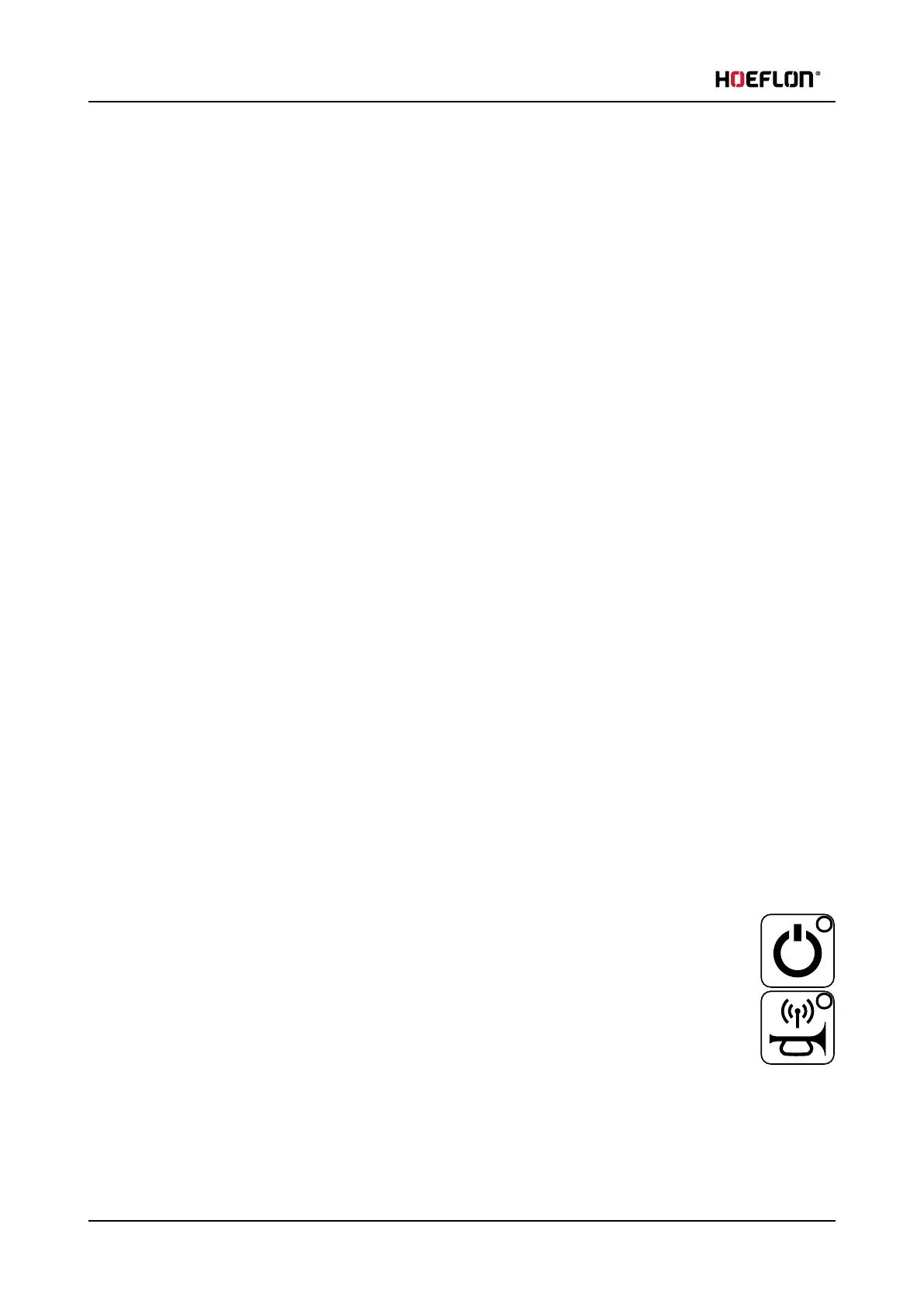
3. Start the remote control with the On/off button.
4. Connect the remote control to the crane with the Link remote control and crane button.
66 U.C30e.00.00.EN Version



 To Next Page