5. Remote control
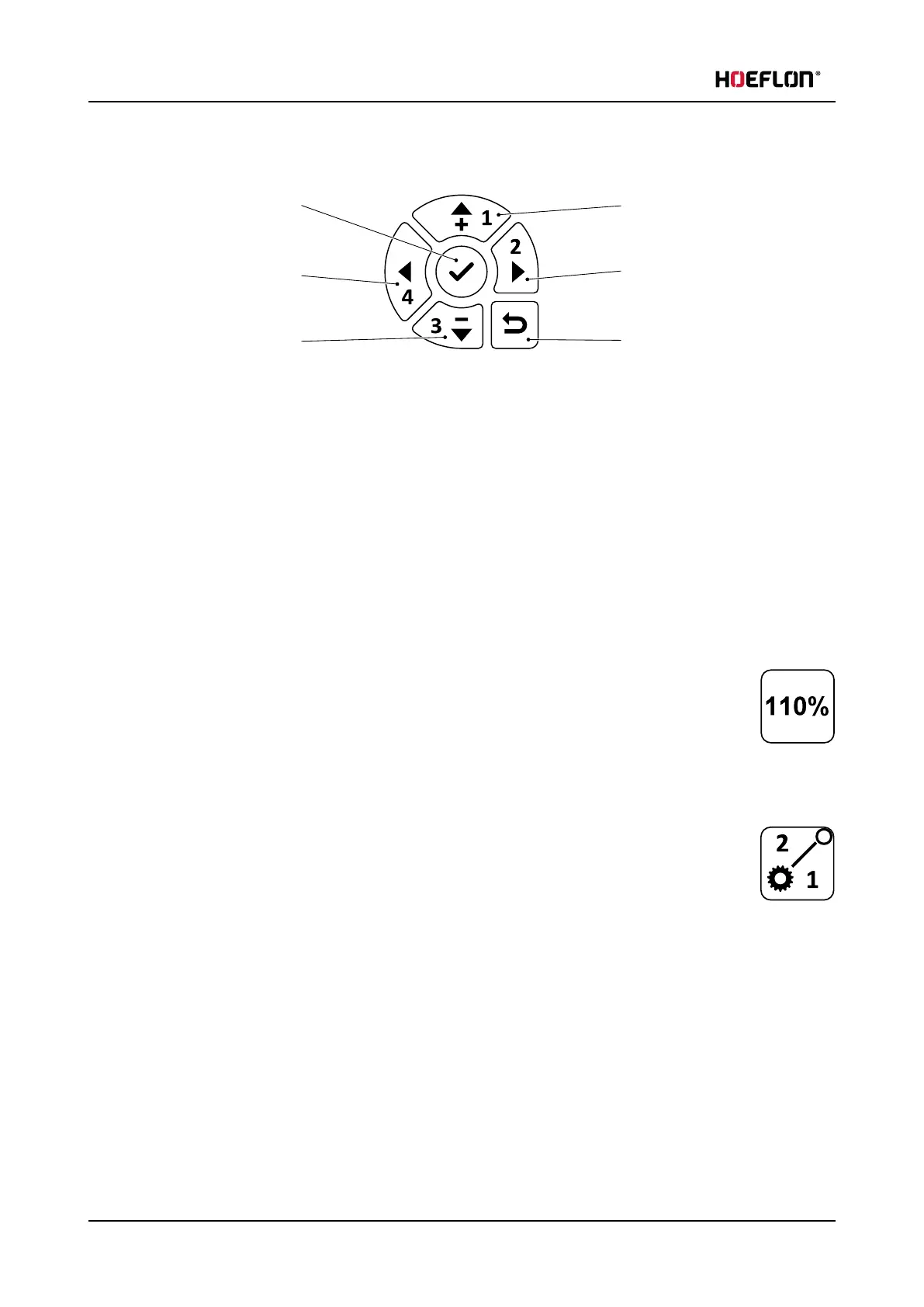
5.2.2 Navigation panel
1. Confirm / go into menu
2. Left
3. Down
4. Up
5. Right
6. Return to previous menu
Use the navigation panel on the remote control:
l
to calibrate the levers(see 5.3.2 Calibration)
l
to set the lever configuration (see 5.3.3 Function mapping)
5.2.3 110% button
The Rated Capacity Limiter (RCL) is increased to 110% while you push the button.
Only use this function to move the compact crane back to safety from an unsafe situation.
Do not use this function to increase the outreach of the compact crane or to continue winching.
5.2.4 Driving speed
The crane is in LOW gear by default. The crane has low speed but high torque.
Push the button to enter HIGH gear. The LED will go ON. The crane has a higher speed but a lower
torque.
The crane has an automatic gear shift in HIGH gear. If the hydraulic pressure gets too high (for
example: when turning) the compact crane automatically switches to LOW gear. When the hydraulic pressure
decreases again the compact crane will shift back to HIGH gear.
38 U.C30e.00.00.EN Version



 To Next Page