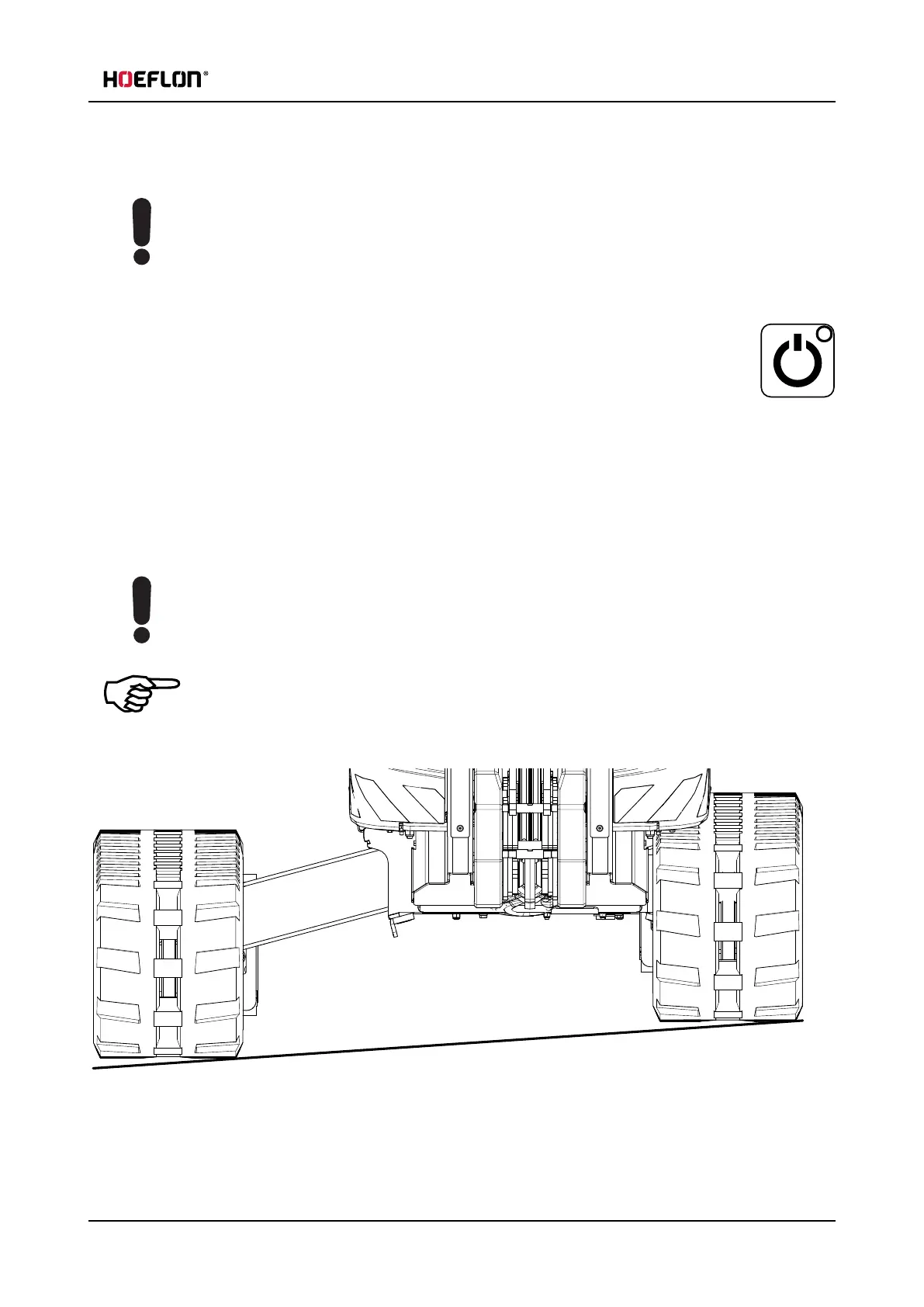
7.3 Setting the width of the crawler track
7.2.2 Stopping the crane
Caution
Do not use the emergency stop button to stop the compact crane during normal operation.
ONLY use the emergency stop button in an emergency.
Reset the emergency stop button as soon as it is safe to do so.
1. Stop the remote control.
l
Use the On/Off button on the remote control.
2. Stop the crane.
l
Turn the key to position 0.
3. Connect the crane to the mains supply if it is necessary to charge the batteries.
7.3 Setting the width of the crawler track
Caution
Always use maximum track width when you move the crane.
Only retract the tracks if it is really necessary.
Note
You can set the track width when the crane is standing still or moving.
It is recommended, but not necessary, to raise the crane on the outriggers first.
User guide - C30e Compact crane 67



 To Next Page