5. Remote control
6.5 V
21
100%
90%
0%
-90%
-100%
0 0 0 0 0 0
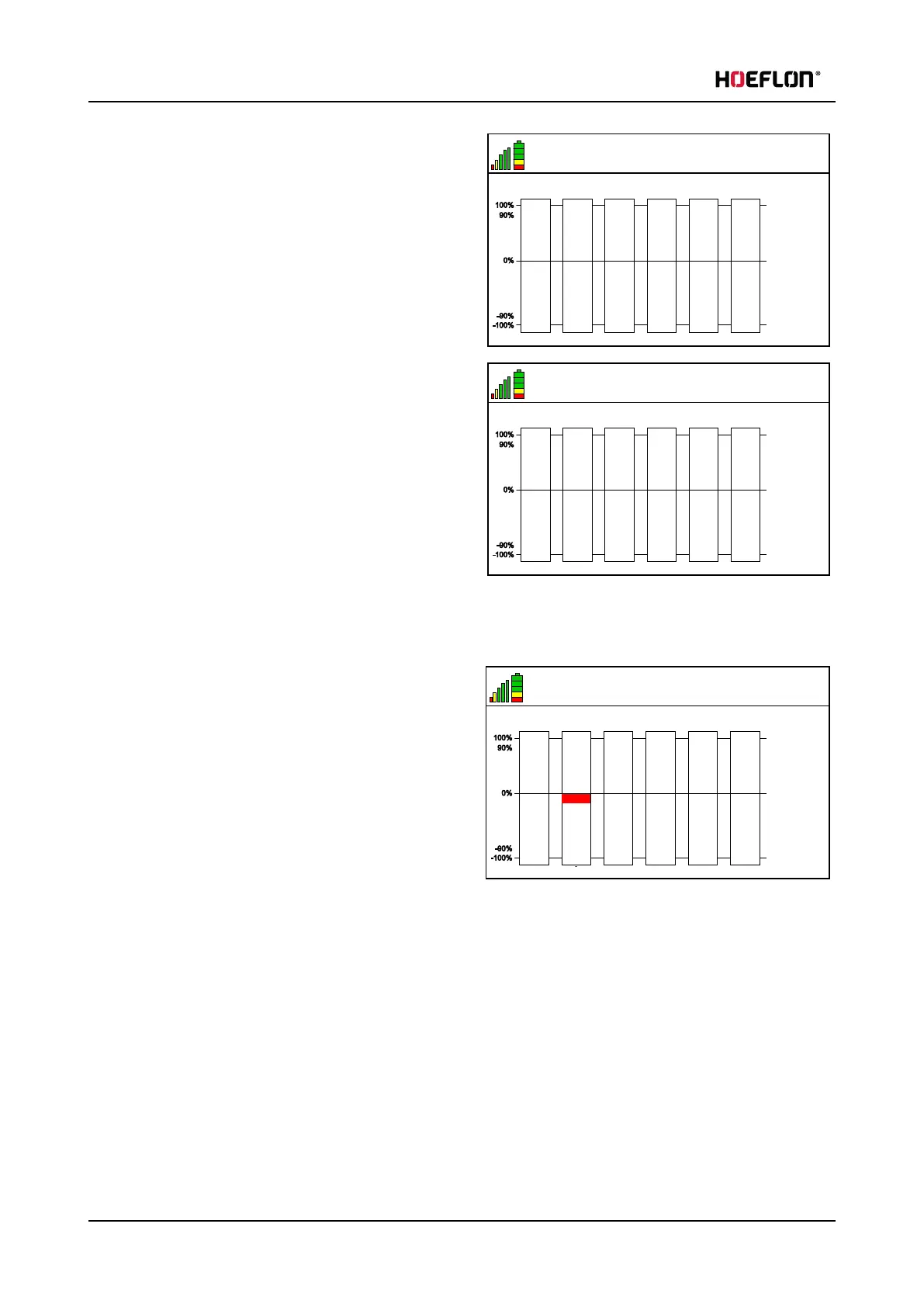
Move levers back and forth
3. Push the Confirm button (1). The text Move levers
back and forth is now displayed.
4. Slowly move the levers one at a time, from all the
way back to all the way forward.
6.5 V
21
100%
90%
0%
-90%
-100%
0 0 0 0 0 0
Save calibration
5. Push the Confirm button (1). The text Save
calibration is now displayed.
6. Move the levers one after the other. Move the
levers all the way in both directions.
7. Make sure that each bar becomes fully green.
8. Push the Confirm button (1). The settings are
saved
9. Push the Back button (6) two times to go back to
the home screen.
Incorrect calibration
6.5 V
21
100%
90%
0%
-90%
-100%
0 0 0 0 0 0Invalid
Move levers back and forth
This screen is shown if a lever does not operate
correctly.
Do not use the compact crane.
Speak to your your Hoeflon dealer.
46 U.C30e.00.00.EN Version



 To Next Page