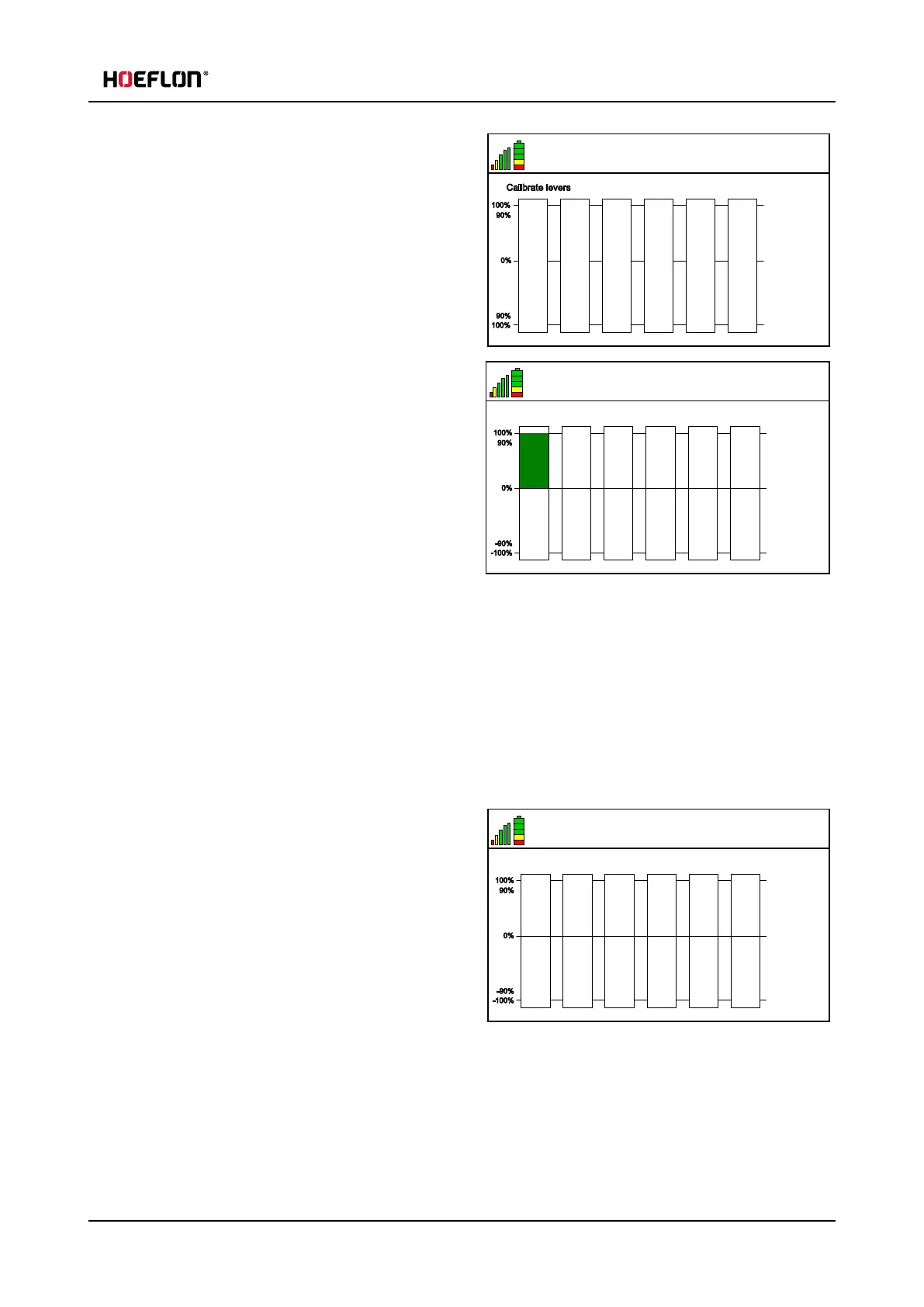
5.3 Levers
6.5 V
21
Calibrate levers
100%
90%
0%
90%
100%
0 0 0 0 0 0
4. Push the Confirm button (1) to go into the Lever
calibration menu.
6.5 V
21
100%
90%
0%
-90%
-100%
0 0 0 0 0 0134
Calibrate levers
5. When you operate a lever the related bar must
turn green.
6. Fully push the lever.
l
The green bar must be at 134.
l
Recalibrate the lever if the green bar is at 134
before fully pushing the lever.
l
Recalibrate the lever if the green bar is not at
134.
7. Fully pull the lever.
l
The green bar must be at -134.
l
Recalibrate the lever if the green bar is at -134 before fully pulling the lever.
l
Recalibrate the lever if the green bar is not at -134.
8. Do steps 6 and 7 again for the remaining levers.
Calibrate the levers:
6.5 V
21
100%
90%
0%
-90%
-100%
0 0 0 0 0 0
Put levers in center
1. Push the Confirm button (1). The text Put levers in
center is now displayed.
2. Make sure that all the levers are in the center
position.
User guide - C30e Compact crane 45



 To Next Page