5. Remote control
6.5 V
21
Winch reeving factor: 1
T
rack state: Both enabled
Function mapping: Hoeflon
W
inch state: off
SETTINGS
5. Push the Down arrow (3) to move the arrow in
the display until it points to Function mapping:
Hoeflon.
6. Push the Right arrow (5).
l
The Function mapping toggles between
"Hoeflon" and "Custom"
7. Select the configuration that you want.
8. Push the Back button (6) two times to go back to
the home screen.
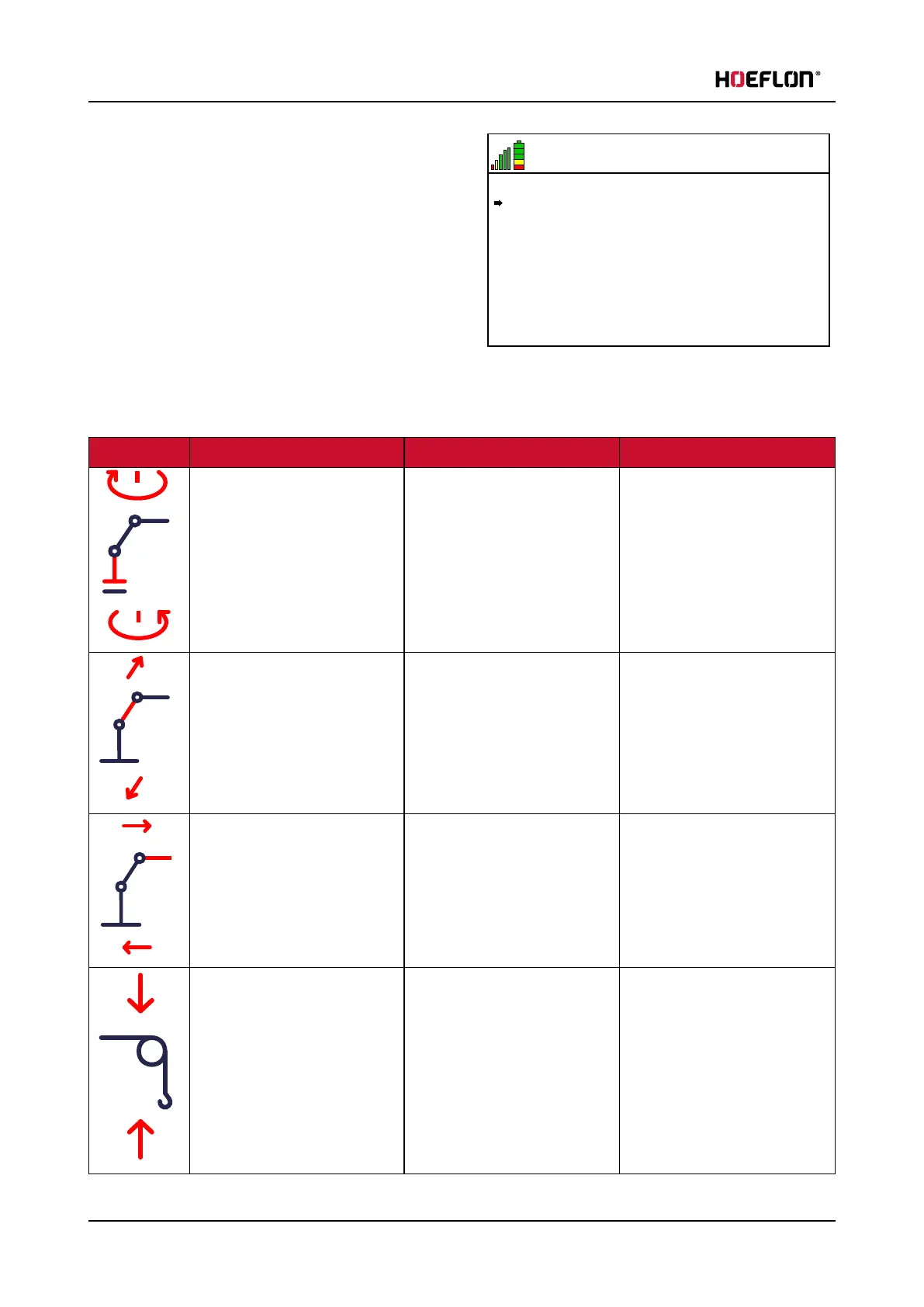
Custom configuration
Image Function Lever backwards Lever forwards
Slew main boom Left Right
Boom up and down Boom up Boom down
Extend/retract main boom Retract Extend
Jib up and down Up Down
48 U.C30e.00.00.EN Version



 To Next Page