7. Installation
1. Start the remote control.
2. Push the Confirm button (1) to go into the remote control menu.
6.5 V
21
MENU
Settings
Lever calibration
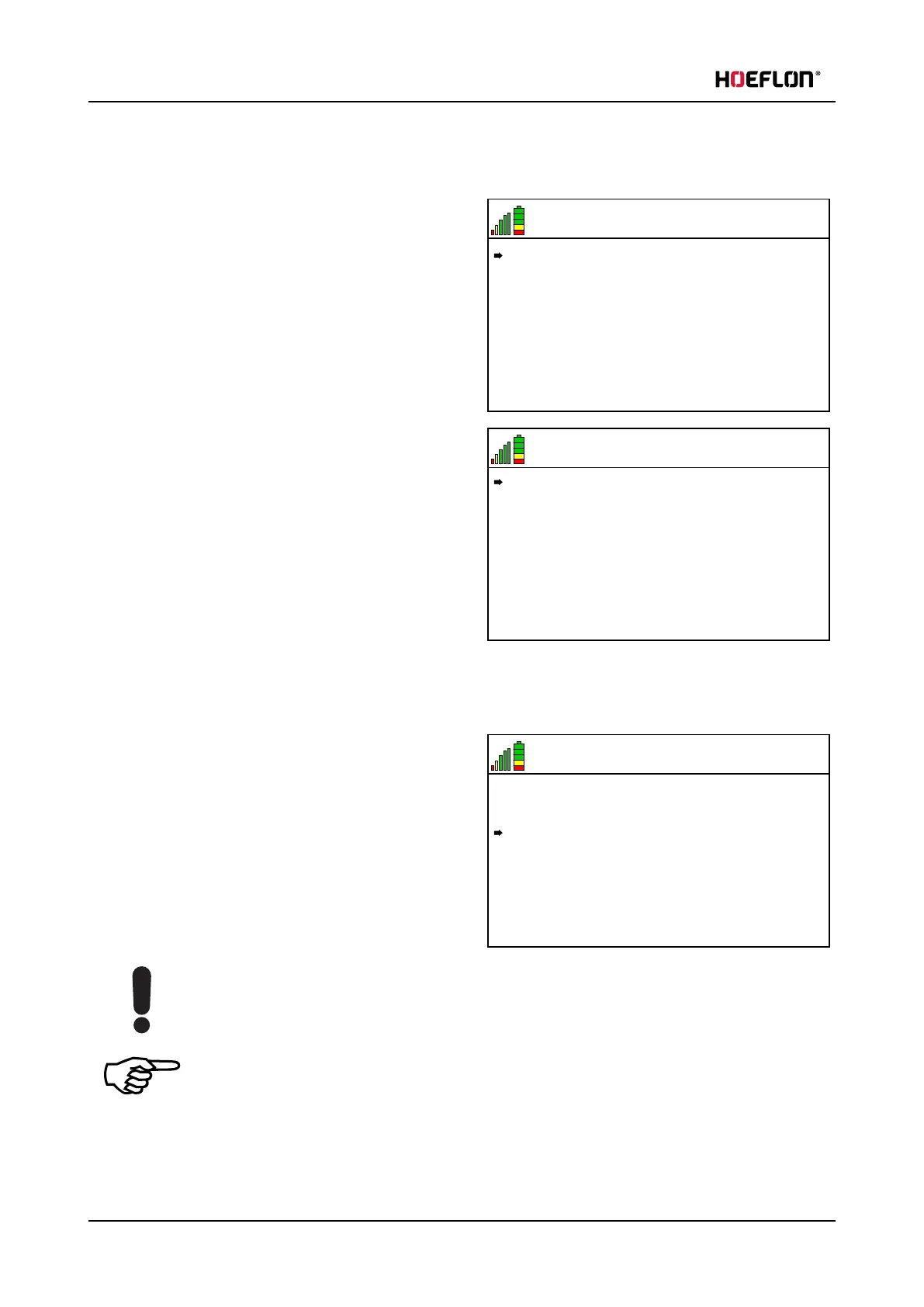
3. Make sure that the arrow in the display points to
Settings.
l
Push the Up arrow (4) or the Down arrow (3)
to move the arrow in the display until it points
to Settings.
6.5 V
21
Winch reeving factor: 1
T
rack state: Both enabled
Function mapping: Hoeflon
W
inch state: off
SETTINGS
4. Push the Confirm button (1) to go into the
Settings menu.
5. Make sure that the arrow in the display is next to
the Winch state menu.
l
Push the Up arrow (3) or the Down arrow (4)
to move the arrow in the display until it points
to Winch state..
6. Push the Right arrow (5) to toggle between off, on
and Autoroll.
l
In Autoroll mode the distance of the load to the end of the jib stays approximately the same.
7. Select the winch state that you want.
6.5 V
21
Winch reeving factor: 1
T
rack state: Both enabled
Function mapping: Hoeflon
W
inch state: off
SETTINGS
8. Push the Down arrow (3) three times to go to the
Winch reeving factor.
9. Push the Right arrow (5) to toggle between 1, 2
and 4 times.
10. Select the reeving factor that you want.
Caution
Do not use the winch without the hook block.
Note
You cannot reeve four times on a standard C30.
If you want to use this feature you must use a Jib 9.
84 U.C30e.00.00.EN Version



 To Next Page