Section 4 - Alignment & Calibration
4-35
Press <PgDn> (to select the bottom right side of the ROI box) and using the
←
and
→
keys, set the right edge of the ROI roughly 1/2 of a vertebral body width away from the
right hand edges of the vertebrae.
Press <PgUp> (to select the top left side of the ROI box) and using the
←
and
→
keys,
set the left edge of the ROI, 5 lines to the right of the leftmost edges of the posterior
elements of the spine.
19.
When completed press <End>.
20.
Verify the Intervertebral Markers. These markers are set automatically and should not
be adjusted, Press <End>.
21.
Labeling the Vertebrae is also automatic, Press <End>.
22.
To set the Sub-Region: Use the
←
and
→
keys to set the right edge of the (dashed) sub-
region 4 lines to the right of the right edges of the vertebral bodies, then Press <End> (to
end Sub-Region positioning).
23.
The program will begin the analysis, and in about 10 seconds, Press <End> again (to
finish the analysis).
24.
The lateral analysis report will appear. Press <Esc> (to return to the main menu).
25.
Start the Field Service Calibration program by exiting to DOS (<Alt> <F1>) and, at the
DOS prompt, typing FSCAL <Enter>.
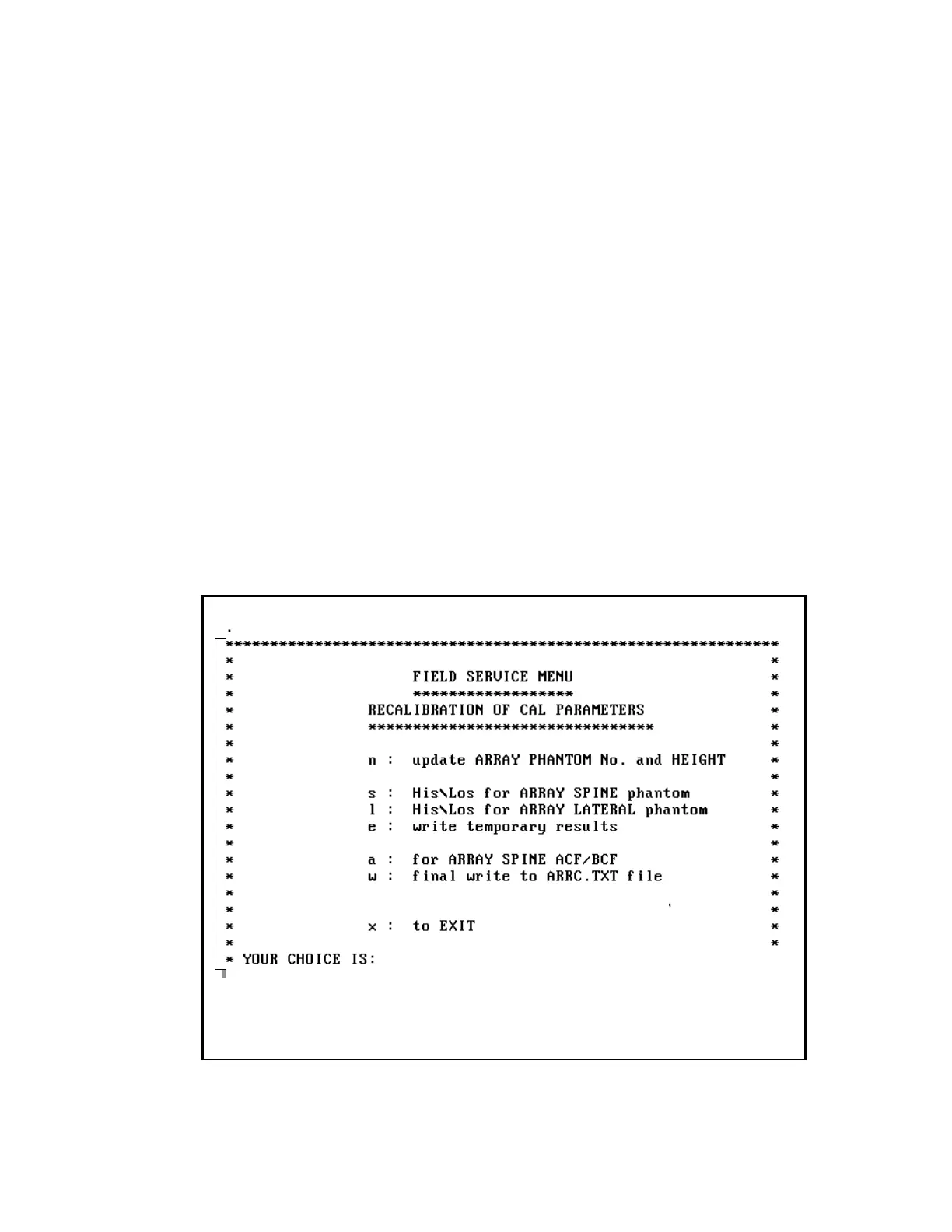
26.
The following FSCAL opening menu appears:












 To Next Page