QDR
4500 Technical Manual
5-32
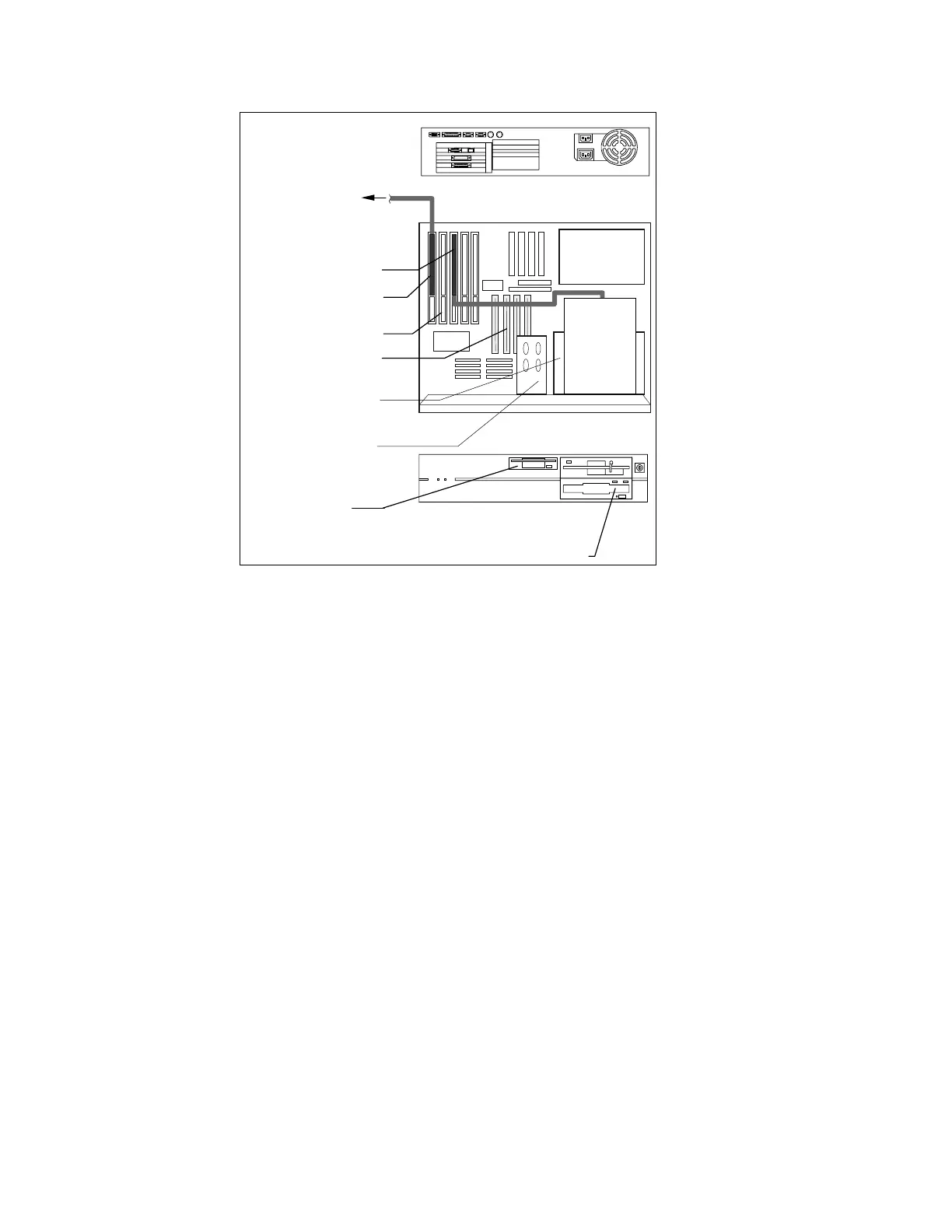
Back View
Top View
Power
Supply
Optional
Optical
Drive
Comm Controller Bd.
To Scanner Unit
5.25” Floppy
Drive
3.5” Floppy
Drive
I/O Slots
Memory Slots
Optical Drive Controller
Front View
Optical Drive Option
JAZ Drive
Figure 5-18. Computer Assemblies
APERTURE ASSEMBLY FRUS
This section describes how to remove and replace the FRUs on the Aperture Assembly.
Aperture Stepper Motor
To remove and replace the Aperture Stepper Motor (320-0041) refer to Figure 5-19 and follow
the procedure below:
1.
Unplug the motor cable.
2.
Remove the 2 Phillips screws from the motor shaft bracket.
3.
Remove the motor mount (2 Phillips screws) and remove the motor assembly.
4.
Remove the motor from the motor mount, and remove the end lock nut and flat washer.
Transfer the dampening pad to the new motor.
5.
Reverse the steps above to install the new motor.












 To Next Page