QDR
4500 Technical Manual
6-10
X-Ray Alignment Problems
X-Ray beam does not align properly
If the X-ray beam does not align properly per the procedure, follow these suggestions.
1.
Try to align the X-ray beam to the drop-off points per the alignment procedure.
Recheck the position of aperture 10 with the alignment block and pin. If the block
and pin line up, the alignment brackets need to be repositioned. (Check captive
screws and jam nuts.)
2.
If you align the X-ray beam to both drop-off points but the range is narrow, (on
aperture 10 you should have 3-8 turns of the hex driver), the collimator cup and/or
the pre-collimator disk on the X-ray tank may be misaligned.
Using glow paper, assure that the X-ray beam is hitting the front and back on the detector
array equally. If not, this may indicate that the X-ray tube has shifted within the
letharge. Perform further verification before replacing the X-ray tank.
QDR 4500
x
1
x
2
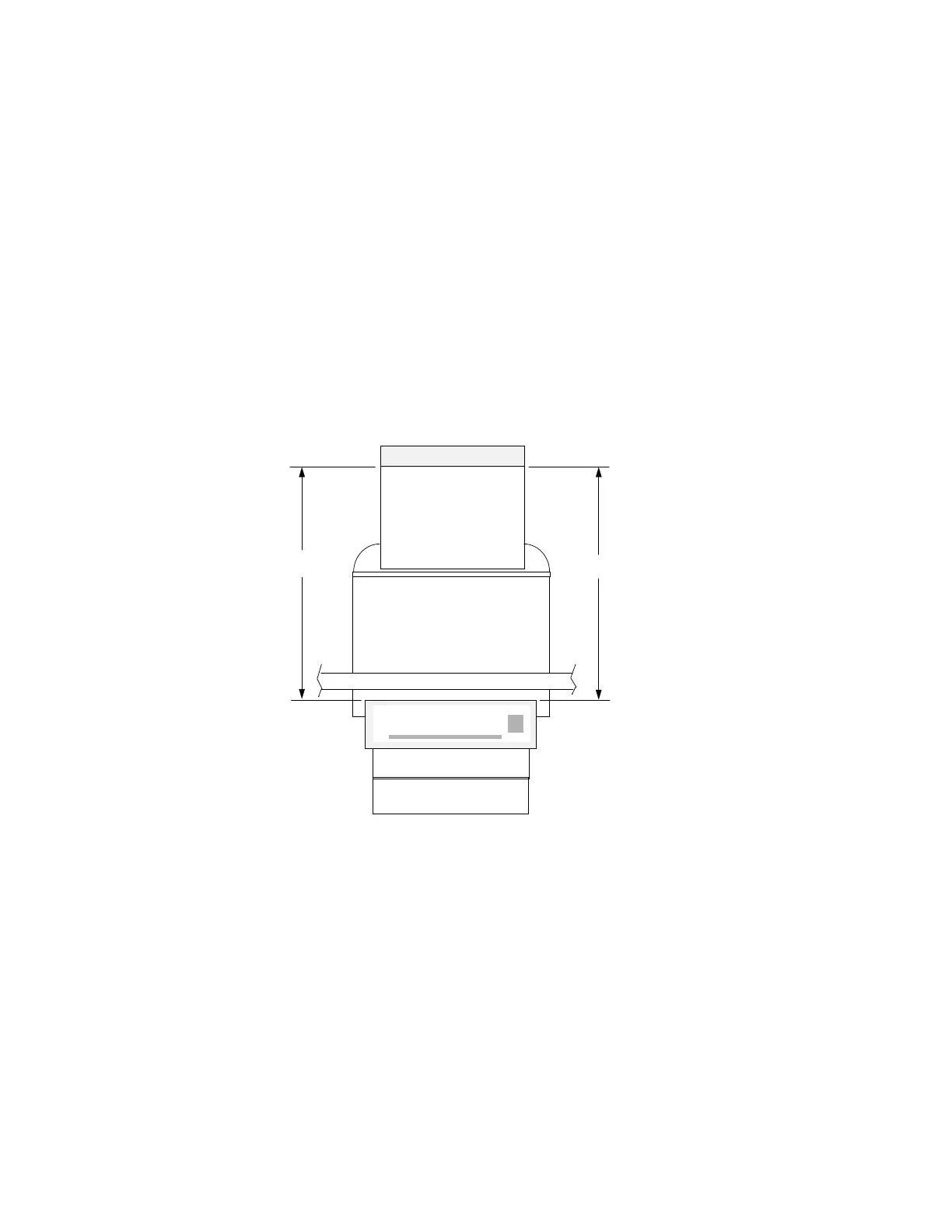
Figure 6-2. Checking C-Arm Parallelism
3.
If the aperture and detector array window are aligned, remove the aperture assembly
and inspect the cup and disk. Look for any debris or lead fragments, When replacing
the cup and disk, align the apertures as closely as possible to the detector array
window.
4.
Inspect the upper and lower arm assemblies and make sure they are not misaligned.
This is done by aligning the #10 aperture. If the alignment process involves moving
the aperture so far over that aperture 10 moves out of alignment with the X-ray beam
origination from the collimator cup and pre-collimator disk, then there is an
alignment problem. You may need to reposition the tank or the upper arm assembly.












 To Next Page