Section 4 - Alignment & Calibration
4-3
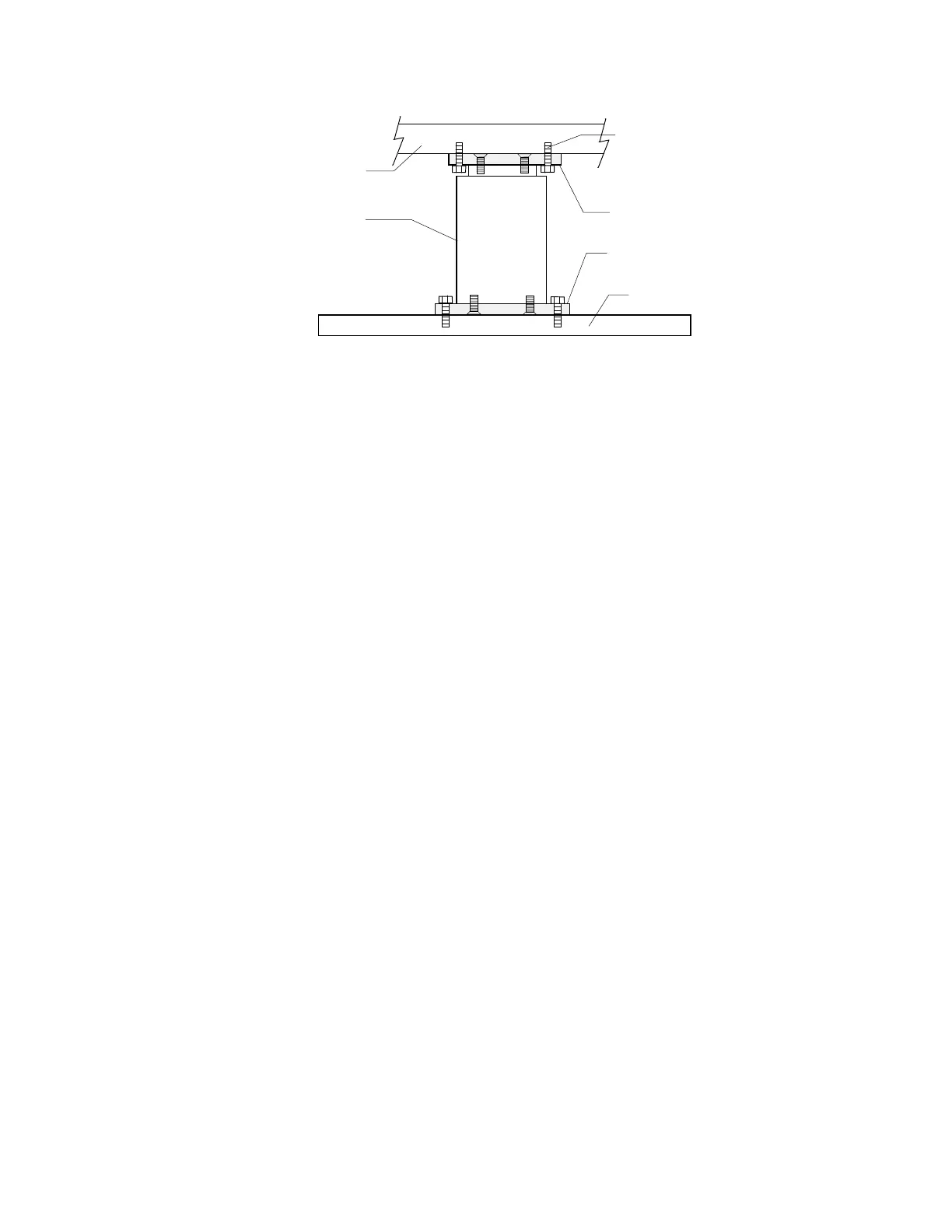
Upper Bracket
Lower Bracket
Pedestal
(Not drawn to scale)
Base
T-Rail
Adjustment Bolts
Figure 4-2. Pedestal (covers removed)
The upper and lower brackets are attached to the pedestal with four 6mm flat-head
Allen screws. While the table is off, it is a good idea to remove the pedestal and make
sure these screws are tight.
6.
Mount the pedestal to the lower frame. Do not tighten the bolts until the alignment is
done.
7.
Install the table and check its alignment. Make the necessary adjustments, then tighten
the upper and lower bolts.
8.
Install the pedestal covers that were removed in Step 1.
Front to Back T-Rail and Table Edge/Rail Gap Adjustment
To adjust the front-to-back T-Rail dimensions and table edge/rail gap, do the following:
1.
Remove the upper and lower covers from the left pedestal.
2.
Loosen the four bolts fastening the top of the pedestal and the four bolts fastening the
bottom of the pedestal.
Note:
Before adjusting the distance between the rails, make sure the upper and lower brackets
are securely fastened to the pedestal. Refer to Steps 3 -5 of the previous (Aligning Table)
section and then go to the next step.
3.
Adjust the distance between the T-rails and the table edge/rail gap and tighten the bolts.
4.
Install the pedestal covers that were removed in Step 1.
C-ARM PARALLELISM ADJUSTMENT (A and SL only)
1.
Measure from the bottom of the C-arm to the top of the tank cover in all four corners. If
the measurements vary more than 1/8", do the following.
2.
Remove the C-arm shoulder cover.
3.
Loosen eight 1/4" bolts (4 on each side).
4.
Move the C-arm until it is parallel to the tank cover.












 To Next Page