Section 5 - Remove & Replace
5-3
Distribution B
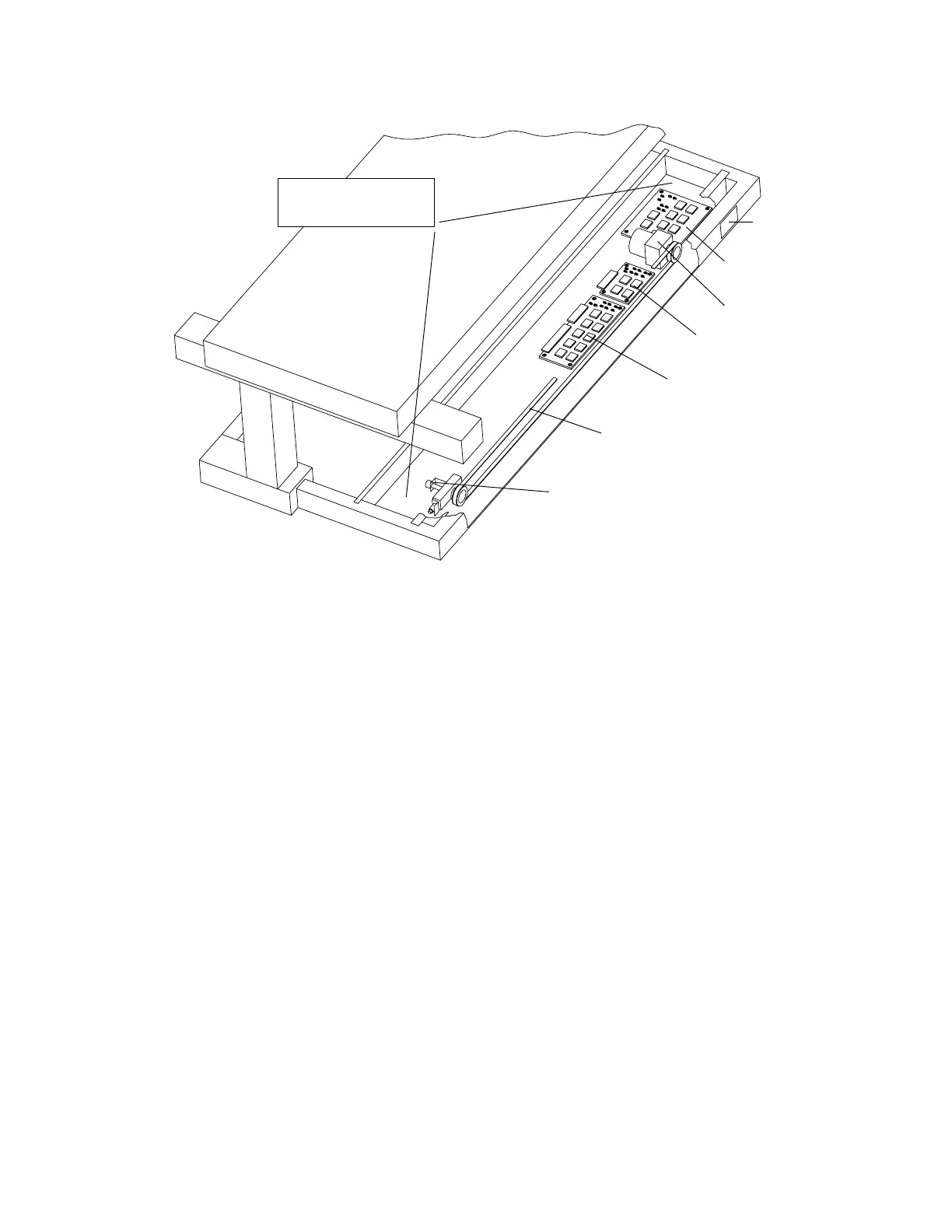
C-Arm Y Motor
Motor Controller B
TZ Drive Board
C-Arm Y Belt
Encoder Assembly
Electronics Tray/Carriage
Drive Assembly
Serial Numb
Plate
Figure 5-1. Electronics Tray FRUs
C-Arm Y Motor or Gearcase
To remove and replace the C-arm Y Motor or Gearcase refer to Figure 5-1, and follow the
procedure below:
1.
Move the C-arm to the center of the table.
2.
Turn off the QDR 4500 instrument power, computer power, and main circuit breaker.
3.
At the encoder end of the belt, loosen the 2 bolts holding the tension block, remove the
tensioning nut and remove the belt.
4.
At the motor end of the belt, remove the cable cover and unplug the motor cable from
the Motor Controller Board.
5.
Remove the four Allen bolts, and nuts, holding the motor and gearcase
Note:
The two bottom nuts are accessible with a ratchet wrench and extension.
6.
Remove the motor first, then the gearcase.
7.
If replacing the gearcase, install the pulley from the old gearcase on the new gearcase.
8.
Replace the motor and gear case assembly making sure to align the gasket correctly.
Snug the Allen bolts but do not over tighten.












 To Next Page