QDR
4500 Technical Manual
4-10
Perform the calibration procedures
if indicated (*) from left to right
order.
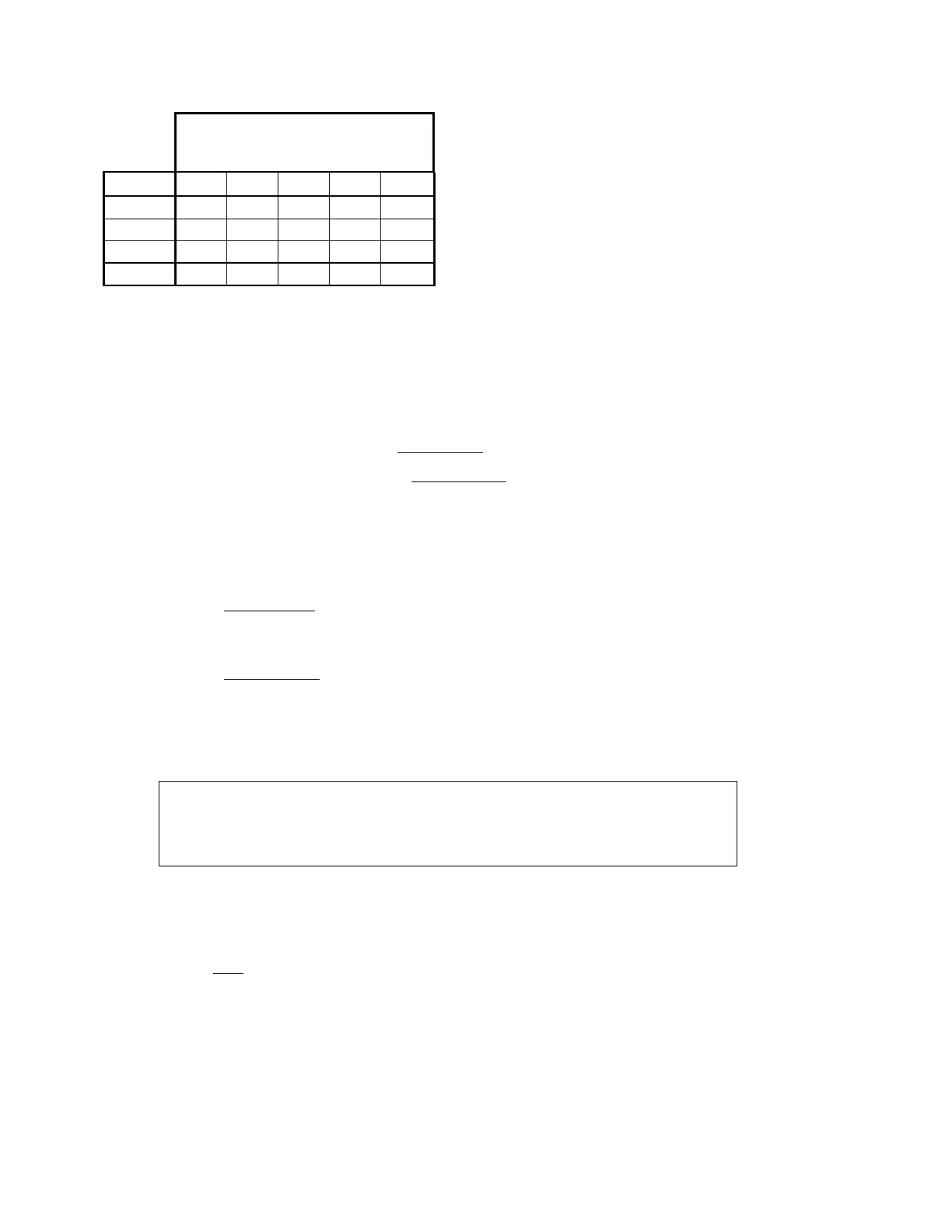
Model TZ AY TY TX AR
A *****
SL * * - * *
W -***-
C-*-*-
Except for the TZ motor, each motor requires the corresponding protocol calibration file in the
PROTOCOL sub-directory (e.g., for MOTOR$AY, the calibration protocol is
MOTOR_AY.PRO).
To begin the calibration procedure, at the Hologic main menu, type:
1.
<Alt><F1>
2.
At the C:\MENU> prompt, type SQDRIVER<Enter>
3.
At the CARM$$$$> prompt, type MOTOR$XX<Enter>, where XX equals TZ, AY,
TY, TX, or AR, depending on which motor you are calibrating.
MOTOR$TZ (QDR 4500A and SL)
1.
Select the TZ motor device driver by typing:
MOTOR$TZ<Enter>
2.
At the MOTOR$TZ> prompt, type:
CALIBRATE<Enter>
The program sends the calibration command to the TZ microprocessor and waits twenty seconds
for table motion to complete. During this time, the TZ microprocessor moves the table pedestals
to the top mechanical limit and then back down to the bottom mechanical limit. You are then
asked the following:
Mark the current height of the table and press the
<Enter> key to move the table to the topmost position.
Then measure the distance that the table moved in
centimeters.
3.
Measure the distance moved using the bottom edge of the top pedestal cover and the
floor. The system displays:
Total Distance Moved By Pedestal [20.0 cm] ?
4.
Type xx.x<Enter> where xx.x = the distance you measured. It should be around
20.0 cm.
5.
Press <Enter>. The system then displays the following:
Are Sure Total Distance Moved By Pedestal Is xx.x cm. [Y/N] ?












 To Next Page