Section 3 - Installation
3-17
4.
Install the Control Panel and T-beam end caps (QDR 4500W only).
5.
Insure that the scanner is level.
INSTALL COMPUTER
Follow the procedure below to install the computer:
1.
Set up the computer cart and place the computer, keyboard, monitor and printer in place.
2.
Install computer system cables.
INSTALL CABLES
Follow the procedure below to cable the system:
1.
Locate the box of cables shipped with the system.
2.
Remove two covers on the electronics tray (on the left side facing the machine).
3.
Install the cables from the Scanner to the power console and computer.
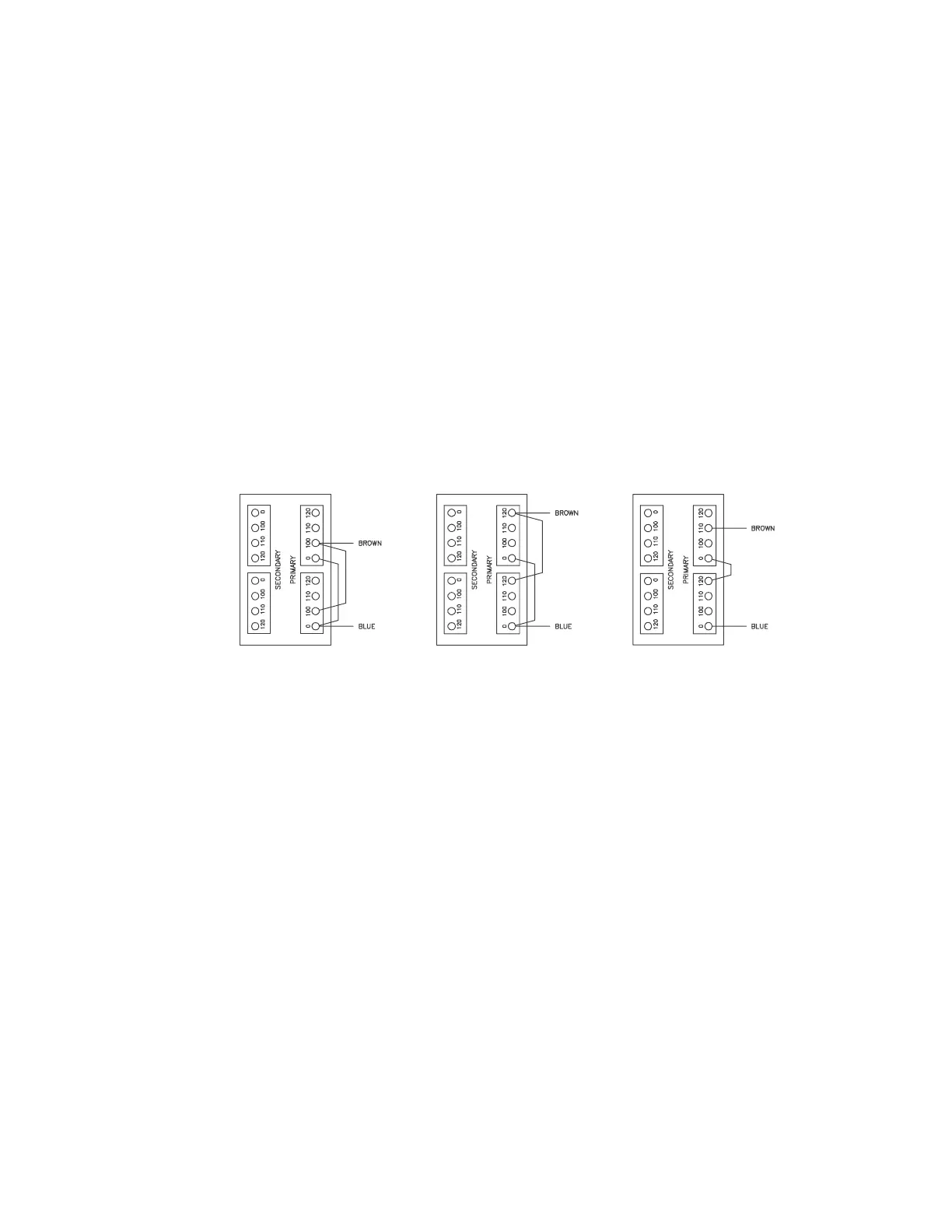
100 VAC SERVICE 120 VAC SERVICE 230 VAC SERVICE
Figure 3-16. Isolation Transformer Taps












 To Next Page