Section 5 - Remove & Replace
5-15
ARM R FRUS
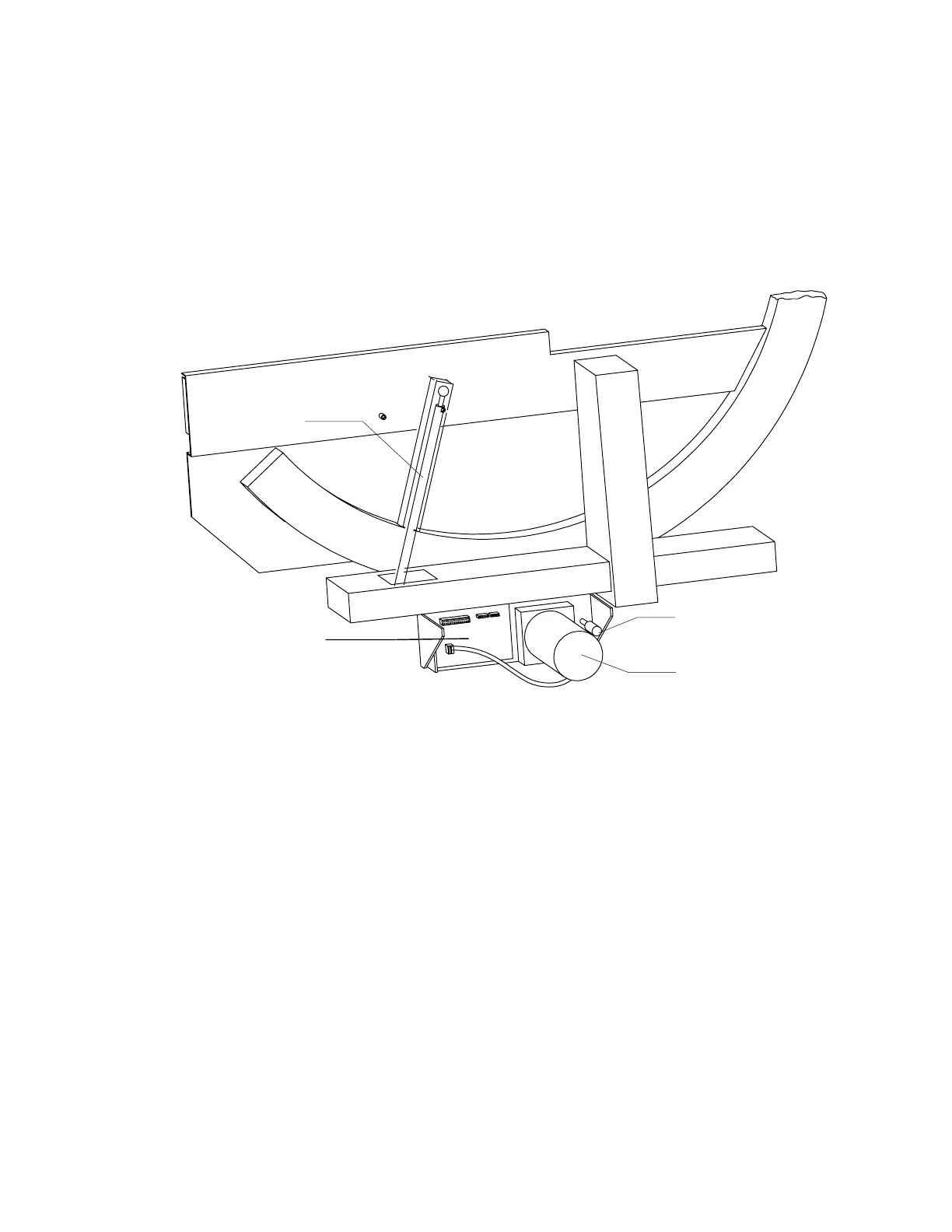
This section describes how to remove and replace the Arm R (Rotate) FRUs located on the right
side of the lower C-arm (see Figure 5-7 and Figure 5-8).
Before removing power from the QDR 4500, move the C-arm towards the middle-left side of the
table to allow working room. Use the Motor Control Pad. The Motor Control Pad can be
accessed from the Main Menu by choosing
Utility
, followed by
emergency Motion
.
C-Arm R Encoder
C-Arm R Motor
Motor Controller
Board
Gas Spring
Figure 5-7 C-Arm R FRUs (Outside View)
Motor Controller Board
To remove and replace the Motor Controller Board refer to Figure 5-7 and follow the procedure
below:
1.
Remove the motor cover plate by removing 2 (Phillips) screws.
2.
Turn off the QDR 4500 instrument power, computer power, and main circuit breaker.
3.
Unplug the cables and unscrew the Phillips screws holding the board.
4.
To replace the board reverse the steps.
Note:
When replacing the AR Motor Controller board ensure that the ID switch is set to 6.












 To Next Page