Section 9 - Software Tools
9-3
Testing the QDR 4500 System in SURVEY (SUSQ)
VOLTS 0001100100010011
Value N Mean StdDev CV%
Hi Bone 0.9799 7 0.9790 0.0006 0.0665
Lo Bone 0.9793 7 0.9791 0.0004 0.0401
Hi Tissue 0.9784 6 0.9787 0.0003 0.0312
Lo Tissue 0.9787 7 0.9790 0.0004 0.0397
Hi Air 0.9786 7 0.9791 0.0005 0.0545 Test Si
nal <Alt>t 0
Lo Air 0.9795 7 0.9788 0.0007 0.0690 Pulse <Alt>
1
Drum Half <Alt>h 0
HiVolta
e Settin
1 Detector 0
Fre
uenc
Settin
60 Hz Hi
h Gains 1
Fiter Errors 0 0 Low Gains 1
Hi-Lo Errors 0 0 Xra
Mode 3
A
erture Readback 11 1160 A
erture Settin
11
Attenuator Readback -1 0 Attenuator Settin
-1
Dark Current Settin
65535 65535 65535 65535 65535 65535
X-Ra
Controller Status
1
2
3
4
5
6
7
8
9
10
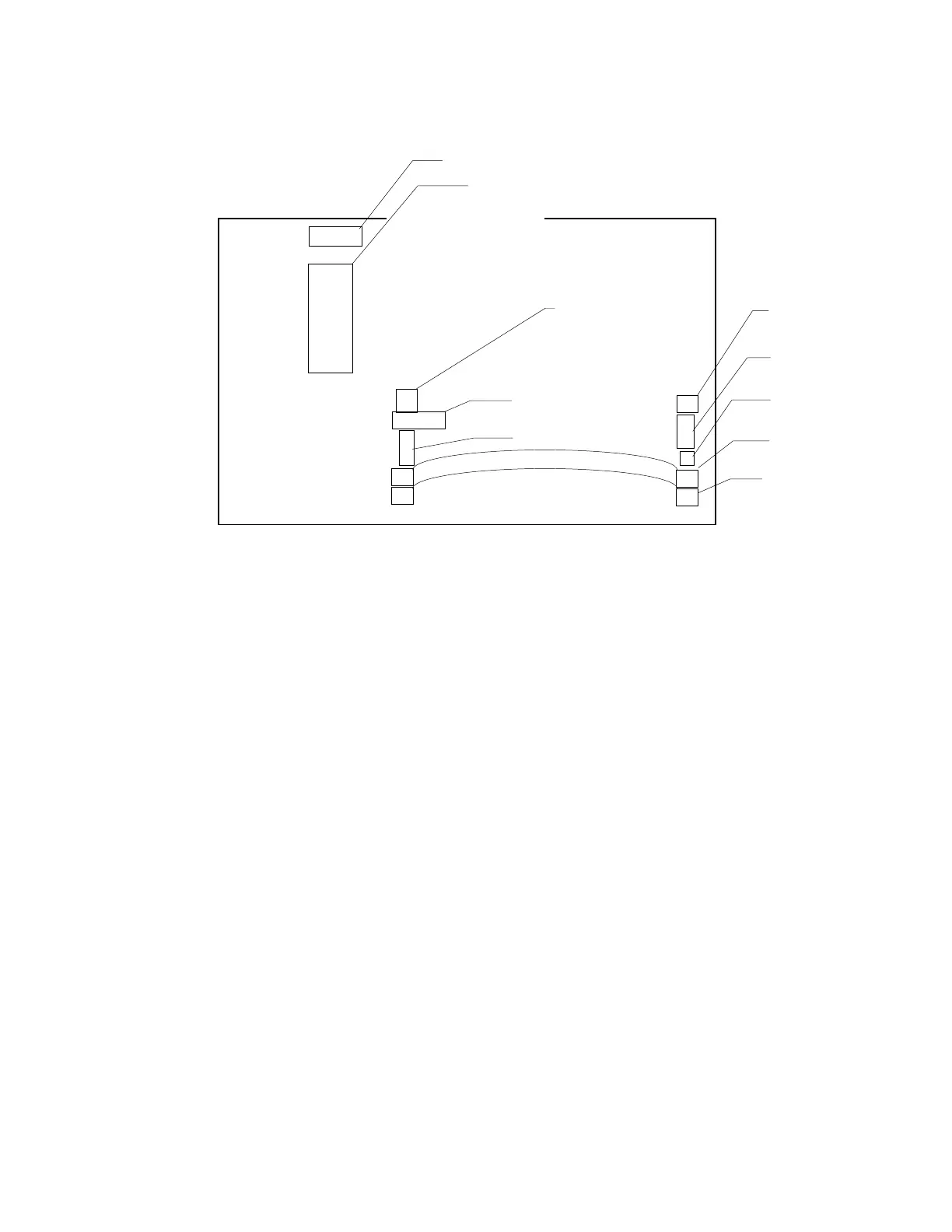
Figure 9-3. SUSQ Screen Settings
Use the UP/DOWN arrows to change settings (see Figure 9-3).
1.
Toggle <F10> to change this entry to VOLTS.
a)
When X-rays are OFF, all voltages should be approximately 1V.
b)
When X-rays are turned ON, Hi Bone should be the lowest reading and Lo Air
should be the highest at approximately 8V (see Figure 9-2).
2.
Should read “1”.
3.
Should read “60Hz”.
4.
Should read “0”.
5.
Indicates the channel being monitored.
6.
Set to 1.
7.
Set to 3.
8.
Set the Aperture to a 11. The Aperture Readback should then read 11.
9.
Not used.












 To Next Page