QDR
4500 Technical Manual
4-2
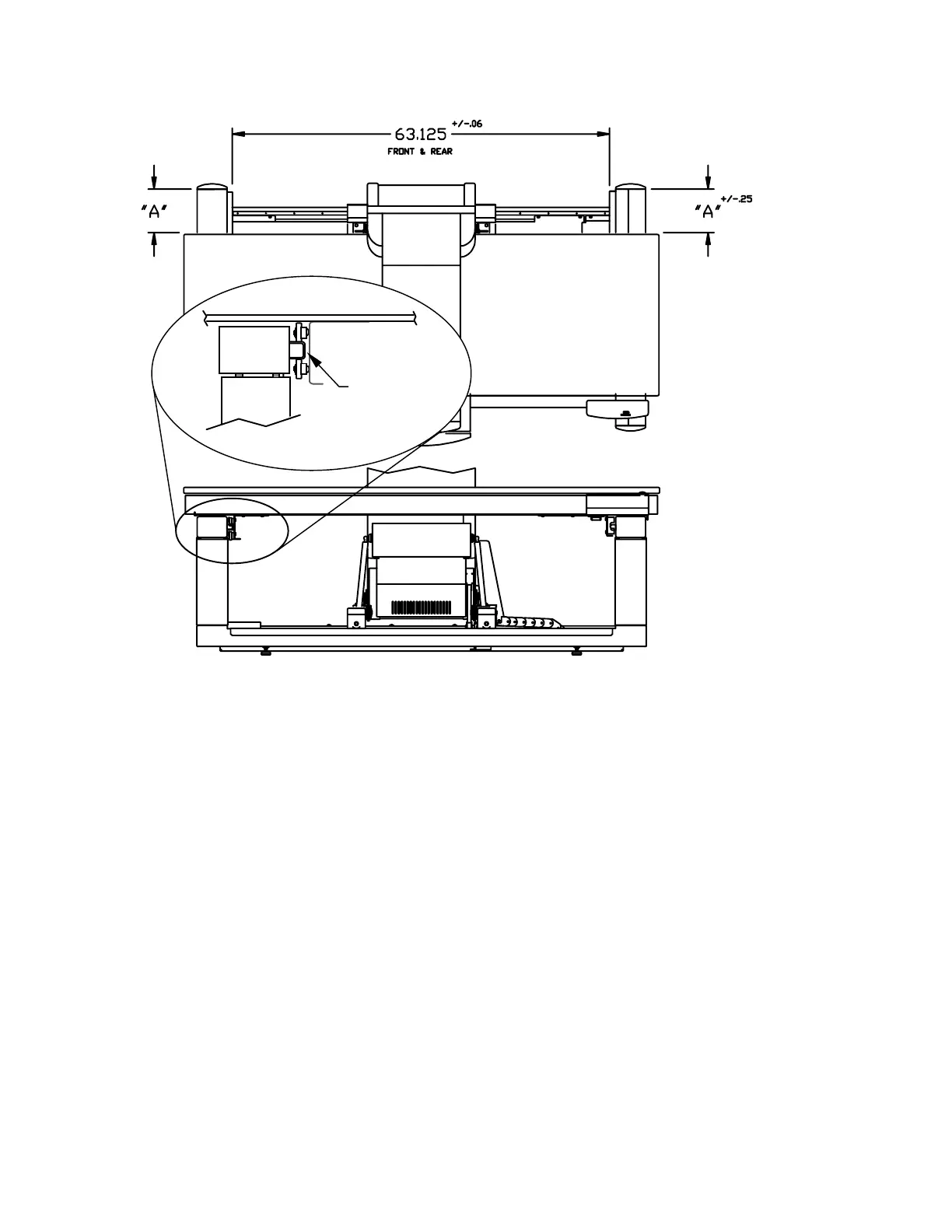
Measurements are in inches.
.25 +/- .09
Figure 4-1. Table Alignment
5.
Make sure the upper and lower brackets are securely fastened to the upper and lower
frames.
Note:
Even if the brackets are secured to the frames, they may not be securely fastened to the
pedestal. If not, remove the table to access the screws that secure the brackets to the
pedestal. Refer to Section 3, Installation, for table removal procedures.
If the screws are loose, apply a small amount of Loctite and tighten them.












 To Next Page