Section 3 - Installation
3-5
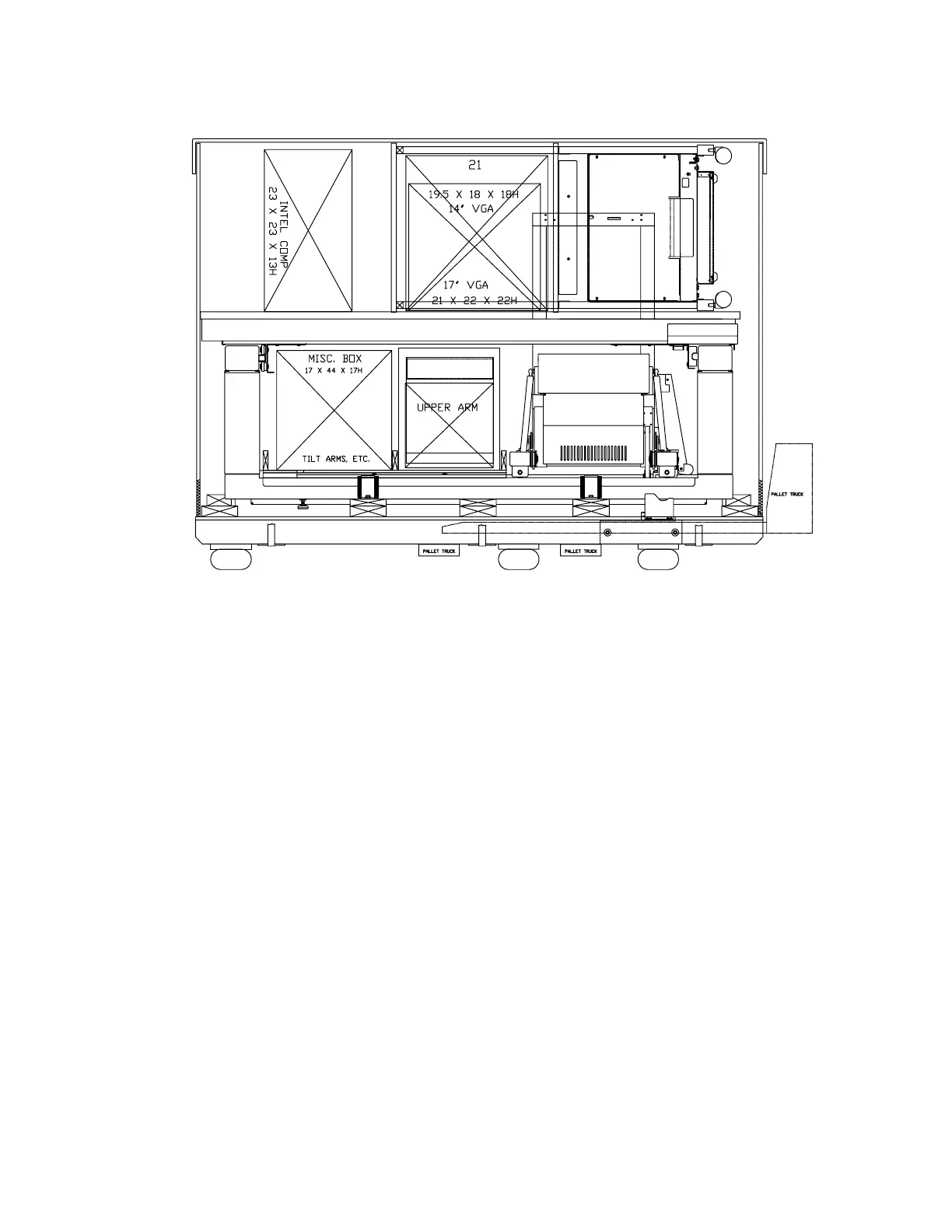
Figure 3-5. Crated Unit (QDR 4500A and QDR 4500SL)
UNCRATE UNIT
Remove the unit from the crate as described below:
1.
Cut the strapping that holds the packaging together.
2.
Remove the cardboard cap by lifting it up and off.
3.
Remove the cardboard sleeve by lifting it straight up and off. Be careful not to scratch
the unit.
4.
Remove the wooden table shelf and the boxes packed with the unit.
Note:
There is a metal cross brace attached to the wooden table shelf. Remove and save this
cross brace as it is used later in the installation.
5.
Verify that the serial numbers on the crate, computer pallet, scanner and console all
match.












 To Next Page