58
Installation
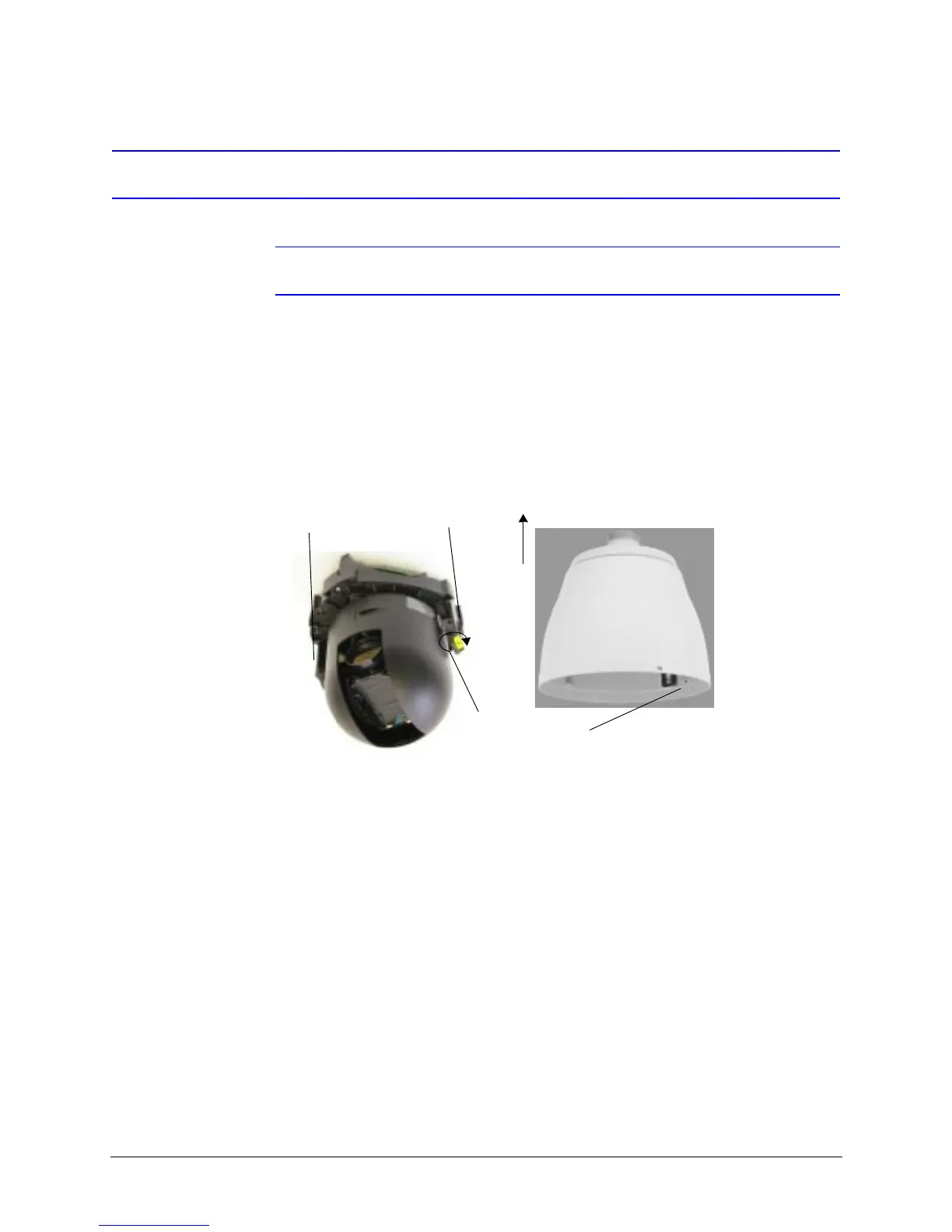
Step 6: Install the Scan Assembly into the Housing
Note Scan assembly installation is the same with all housing types.
1. Carefully remove the plastic lens cap from the scan assembly. Do not touch the
lens.
2. Rotate and line up the scan assembly yellow label to the mounted housing yellow
label.
3. Gently push the scan assembly into the housing until the two guides on the scan
assembly lock/snap into the holes on the housing guides.
4. Gently pull down on the assembly to ensure it has properly latched into place.
Figure 3-21 Installing the Scan Assembly into the Housing
Scan assembly locking guides
Up
Rotate to align with the
housing yellow labels



 To Next Page
 Loading...







