HT2800T_en_c.doc Page 186 of 275
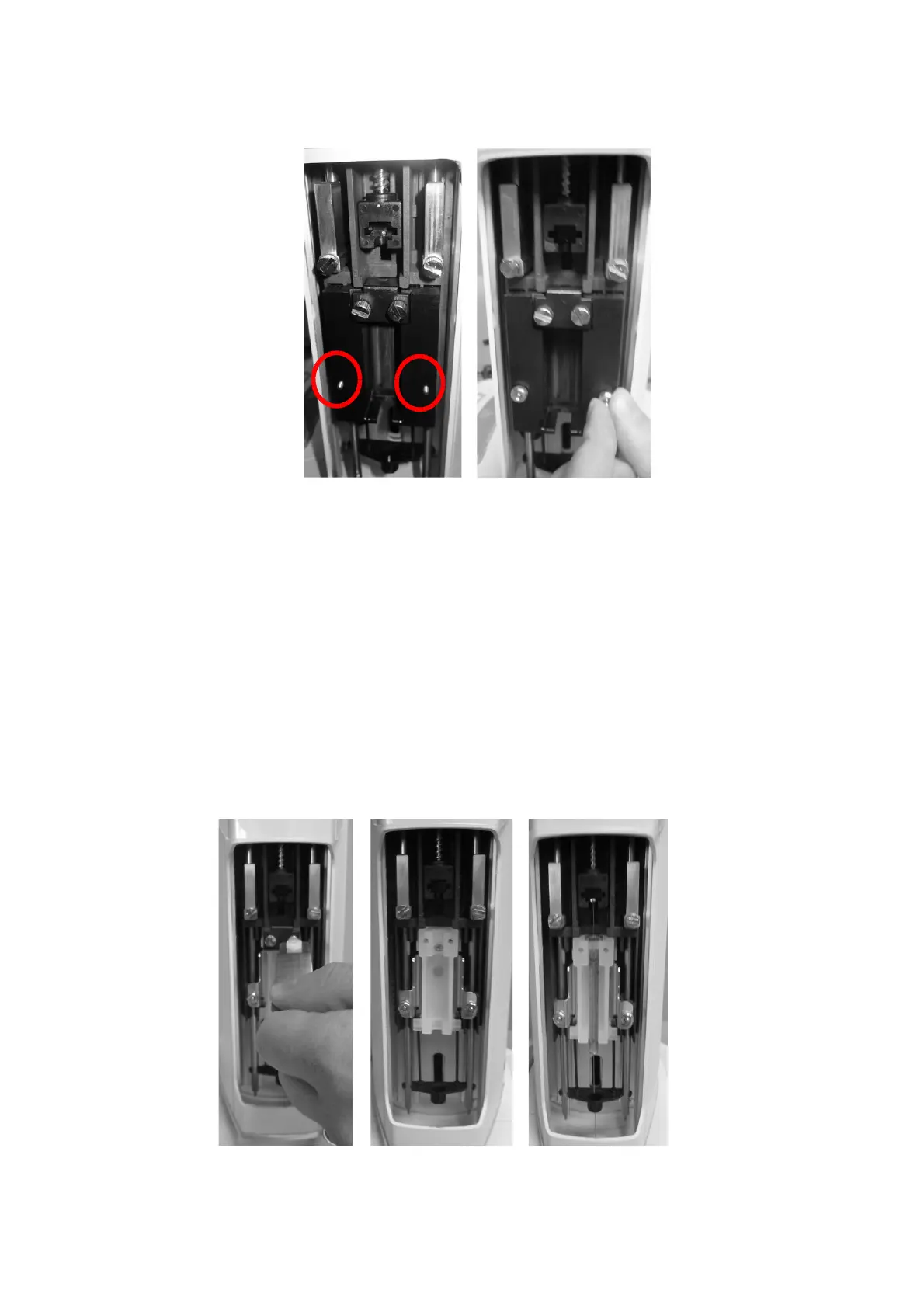
Figure 156: Liquid syringe holder mounting (syringeID system purchased and enabled)
c) Install the syringe for liquid configuration: remove the syringe locker (Figure 157
and Figure 158 if the syringeID system is enabled - a and b); place the syringe into its
holder: Insert the needle through the intermediate needle guide, insert the syringe body
into the holder and lastly position the plunger into its lodging (Figure 157 and Figure
158 if the syringeID system is enabled - c); reposition the syringe locker tightening the
two screws carefully: during the screwing, hold the syringe locker pressed down
(Figure 157 and Figure 158 if the syringeID system is enabled - d) and finally reinsert
the piston locker ensuring that the appropriate face is used (Figure 157 and Figure
158 if the syringeID system is enabled - e) (if in doubt see 12 “Appendix B –
Consumables“).



 To Next Page