HT2800T_en_c.doc Page 194 of 275
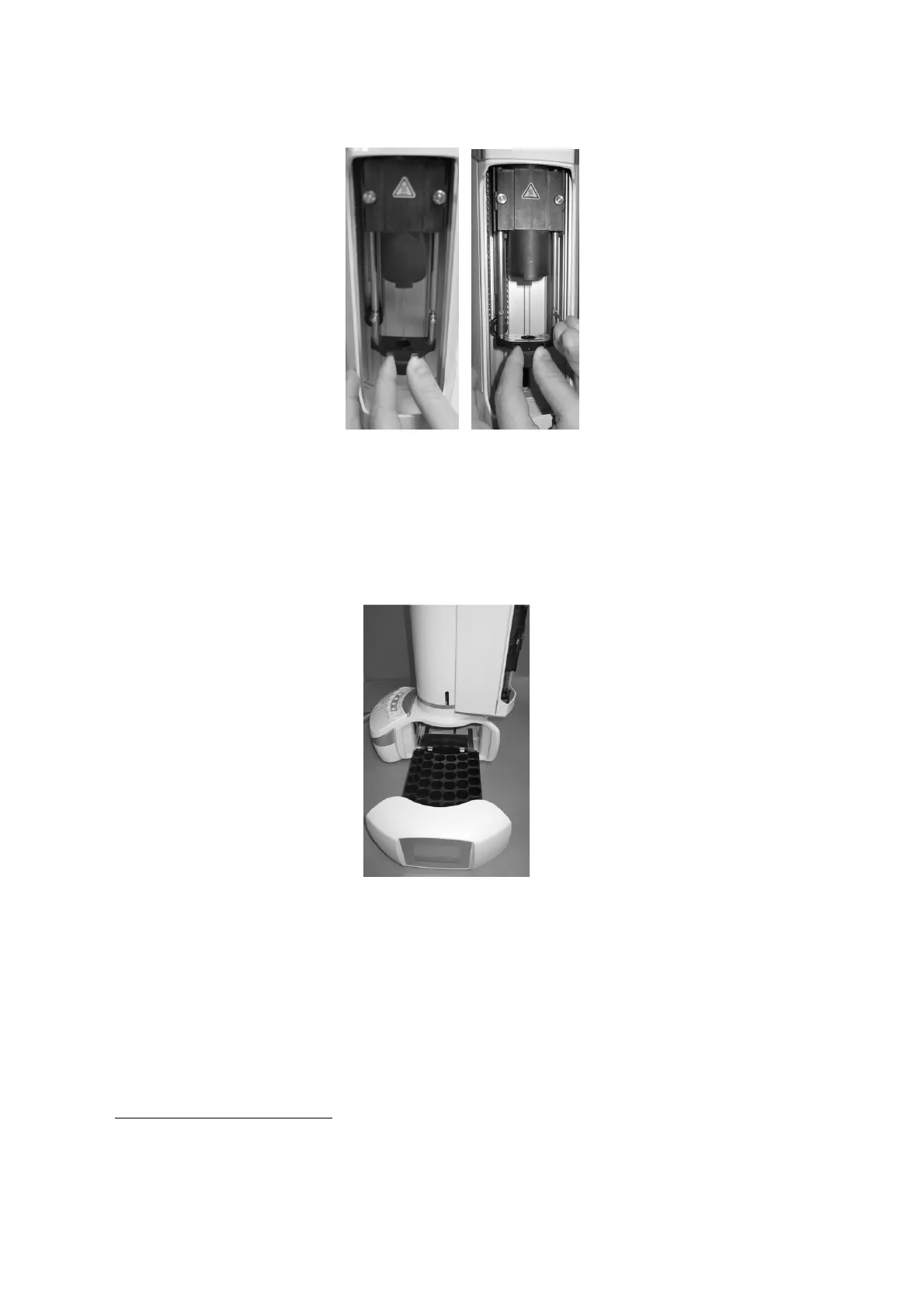
Figure 167: Mount Headspace vial locator
4) “Select syringe volume” screen: select the volume of the installed syringe and press
“SAVE”.
5) “Insert new rack” screen: remove the rack for 2ml vial and install the rack for 6/10/20ml
vials, then press “CONTINUE”.
Figure 168: Rack for 6/10720ml vials installation
6) “Remove spacers and insert vials in position A4, C and System Integrity Tool in proper
position” screen: remove the six black spacers for liquid configuration in the oven using
the supplied tweezers (see paragraph 2.3 “Tool kit“), add a headspace sample vial
12
in
A.4 position of the rack and in position C of the oven and a the System Integrity Tool
(only if you purchased the GLP pack, see paragraph (1.7.2 “Options”). into the dedicated
12
The headspace vial to be put in the rack must have the same volume of the vial used last time in
headspace mode.



 To Next Page