HT2800T_en_c.doc Page 198 of 275
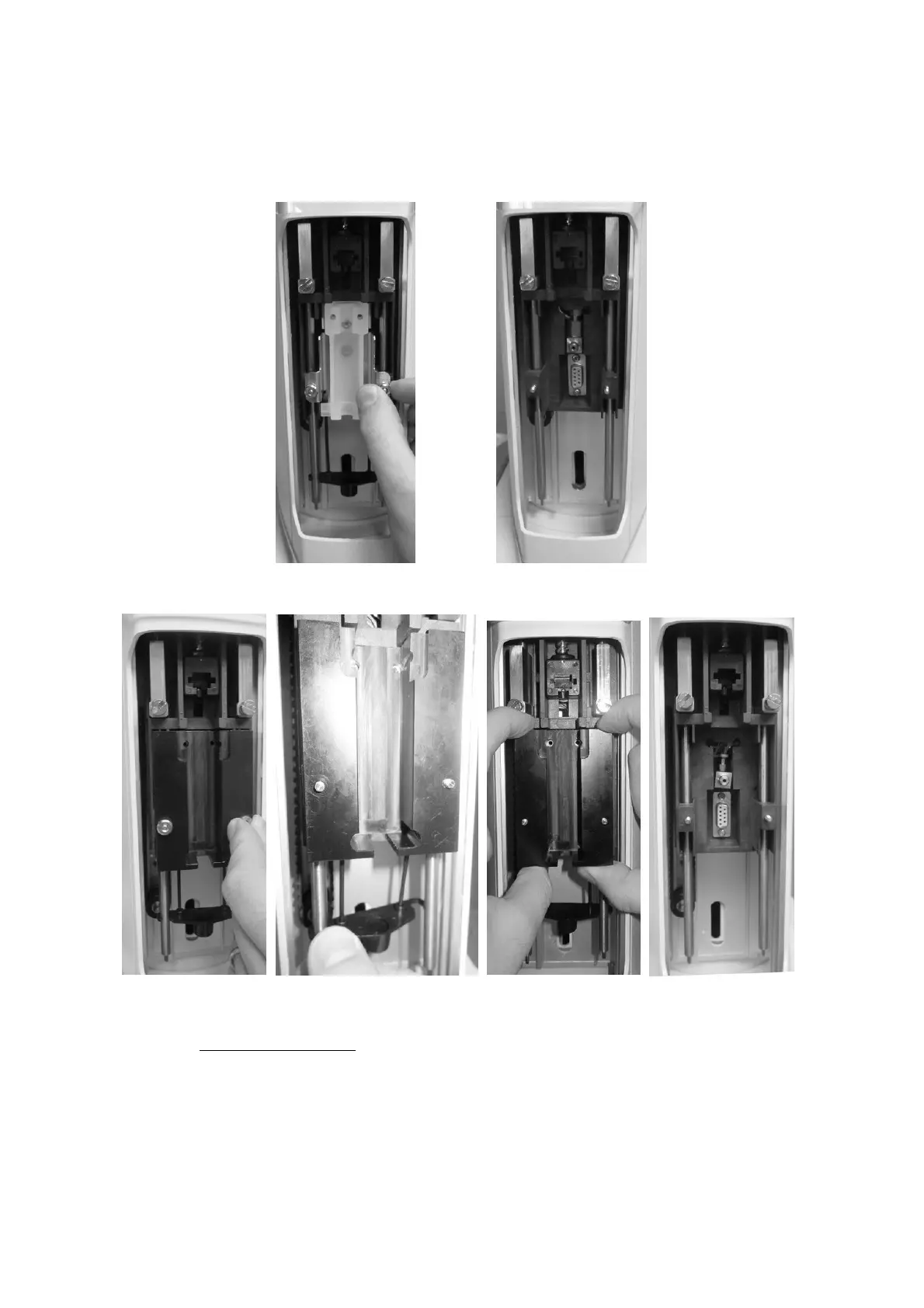
b) Remove the syringe holder for liquid configuration, remove the retaining nuts as
shown in the figure below.
Figure 173: Liquid syringe holder removal
Figure 174: Liquid syringe removal (syringeID system purchased and enabled)
c) Install the Fiber holder. Fix the Fiber holder by aligning the holes of the Fiber holder to
the threaded inserts (figure below - a), then fix it with the nuts keeping the holder
pressed upwards (figure below - b and c) and finally install the plunger locker (figure
below -d), ensuring that the appropriate face is used (if in doubt see 1 2 ” Appendix B
– Consumables“).



 To Next Page