HT2800T_en_c.doc Page 26 of 275
X
X
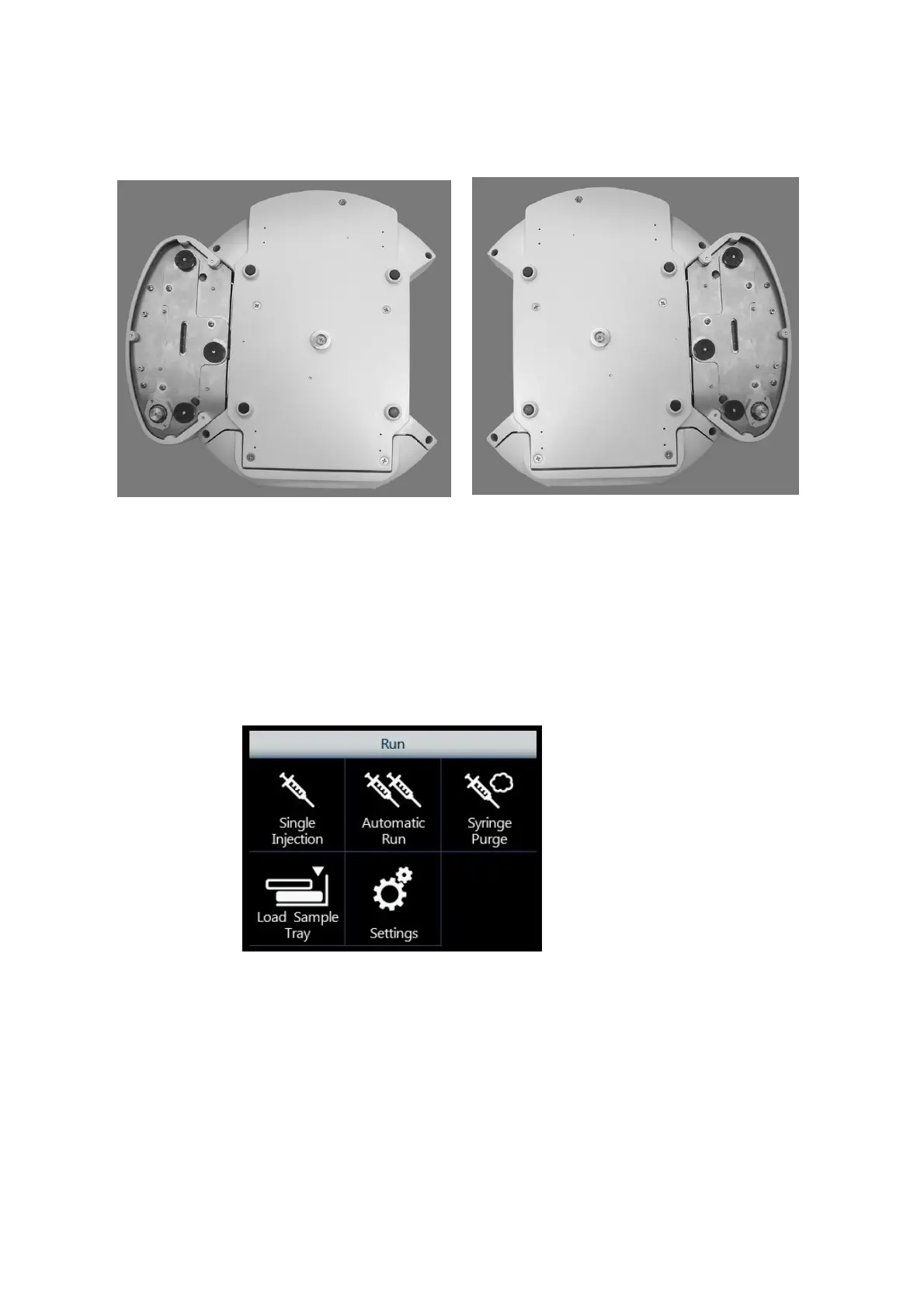
2.1.1.3 HT2800T/HT2850T Autosampler base
Figure 6: Left location for incubation
oven/location for solvent vials (bottom
view)
Figure 7: Right location for incubation
oven/location for solvent vials (bottom
view)
“X” marks the rubber feet, these are important for the installation procedure (see paragraph 3.3.1
“Autosampler installation on the mounting plate”).
2.1.1.4 HT2800T/HT2850T Control panel: touch screen display
The touch screen display is on the front of the unit.
Figure 8: Touch screen display
The HT2800T/HT2850T has a colour LCD display with touch control. The touch screen display
can be used to edit the method, sample list or set up as well as running the samples.
For further information on the HT2800T touch screen display please refer to paragraph 2.4
“Touch screen display description”.



 To Next Page