HT2800T_en_c.doc Page 46 of 275
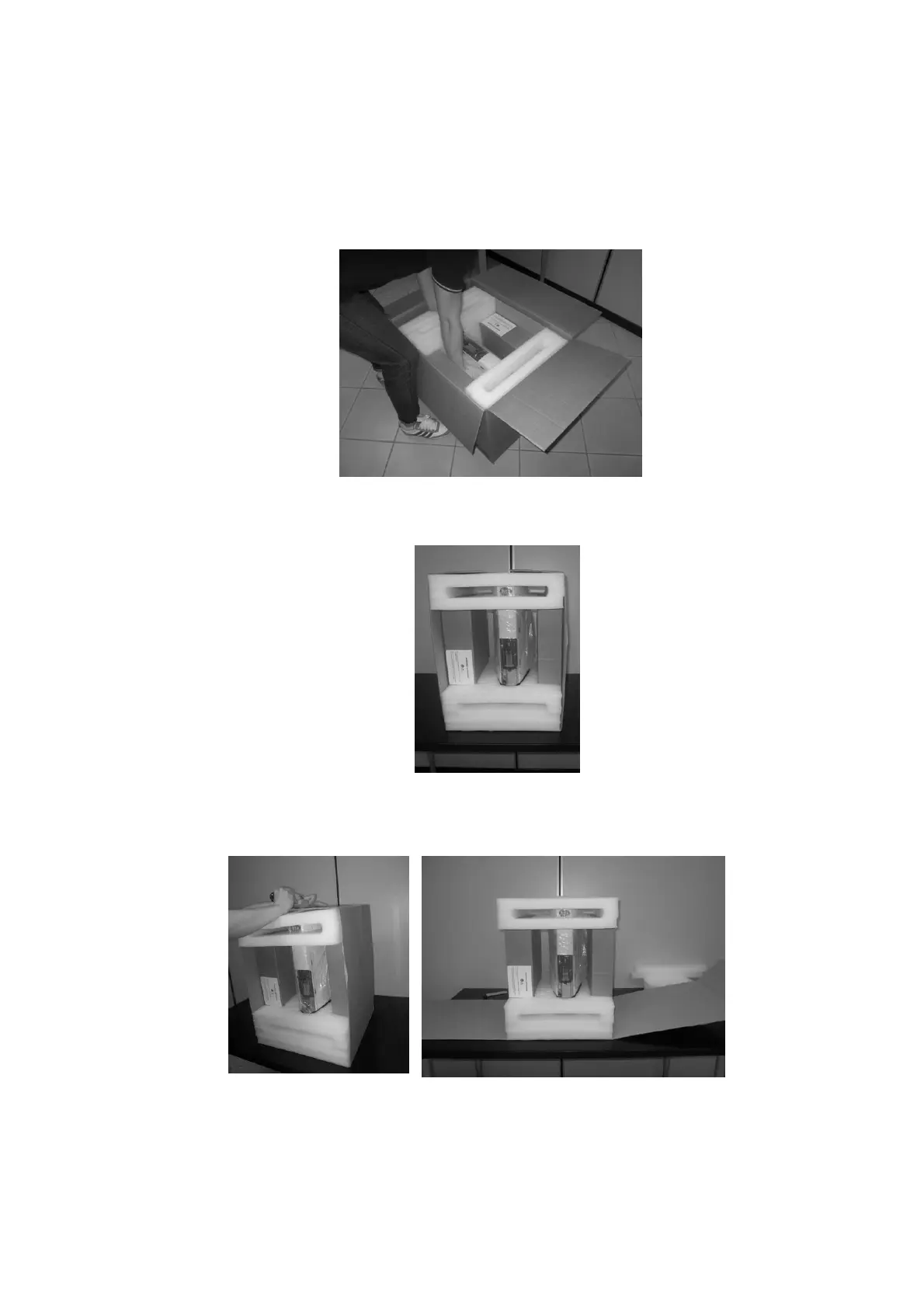
3. Extract the autosampler from the box and place it on a flat surface in a vertical position.
Figure 45: Extract the autosampler from the box
Figure 46: Place the autosampler on a flat surface
4. Cut the adhesive tape to open the packaging.
Figure 47: Cut the adhesive tape
5. Remove the upper protective cushions.



 To Next Page