HT2800T_en_c.doc Page 62 of 275
• Gateway: 192.168.0.1
• Ports: 20101 (TCP), 20102 (TCP), 20201 (UDP)
The IT/ network administrator must verify that any software firewall installed on the PC is:
•
disabled;
•
or enabled, but is not blocking the “HTA Autosampler Manager” application and the
ports 20101 (TCP), 20102 (TCP) and 20201 (UDP);
The IT/ network administrator must also be informed about the IP address, because it could be in
conflict with the adresses of other devices connected to the LAN or be outside the subnet
segment of the LAN. If necessary, you can change the IP configuration (see paragraph 3.5.1.3 “IP
address/Subnet mask modification”).
3.5.1.2 Operations
To control the autosampler by PC, proceed as follows:
1) Connect the autosampler to your lab LAN (see paragraph 3.3.3 “Electrical connections”);
2) The IT/ network administrator must verify that the firewall protection does not prevent
communication between the software application “HTA Autosampler Manager” and the
autosampler (see paragraph 3.5.1.1 “Default IP address “).
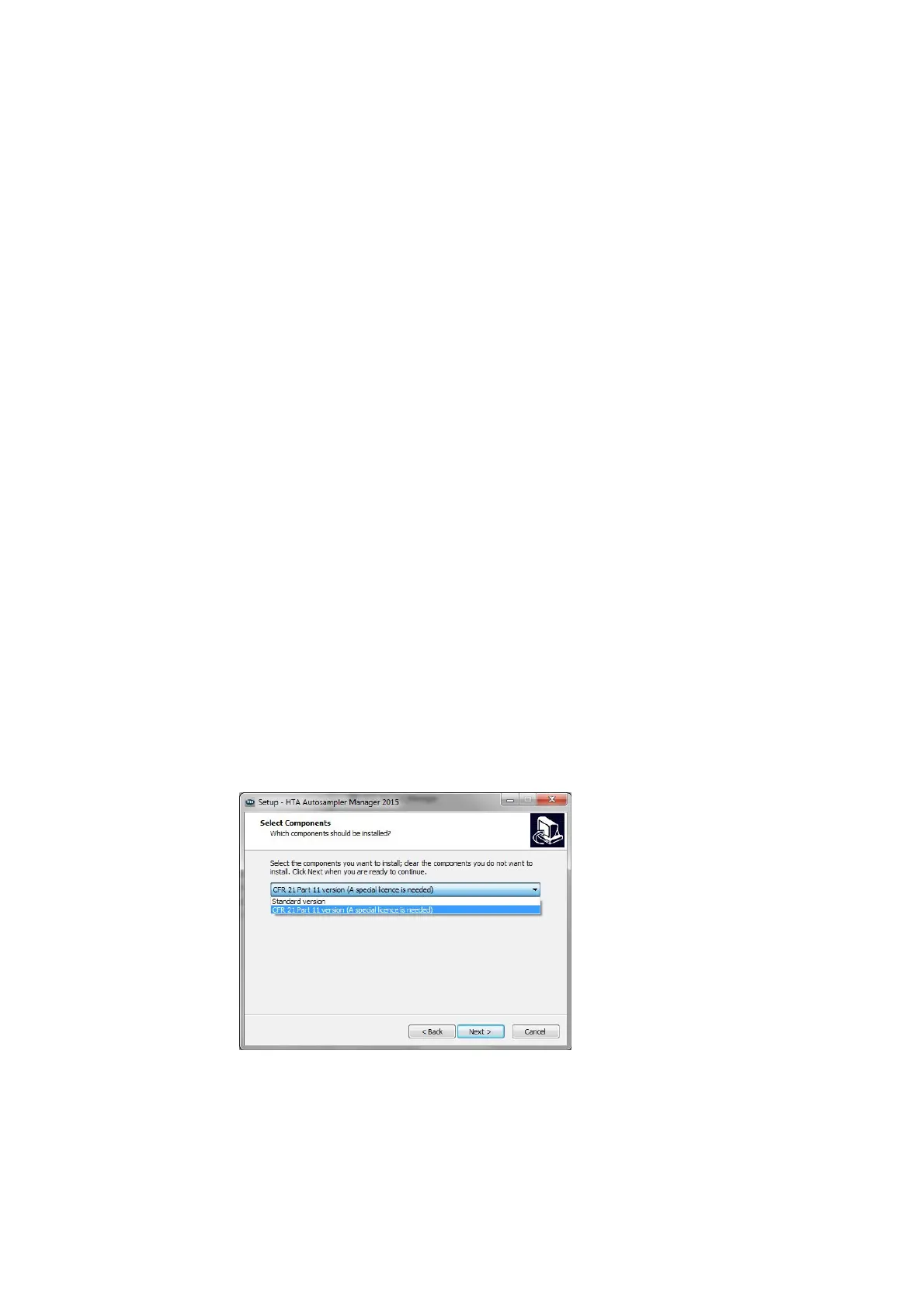
3) Install “HTA Autosampler Manager” on the PC. "HTA Autosampler Manager" is provided on the
CD supplied with the instrument. Follow the wizard to install the software (self- explaining).
Make sure to select proper version (Standard version or CFR 21 Part 11 version).
Figure 63: Software versione selection
4) Run the software.



 To Next Page