HT2800T_en_c.doc Page 64 of 275
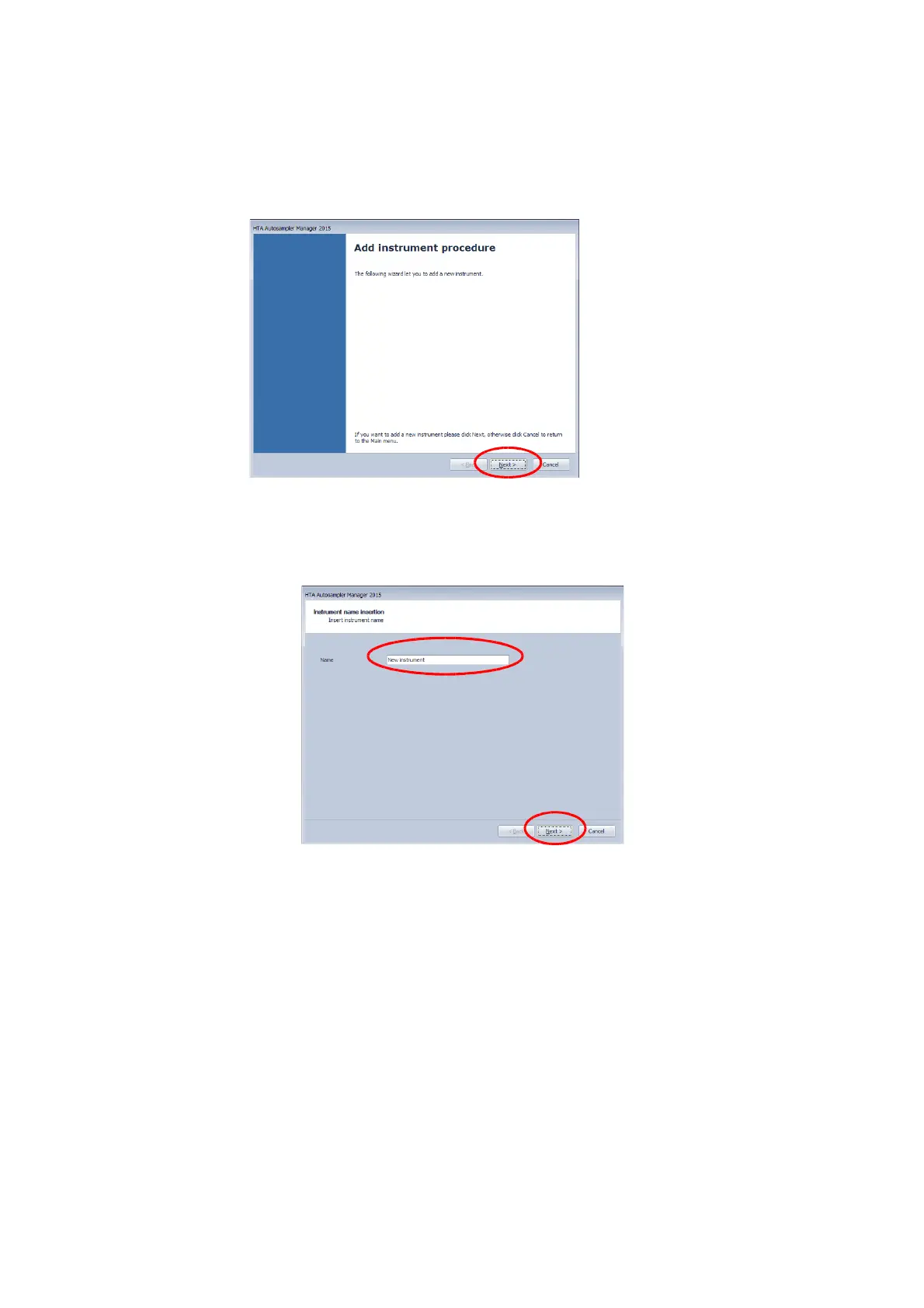
Figure 65: HTA Autosampler Manager screenshot 1
7) From the following screen, click on “Next”:
Figure 66: HTA Autosampler Manager screenshot 2
8) Give a “Name” to the instrument in order to identify it more easily, and then click on “Next”:
Figure 67: HTA Autosampler Manager screenshot 3
9) Confirm the instrument is connected by "TCP/IP port" (Default) by pressing on “Next”:



 To Next Page