Page: 37
JFS-A1 INSTALLATION, OPERATION, AND INSTRUCTION MANUAL
Document # : DOC230
Issued: August 27, 2012
Revised: N/A
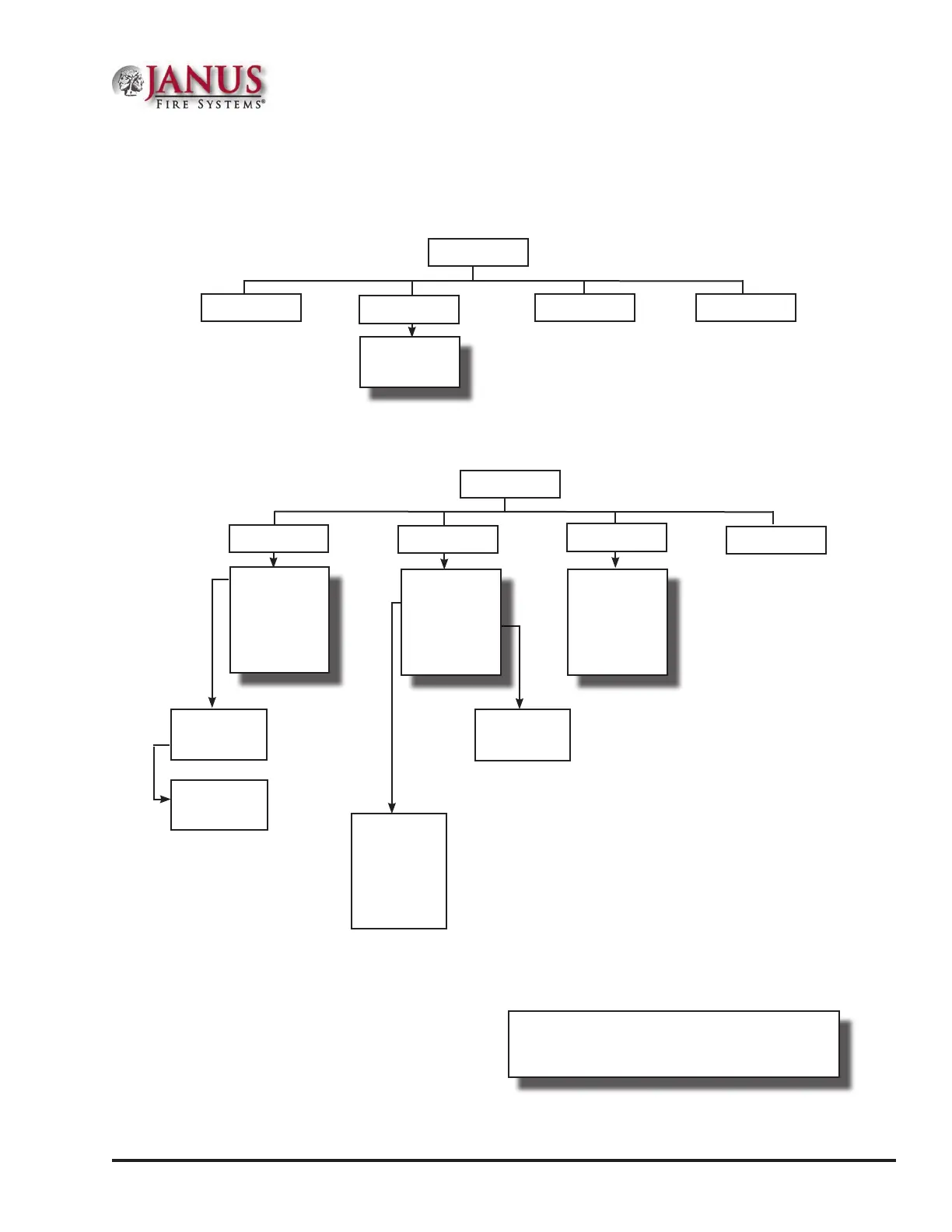
Control Panel Menu Tree
is section provides a reference to menu options as they appear on the LCD panel. Appendix G also provides a
copy of the menu tree.
4=Walk Test
2=Enable/Disable
MAIN MENU
Select Device
Internal SLC
Internal PWR
1=View History 3=Set Date/Time
5=System Tools
3=SLC Addr Prog
1=Single Device
2=Mltp Device
Ethernet Options
1=DHCP Settings
2=Default IP
3=Default Gateway
4=Default Subnet
5=Alternate IP
6=Alt. Gateway
7=Alt. Subnet
Esc=Exit
7=Data Transfer
Select Data
1=Remote Access
2=E-mail Det Stat
3=E-mail History
4=E-mail Cong
5=E-mail Test
6=Server Status
Esc=Exit
1=SLC Tools
2=Point Control
3=Ethernet Status
4=DACT Test
5=DACT Reset
6=Erase History
7=Lamp Test
8=App Revisions
6=Programming
1=Username
2=Password
Esc=Exit
1=LEARN Mode
2=Panel Default
3=IP Settings
4=Dt ID/Pswd
5=Prog ID/Pswd
Esc=Exit
Esc=Exit
MAIN MENU
1=SLC Pinpoint
2=SLC Stats
TIP: To save time, enter the menu selection number
on the keypad to select a function. For example, press “3”
to select “Set Date/Time” from the Main Menu.



 To Next Page