Page: 78
JFS-A1 INSTALLATION, OPERATION, AND INSTRUCTION MANUAL
Document #: DOC230
Issued: August 27, 2012
Revised: N/A
Group by Area
You may group information by dierent elds in many of the program windows. is exibility is helpful when
conguring or viewing a large amount of information, such as all devices, zones or remote annunciators. Examples
are included for illustration purposes only.
To group by area (eld):
1. Click on “group bar” located at top of window, if available.
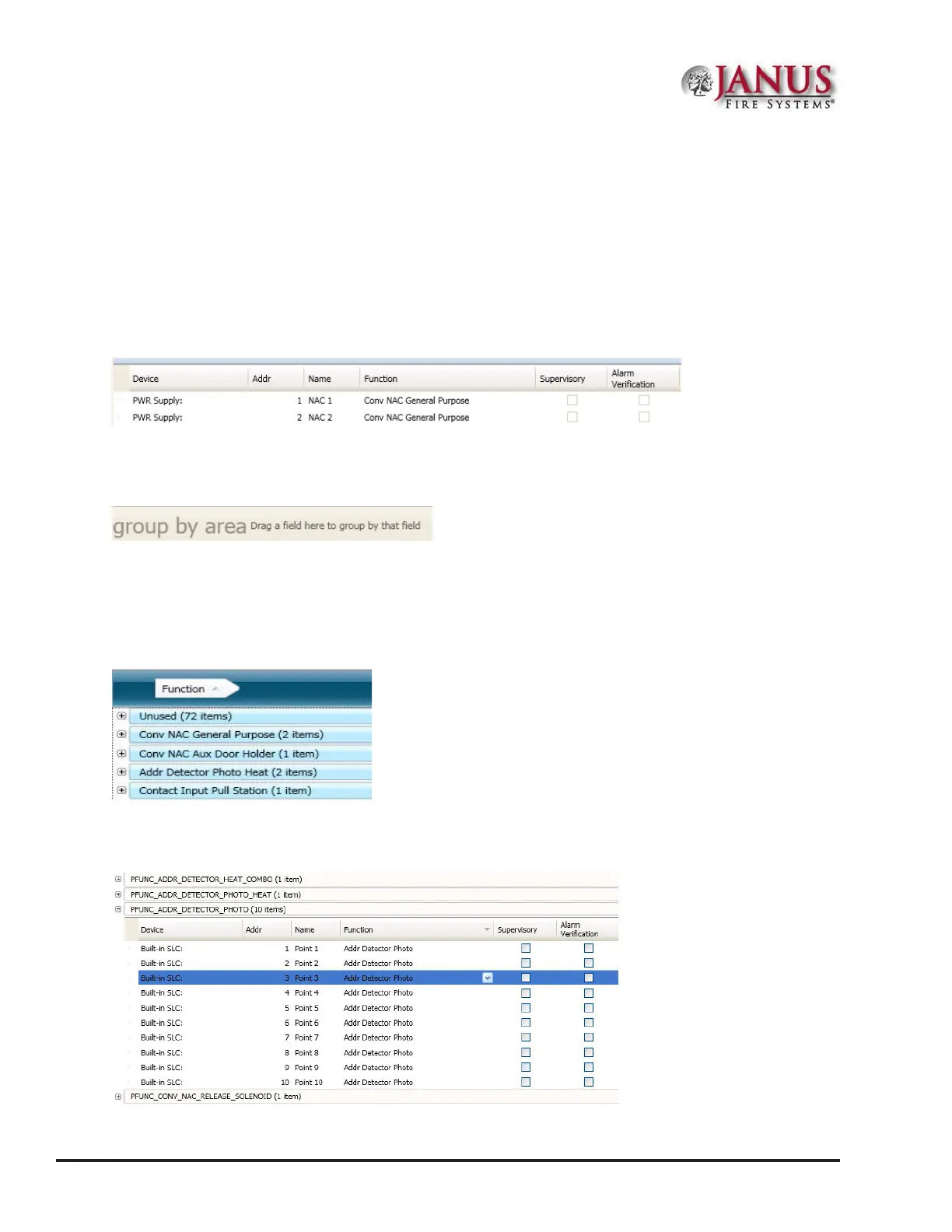
Figure 97. Example of Group Bar in Points Window
2. e “group by area” region displays, as shown.
Figure 98. Group by Area Field
Note: Click on “group bar” at any time to collapse region.
3. Drag and drop one eld into the “group by area” region. e information displays grouped by selected eld.
Figure 99. Example of Points Grouped by Function
4. Click “+” next to the function to view a complete list of points. Click “-” to collapse list of points, as needed.
Figure 100. Example of Points Congured as Addr Detector Photo
5. Drag eld out of “group by area” region to redisplay items in original order.



 To Next Page