Page: 87
JFS-A1 INSTALLATION, OPERATION, AND INSTRUCTION MANUAL
Document # : DOC230
Issued: August 27, 2012
Revised: N/A
RemoteAnnunciators(RA-6500RandRA-6075R)
e JFS-A1 supports up to thirty-one (31) remote annunciators in any combination of RA-6500R and RA-6075R.
Each LCD annunciator may be programmed with a unique name to help identify the location of an “o normal”
condition.
To add and congure a remote annunciator:
1. Select the Annunciators function from system panel.
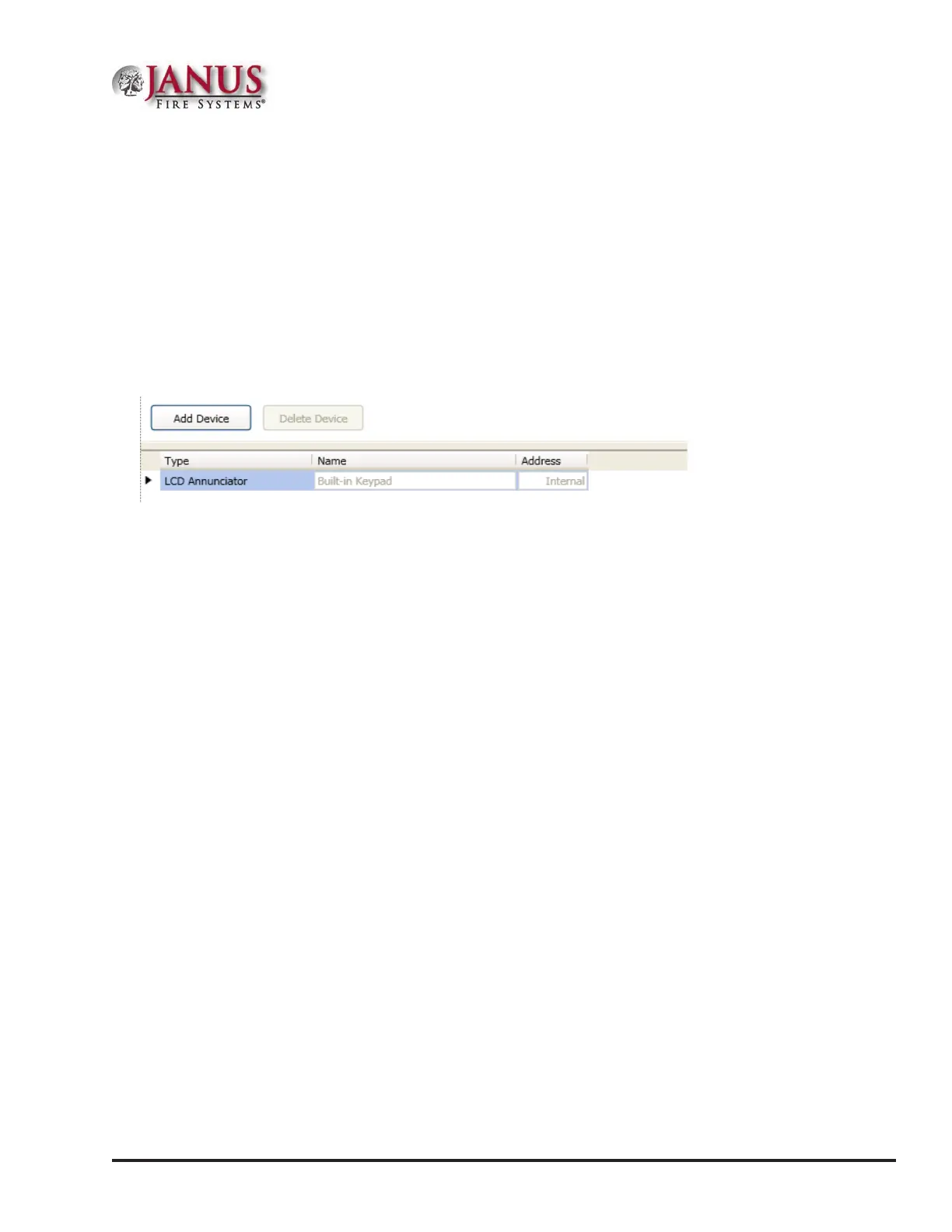
2. Click the Add Device button to display the "Add Device” window.
Figure 115. Example of the Add Annunciator Device Window
3. Double-click in the “Name” eld to customize name.
4. Double-click in “Address” eld to adjust address, if needed.
5. Repeat steps, as needed, to continue adding annunciators.



 To Next Page