Page: 47
JFS-A1 INSTALLATION, OPERATION, AND INSTRUCTION MANUAL
Document # : DOC230
Issued: August 27, 2012
Revised: N/A
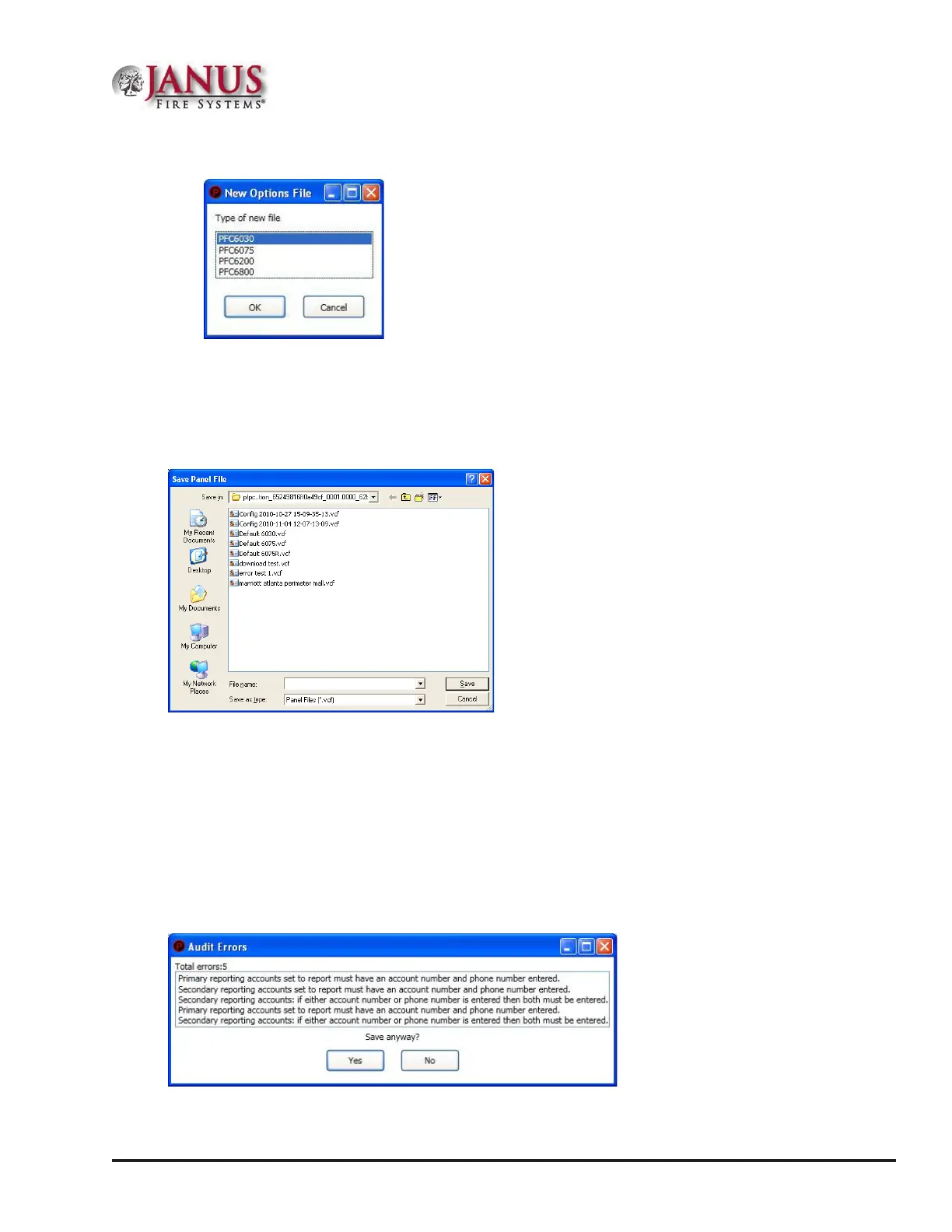
Figure 48. Example of File New Dialog Box
FileSave/SaveAs
Once programming has been completed, save your conguration le using either the "File – Save" or "File – Save As"
function. An audit is performed that checks for rule violations; if errors are encountered, you may choose to either
save with errors or cancel the save operation.
Figure 49. Example of Save Panel Dialog Box
Notes:
1. All site specic conguration data is stored in the panel’s non-volatile memory.
2. e next time you make programming changes, you may overwrite the original conguration le with
changes. If you choose to do this, you will lose the original programming report information.
3. e panel conguration le has a .fpcf le extension.
Audit Errors
e Audit Er ror - Save Anyway? dialog box displays if programming errors are encountered when saving the conguration le.
You may choose to save the le with errors; however, you cannot download the data until all errors are corrected.
Figure 50. Example of the "Save anyway?" Dialog Box



 To Next Page