Page: A-1
JFS-A1 INSTALLATION, OPERATION, AND INSTRUCTION MANUAL
Document # : DOC230
Issued: August 27, 2012
Revised: N/A
Appendix A: Basic Operating Instructions
ese instructions must be framed and displayed next to the JFS-A1 panel in accordance with NFPA 72 re code
for Local Protected Fire Alarm Systems. Test the system in accordance to NFPA 72.
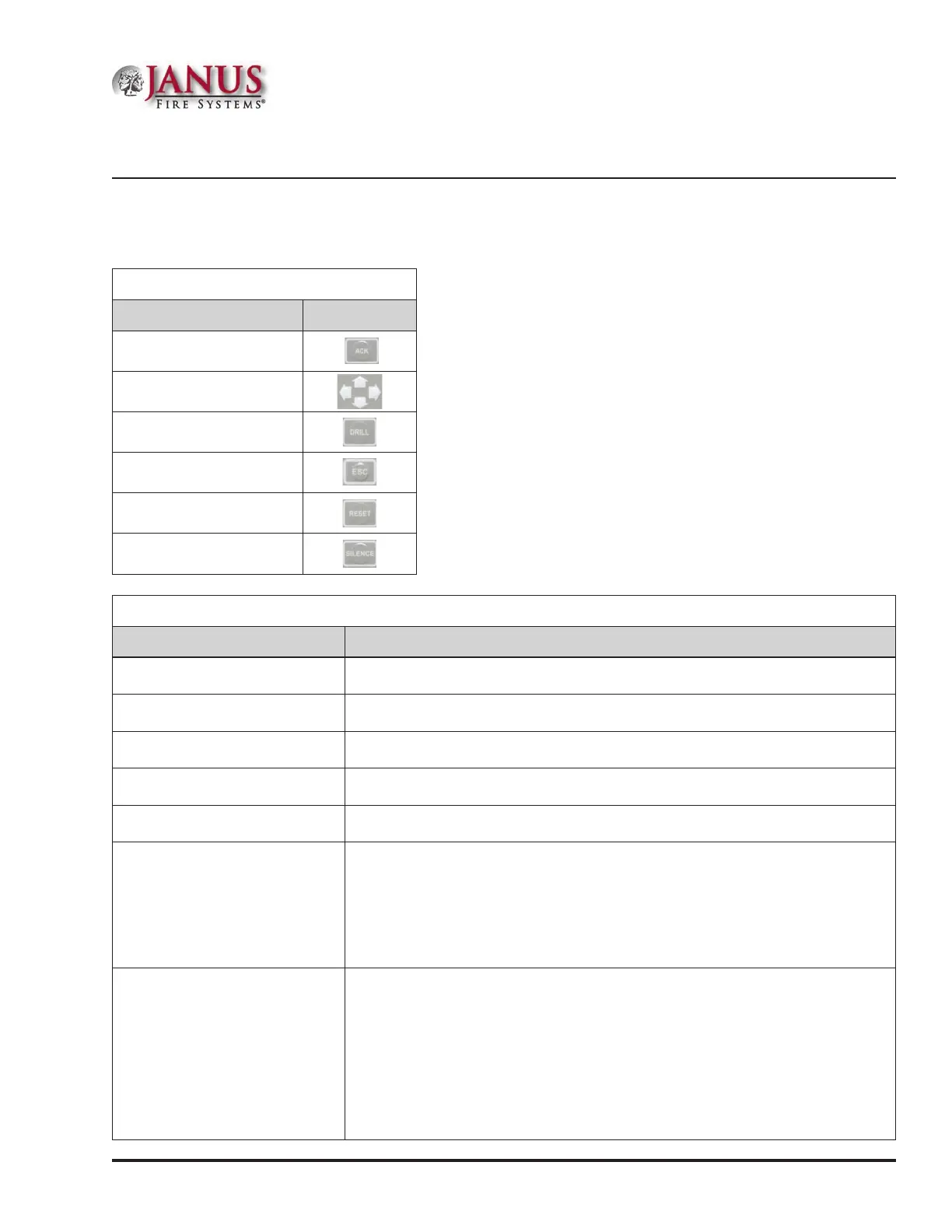
Table 25: Button Functions
Button Function
ACK
Arrows
Drill
Esc
Reset
Silence
Table 26: Operating Instructions
Operation Task
Silence Alarms, Troubles Press the SILENCE pushbutton.
Acknowledge Alarms, Troubles Press the ACK pushbutton.
Reset Alarms Press the RESET pushbutton.
View Alarms, Troubles Press arrows to view alarms / troubles.
Conduct a Fire Drill Press the DRILL pushbutton; press the RESET button to exit Drill mode.
View Point’s Status
•y Press ENTER to display the Main Menu.
•y Press 5 – System Tools; enter panel’s code.
•y Press 2 – Point Control.
•y Scroll Up/Down to choose Internal SLC / PWR, and press ENTER.
•y Enter Addr / Ckt No. and press ENTER.
•y Press Up/Down to view previous / next points.
Check Detector Sensitivity
•y Press ENTER to display the Main Menu.
•y Press 5 – System Tools; enter panel’s code.
•y Press 1 – SLC Tools.
•y Press 1 – SLC Pinpoint.
•y Enter Addr #, press ENTER; detector address and type displays.
•y Press ENTER to display current usage.
•y Press Up to display Day/Night Sensitivity settings.
•y Press Up / Down to scroll through point’s day / night sensitivity settings.



 To Next Page