Page: 76
JFS-A1 INSTALLATION, OPERATION, AND INSTRUCTION MANUAL
Document #: DOC230
Issued: August 27, 2012
Revised: N/A
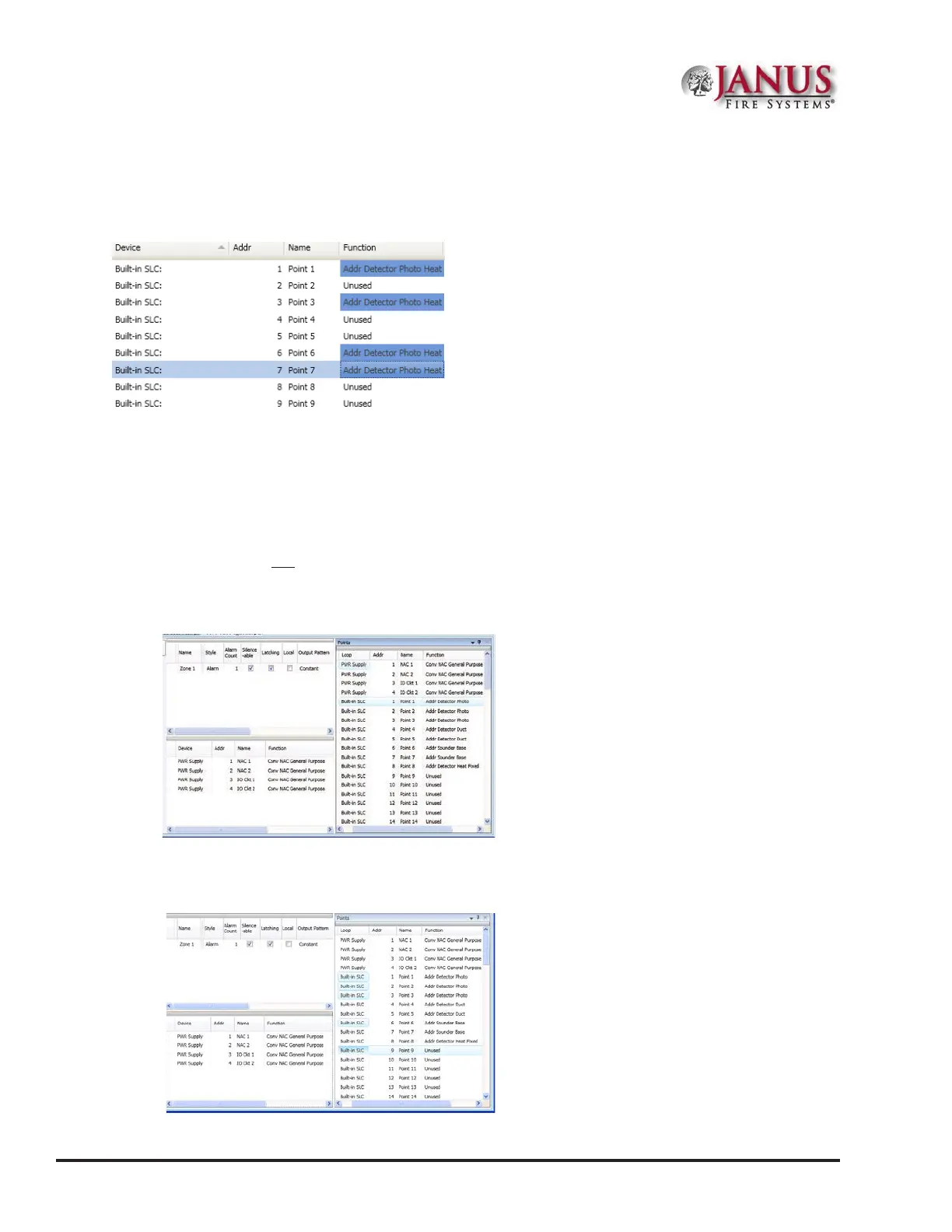
4. Click on device type from the shortcut menu. In the example shown here, "Addr Detector Photo Heat" has been
selected as the device type.
Figure 91. Example of Conguring “Selective” Points
Adding Points to Zones
is section provides procedures and examples of adding points to one or more zones. Points can be moved and
deleted from zones through the Zones panel using the “drag and drop” technique. e examples illustrate how to use
shortcuts to expedite conguring zones and also to reinforce the interaction between the Zones and Points windows.
To move one or more points into one zone:
1. Open the Zones’ conguration window and adjust Points' window to display functions.
Figure 92. Example of Resizing Points Window
2. Click on one or more points to select; use the SHIFT or CTRL keys to select a range or group of points.
Figure 93. Example of Selecting Multiple Points



 To Next Page