Page: 75
JFS-A1 INSTALLATION, OPERATION, AND INSTRUCTION MANUAL
Document # : DOC230
Issued: August 27, 2012
Revised: N/A
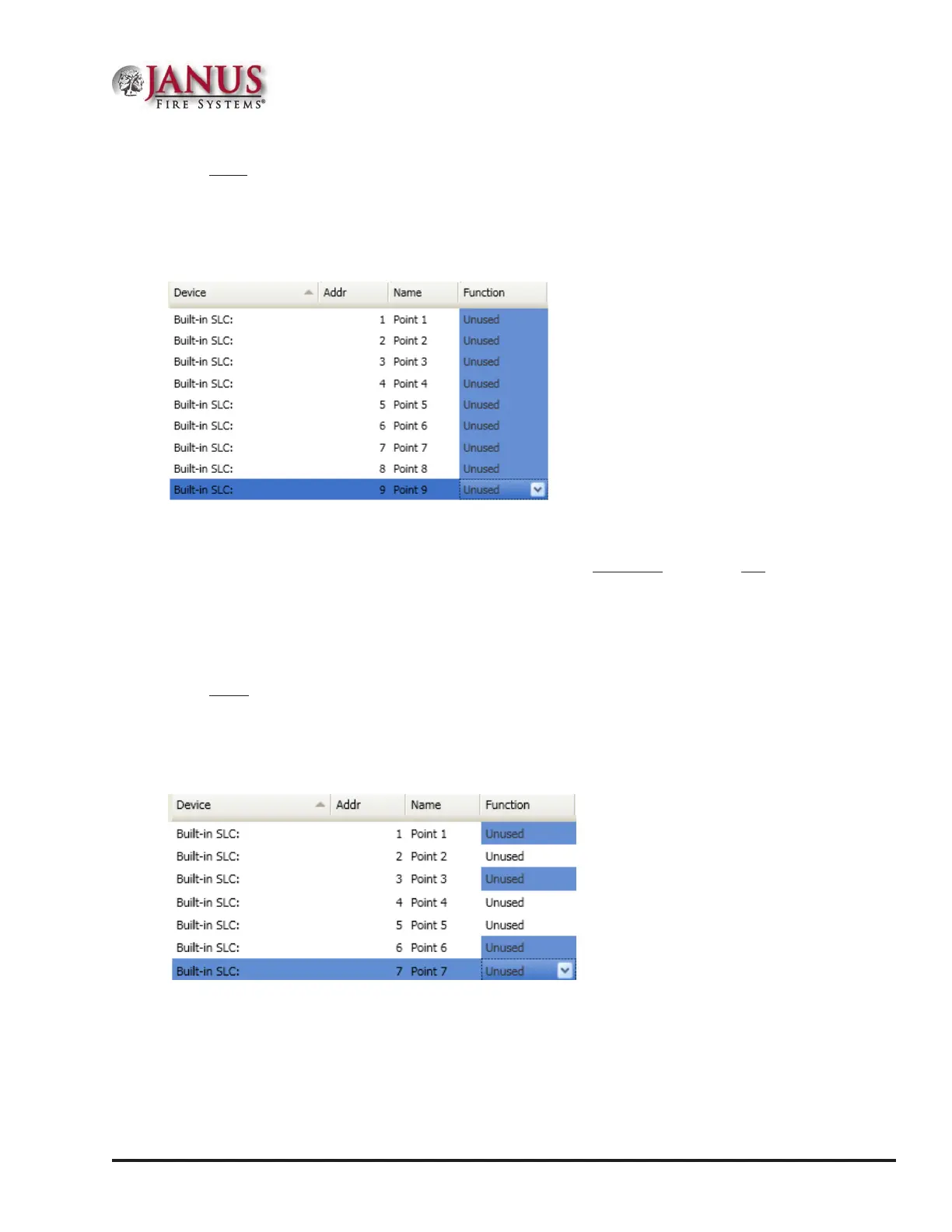
To congure a range of points:
1. Click the rst point to congure from the “Function” eld.
2. Press and hold the SHIFT key, then click in “Function” eld of last point.
Figure 89. Example of Conguring a “Range” of Points
3. Right-click from “Function” eld to display conguration options.
Note: If you right-click outside of “Function” eld, the range is deselected, and only one (1) device will be
congured.
4. Click on device type from shortcut menu.
5. Continue conguring other points, as needed.
To congure a group of selective points:
1. Click the rst point in “Function” eld to congure.
2. Press and hold the CTRL key, then click selective points (from “Function” eld).
Figure 90. Example of Conguring “Multiple” Selective Points
3. Right-click from “Function” eld to display conguration options.
Note: If you select points or right-click outside of “Function” eld, the points are deselected, and only one (1)
device will be congured.



 To Next Page