32
CONNECTING WITH YOUR IPAD
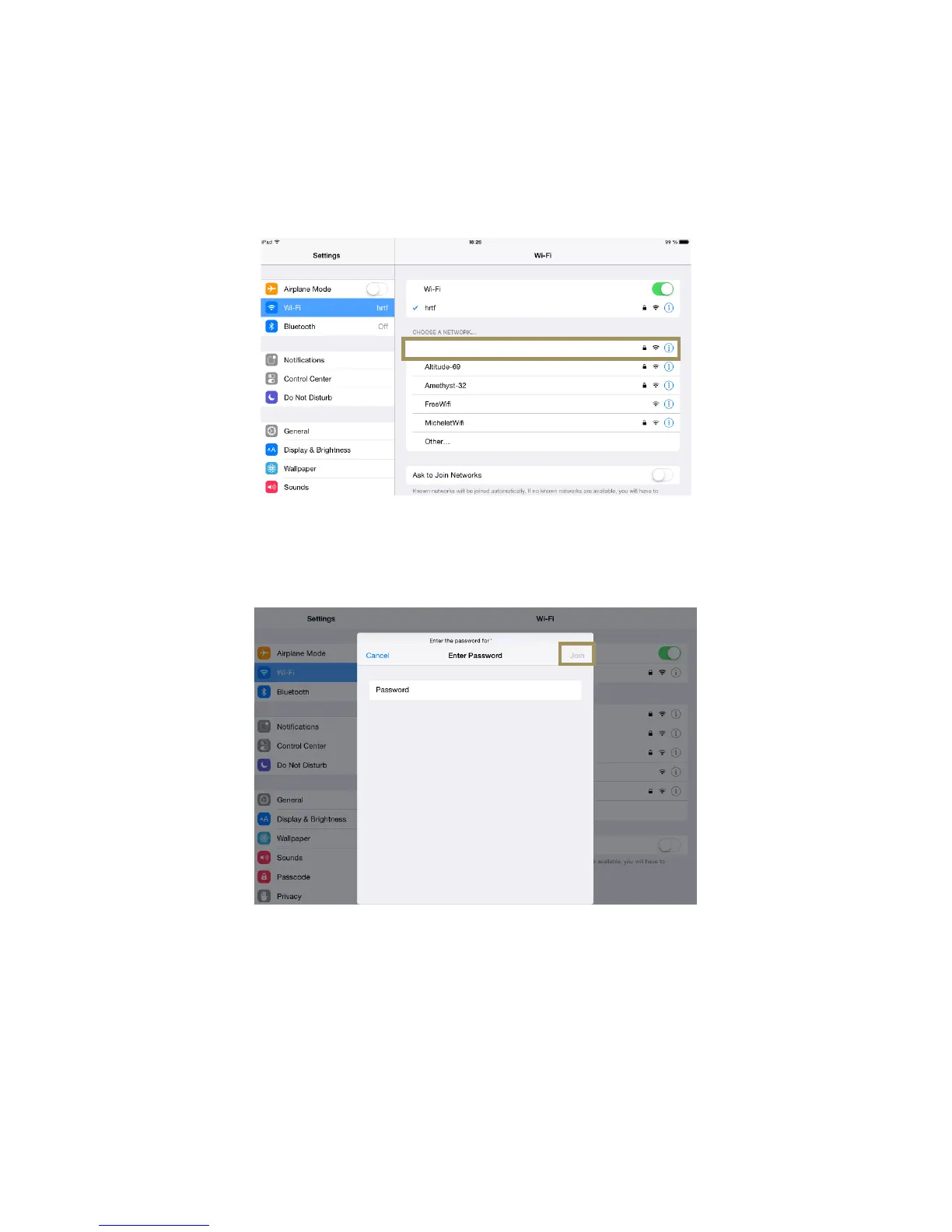
The following screenshots, created on an iPad, are provided as an example of how to connect to the SDP-75 Access
Point. The process is extremely similar on a Mac OS X, Android, or Windows device, you simply need to find the Wi-Fi
Settings page.
• Go to Settings and click on the Wi-Fi menu item located in the top left side of the page.
• In the “Chose a network…” list, click on the network SDP-XX, where XX is the serial number of your SDP-75.
Figure#12:#choosing#a#W i-Fi#network#in#the#iPad#settings#
#
• When asked to Enter the password for “SDP-XX”, type the following password: calibration
• Click on the Join button.
•
Figure#13:#entering#the#pa ss w o rd#to#join#the#SDP-75’s#Wi-Fi#network#
#
JBL_SRP-75-6
JBL_SRP-75-6



 To Next Page