GETTING THE IP ADDRESS FROM
THE WI-FI SETTINGS
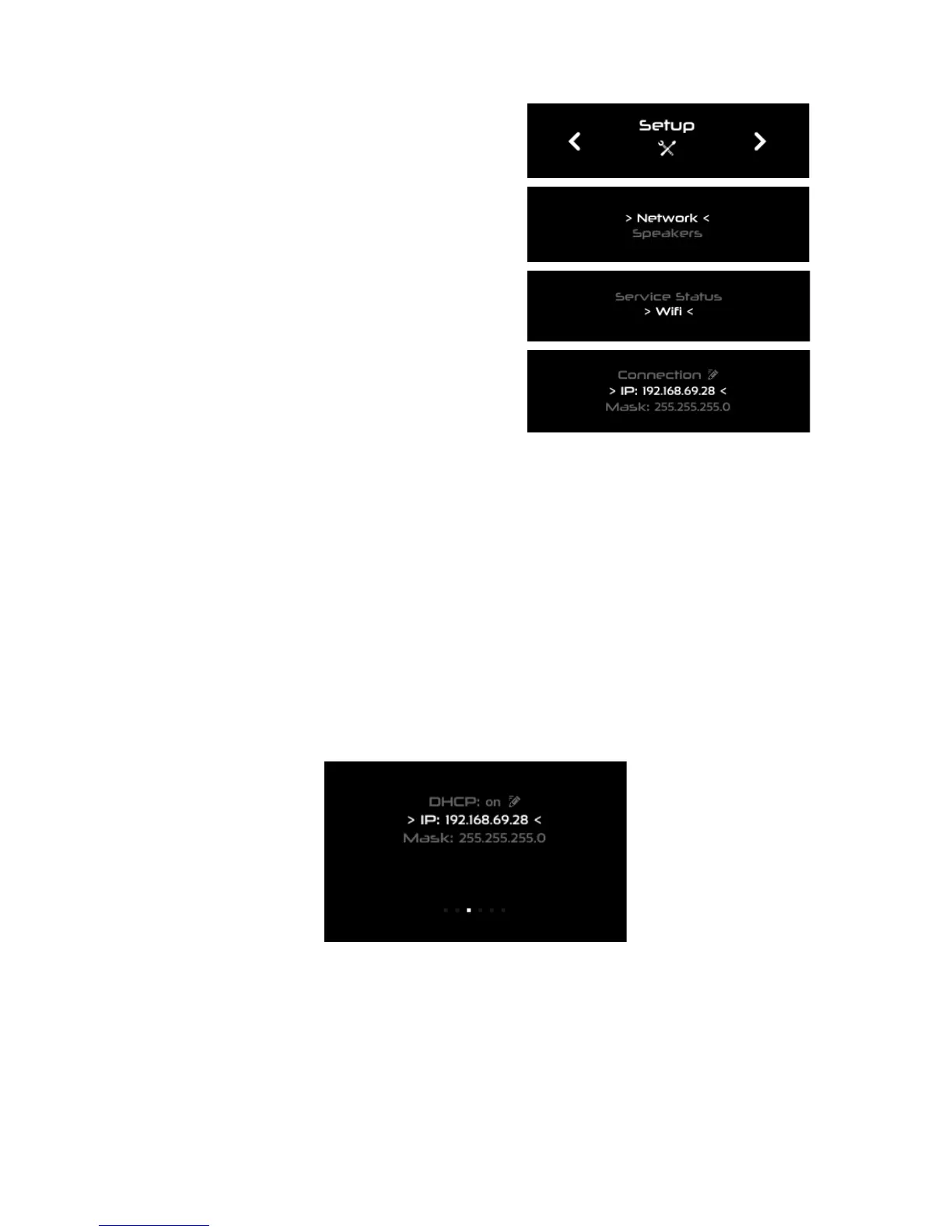
To get the IP address from the Wi-Fi settings via
the front panel:
Click on the menu button
Go to the Setup > Network > Wi-Fi page:
Turn the Source/Item selection knob to scroll
through the settings.
GETTING THE IP ADDRESS FROM THE ETHERNET SETTINGS
● To get the IP address from the Ethernet settings via the front panel:
● Click on the menu button
● Select the Setup > Network > Ethernet page
● Turn the Source/Item selection knob to scroll through the settings.
Figure#25:#IP#address#in#the#Setup#>#Network#>#Ethernet#page#via#the#front#panel#



 To Next Page