List of Figures
Part 2 Configuration
Chapter 4 System Basics Configuration . . . . . . . . . . . . . . . . . . . . . . . . . . . . . . . . . . . . . . . 45
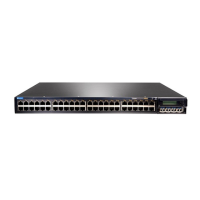
Figure 1: LCD Panel in an EX3200, EX4200, EX4500, EX4550, or EX8200
Switch . . . . . . . . . . . . . . . . . . . . . . . . . . . . . . . . . . . . . . . . . . . . . . . . . . . . . . . . 47
Figure 2: LCD Panel in an EX4300 Switch . . . . . . . . . . . . . . . . . . . . . . . . . . . . . . . . 47
ixCopyright © 2017, Juniper Networks, Inc.




 To Next Page